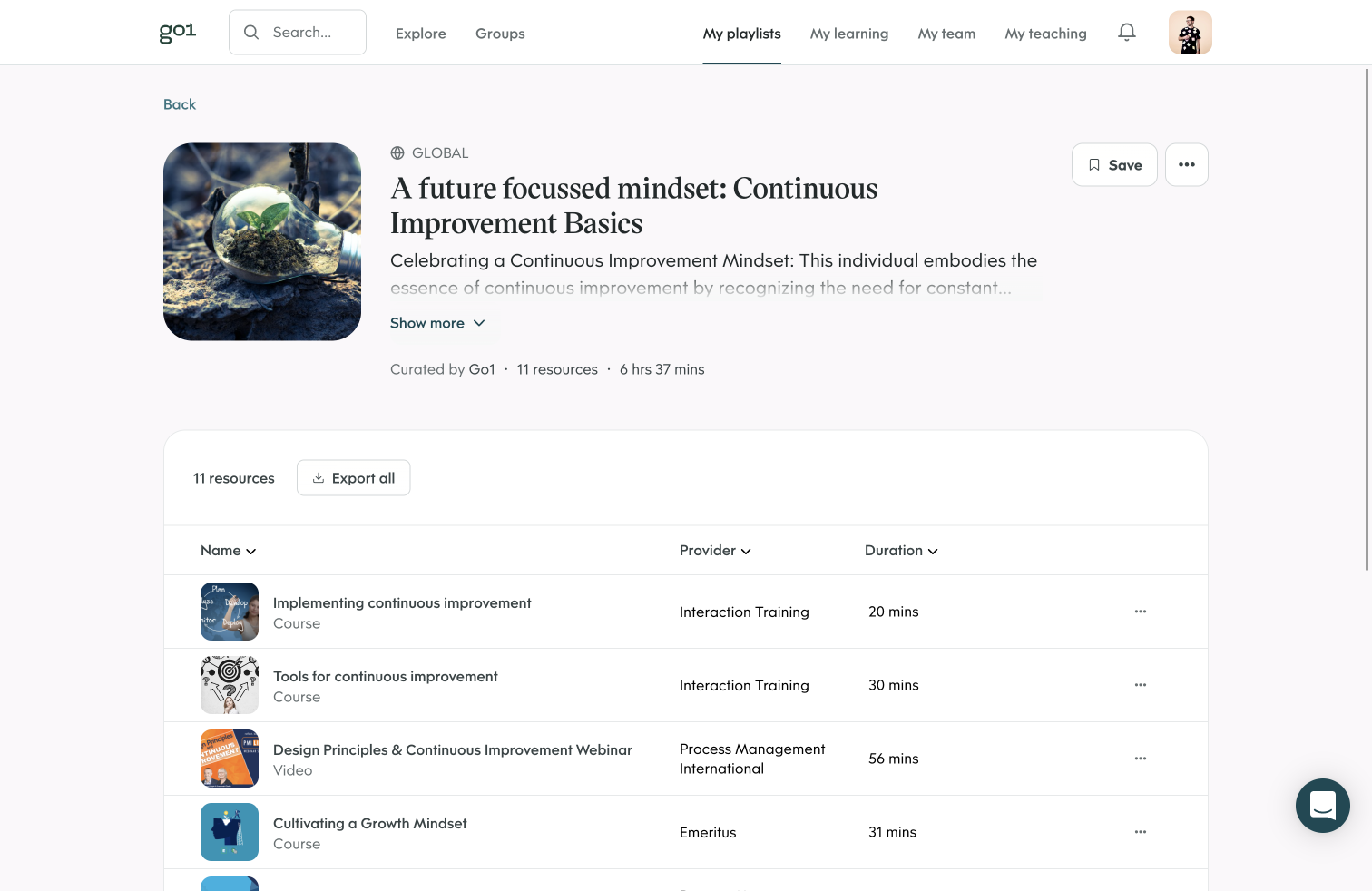
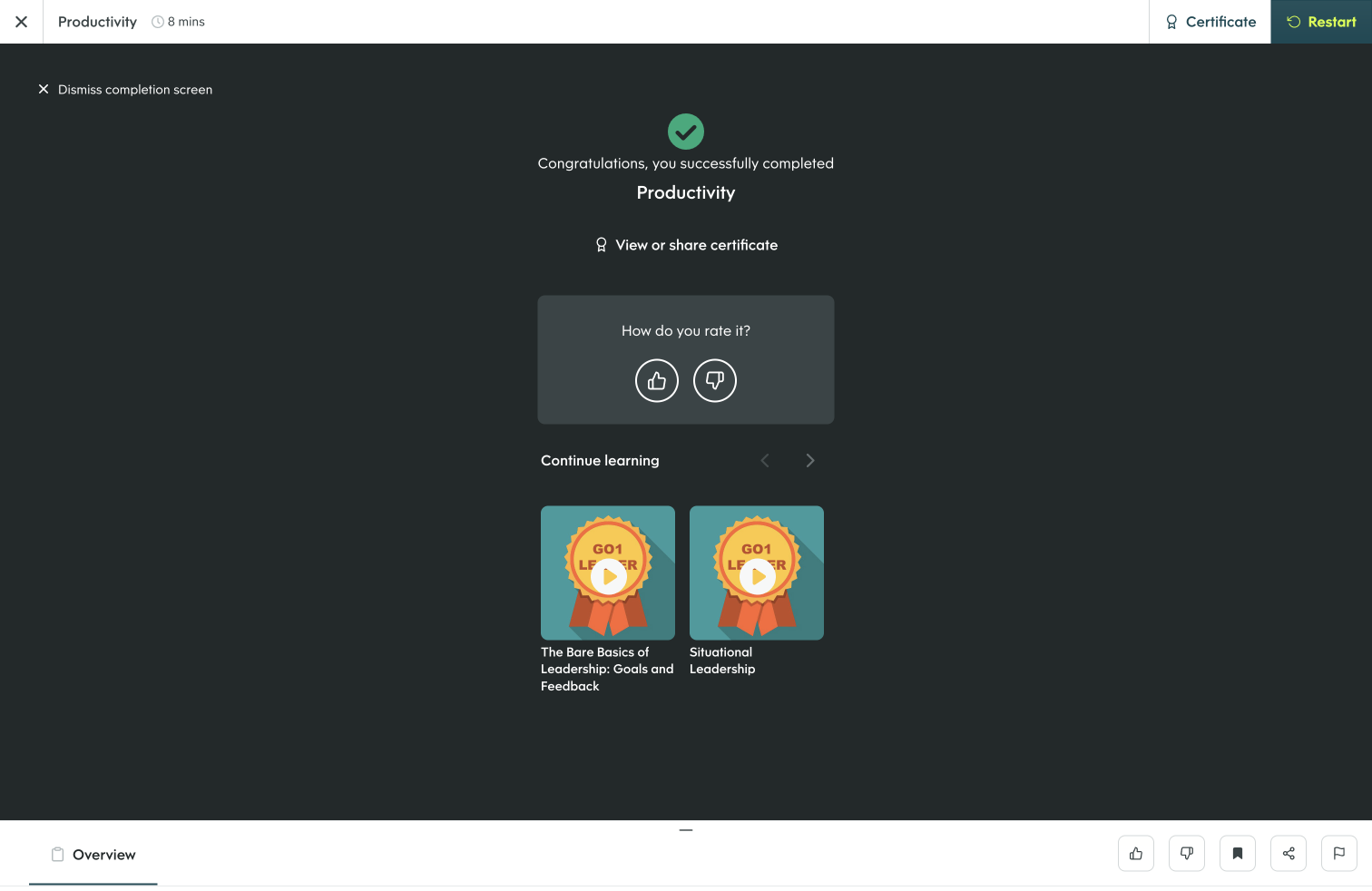
The Go1 platform upskills organizations with relevant content for employees, curated from their content library and delivered through the tools employees already use. Go1 offers skill-aligned content from audio to video, and from compliance to business, and tech. Its integrations with HR tech providers and workplace apps allow teams to take advantage of the Go1 library through an existing solution. Go1 brings learning…
N/A
iSpring Suite
Score 8.1 out of 10
N/A
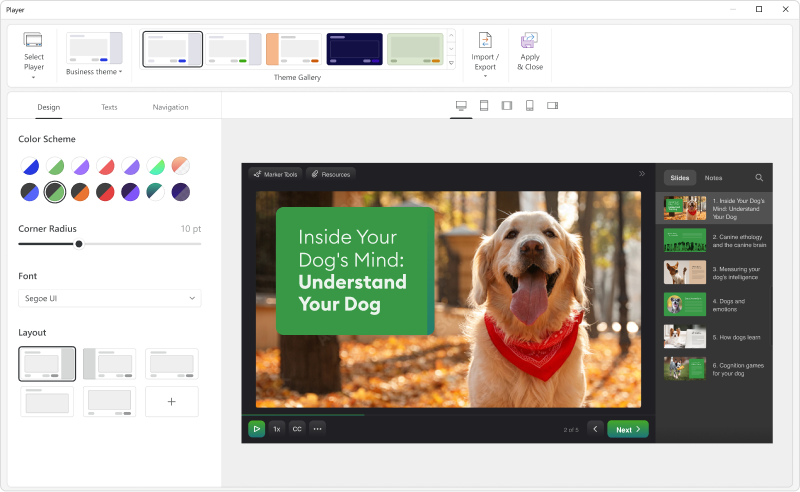
iSpring Suite helps users build courses that are mobile-ready and adaptive. It’s integrated with PowerPoint, so users can create the…
N/A
Pricing
Go1
iSpring Suite
Editions & Modules
Content Hub
Please Contact
Connect
Please Contact
No answers on this topic
Offerings
Pricing Offerings
Go1
iSpring Suite
Free Trial
No
Yes
Free/Freemium Version
No
Yes
Premium Consulting/Integration Services
No
No
Entry-level Setup Fee
No setup fee
No setup fee
Additional Details
—
Academic, non-profit, government and volume discounts are available.
The cooperation with Go1 covers content and platform, integrating with our existing platform; thus, it is more comprehensive in coverage. The consultant helped with integration, and thus the user experience is more seamless; our learner does not need to fiddle with the …
Go1's content is updated regularly by the providers themselves and caters for many different learning styles. They are able to scale quickly by bringing in new partners, such as the recent addition of Coursera.
Go1 has the biggest volume of content in the most varied formats. This allows us to tailor content for accessibility and neurodiversity purposes, skillsets, job roles and interests. We chose Go1 because they don't use pushy corporate sales and use a much softer sales pitch, as …
I have used and tested all of the above in a past life and as part of the review. All of them have really strong products but for Wave, Go1 provided a different approach. The company matches our values, and the content is relevant and of good quality (not saying that the …
We evaluated several vendors, some of whom solely held their own material and others that provided a variety. Go1 appeared to be the best choice for us because of their wide selection of material and competent manner that tailored according to our specific needs
We looked at a number of providers, some who only hosted their own content, some who hosted a range. Go1 seemed to us to be the right fit due to their range of content and professional approach that catered to our individual considerations
GO1 surpasses Brainshark in its reporting capabilities, accessibility, and professional development of training resources. BizLibrary has a cleaner user interface making it more accessible to my audience, the process of creating training courses in BizLibrary is comparable to …
Our primary course and quiz creator was using Google Forms - iSpring Suite is several times better. Easier to use and makes more engaging content instead of bland questions that are easily ignorable by the user.
Compared to other applications, iSpring Suite is based on PowerPoint and therefore on a familiar way of working for creating content for knowledge transfer. This basis facilitates a very simple and uncomplicated transition to the new tool for new users. New users are quickly …
If you know PowerPoint, you know iSpring Suite. Not only is there a big learning curve with the other software, it also meant to us to start from scratch with our PowerPoints, which would have taken weeks to do. I can't state enough how big of a deal it is that it's all within …
So much simpler. Integrates well with PowerPoint so there is little learning curve. Articulate is more powerful but that level of detail is not required for most applications. The learning curve with Articulate is much larger.
We have chosen iSpring Suite over Articulate partially due to cost but also iSpring Suite does not distort the PowerPoint templates we have made as it does not import them into itself rather it becomes a part of PowerPoint.
iSpring Suite is the only product I've used since I've been in my current role and I'm glad for that. It was so easy to learn and so easy to become proficient with that it makes hard for me to even imagine a product exists that will work better for me.
When comparing features, price point and ease of use, there was no question which I was choosing. iSpring Suite offered more features and was the easiest to use. Additionally, it was one of the most cost conscious choices. It was a no brainer!
Captivate was, I feel, for my experienced users and for a more professional level of course that our organisation did not require at this time. It was too daunting to learn it all to create simple courses fast Easy Generator - too expensive for our needs. iSpring Suite has a …
We need Powerpoint compatibility because we can develop the training modules faster. Compared to all the authoring tools we have tried, iSpring is the most Powerpoint-friendly.
I think iSpring Suite is just soooo much easier to learn and use than Captivate. It just adds a plugin to PowerPoint and is very intuitive to use. I found Captivate difficult to figure out, and a lot more expensive.
For us, it's really important to have the freedom to innovate by freeing our creativity through the functions offered by iSpring Suite. Other solutions don't offer the same flexibility as iSpring Suite, and for us this was an important factor in our choice of the Ispring …
I did my research a while ago and liked the ease with which it integrated into the PowerPoint presentations as I have a lot already prepared. Will be able to update them all in time to the new format.
We've used Techsmith's "Camtasia" product, but only for video creation. It has a more powerful interface and feature-set, but none of the other tools that are in iSpring Suite.
Is less words the offline system presents only these having to generate the scorm files which had conflicts and upload them and test them and test and test and test, while the creation of the scorm offers a feasibility to preview the scorm without the need to upload it to the …
Go1 is a great solution for SMEs looking to implement their first LMS. The cost per person is reasonable and the content available is vast. The Account Managers do a great job at working with the business to ensure a smooth launch, with loads of additional content to drive usage (email templates, schedules, etc).
iSpring is well-suited for various industries that want to provide training platforms, lessons, lectures, and other learning modules. In these scenarios, iSpring allows individuals to curate content necessary for sharing information of all types and to deliver material in a way that best meets the targeted audience.
The integration from Go1 to SF can be improved with more attention to detail that can make a big impact in the operational cost of running the integration. Many information and configuration in the target system that should be available to pre-filling or can be pre-configured to allow better automated integration that is time efficient.
The reporting can be improved and further automated; this include in an integrated scenario.
The software is in constant revision, so if you search for help online, be sure you are researching the correct revision. There is a lot of debris information about iSpring Suite online.
The Presentation and Publishing features are somewhat intimidating at first. Be sure you pay attention to every detail. The training I develop is pretty standardized, so I was able to write instructions for myself to follow to ensure each instance was set up the same way each time.
There are a lot of 'extras' I never use, such as characters and interactions, so be sure your style of training development is aligned with what iSpring has to offer.
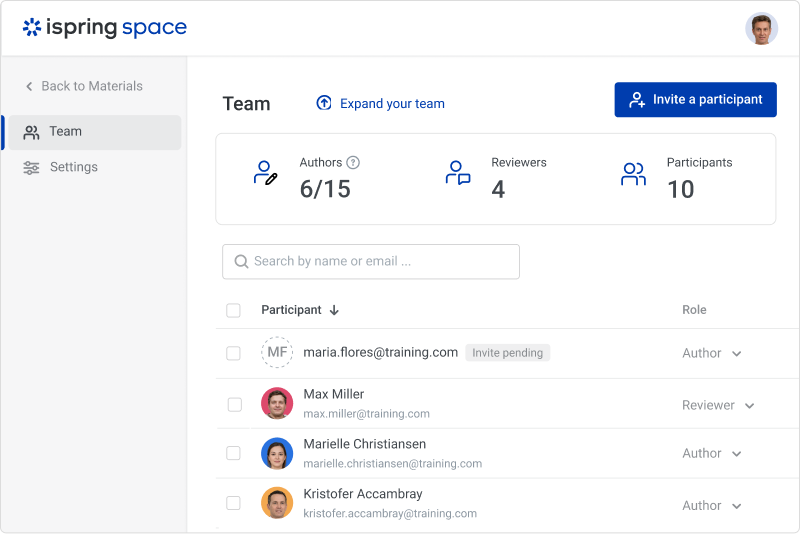
iSpring Suite is a perfect tool overall to create contents in collaboration with colleagues. There are some difficulties though in usability but the usability is OK in total. We are fully satisfied with the customer support. There are simple online tutorials and a team of competent support colleagues. The support content is sometimes not simply accessible, you need to search for them longer.
Great software is only exceeded by their fantastic support. Prompt responses, complete with clearly outlined steps to follow, are just the beginning. There are tremendous resources and continual webinars to challenge what we think we know about the iSpring Suite. I often use PowerPoint to lay out marketing slides, add music and narration, then publish them as an MP4 video. I can count on iSpring support to assist me when I need help.
Go1 has the biggest volume of content in the most varied formats. This allows us to tailor content for accessibility and neurodiversity purposes, skillsets, job roles and interests. We chose Go1 because they don't use pushy corporate sales and use a much softer sales pitch, as the product speaks for itself. This friendly tone of marketing was a major factor in choosing them over pushier, less personal brands
iSpring Suite is the only product I've used since I've been in my current role and I'm glad for that. It was so easy to learn and so easy to become proficient with that it makes hard for me to even imagine a product exists that will work better for me.
It has enhance my reputation personally within the organization. This has led to other departments requesting me by name to head up eLearning development projects, even delaying their own deadlines to ensure that I am involved.
Other than a few duds (I let some inexperienced vocal talent slip thru in the heat of multiple conflicting deadlines), learner feedback has skyrocketed over that developed before I became involved and standardized the effort on iSpring