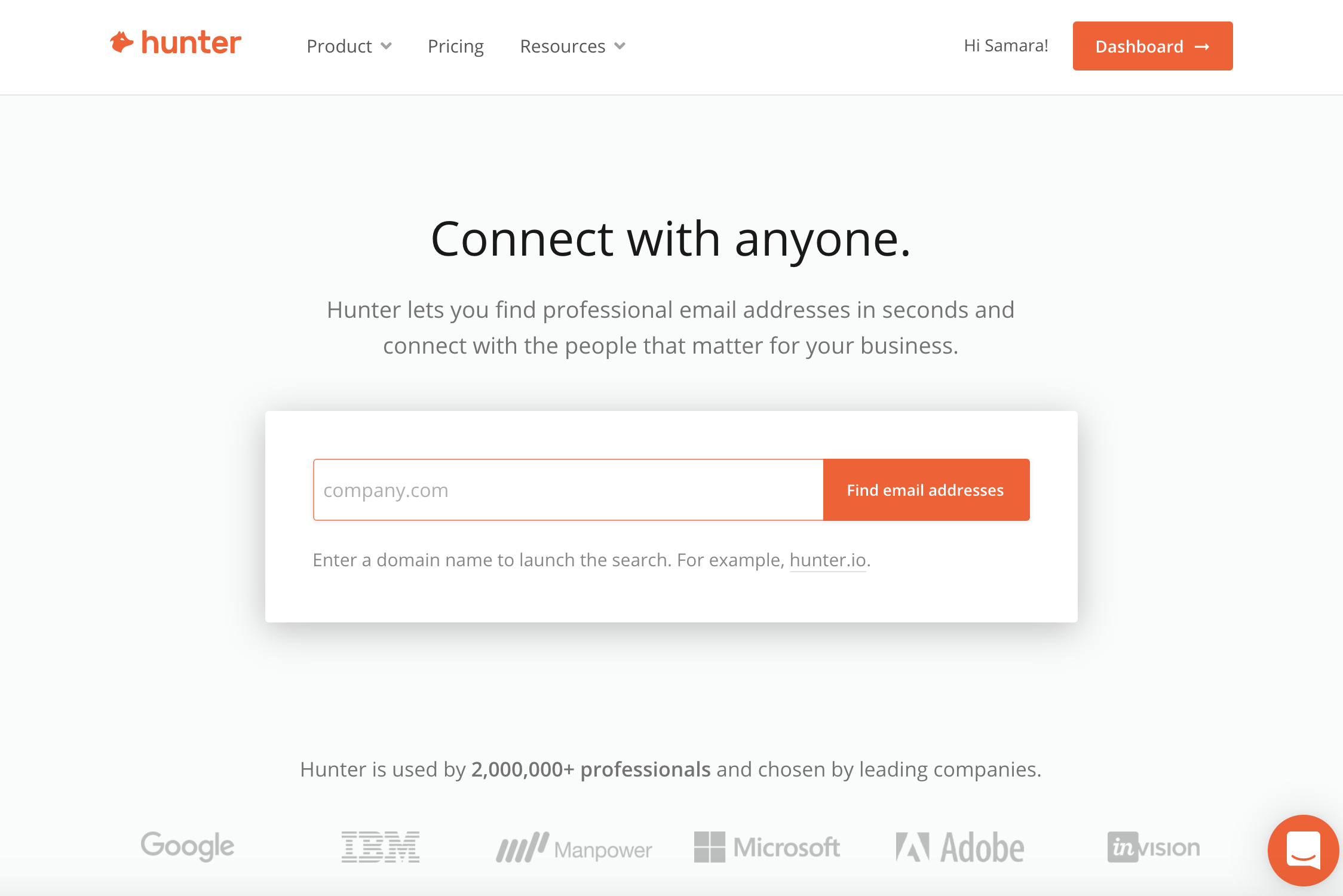
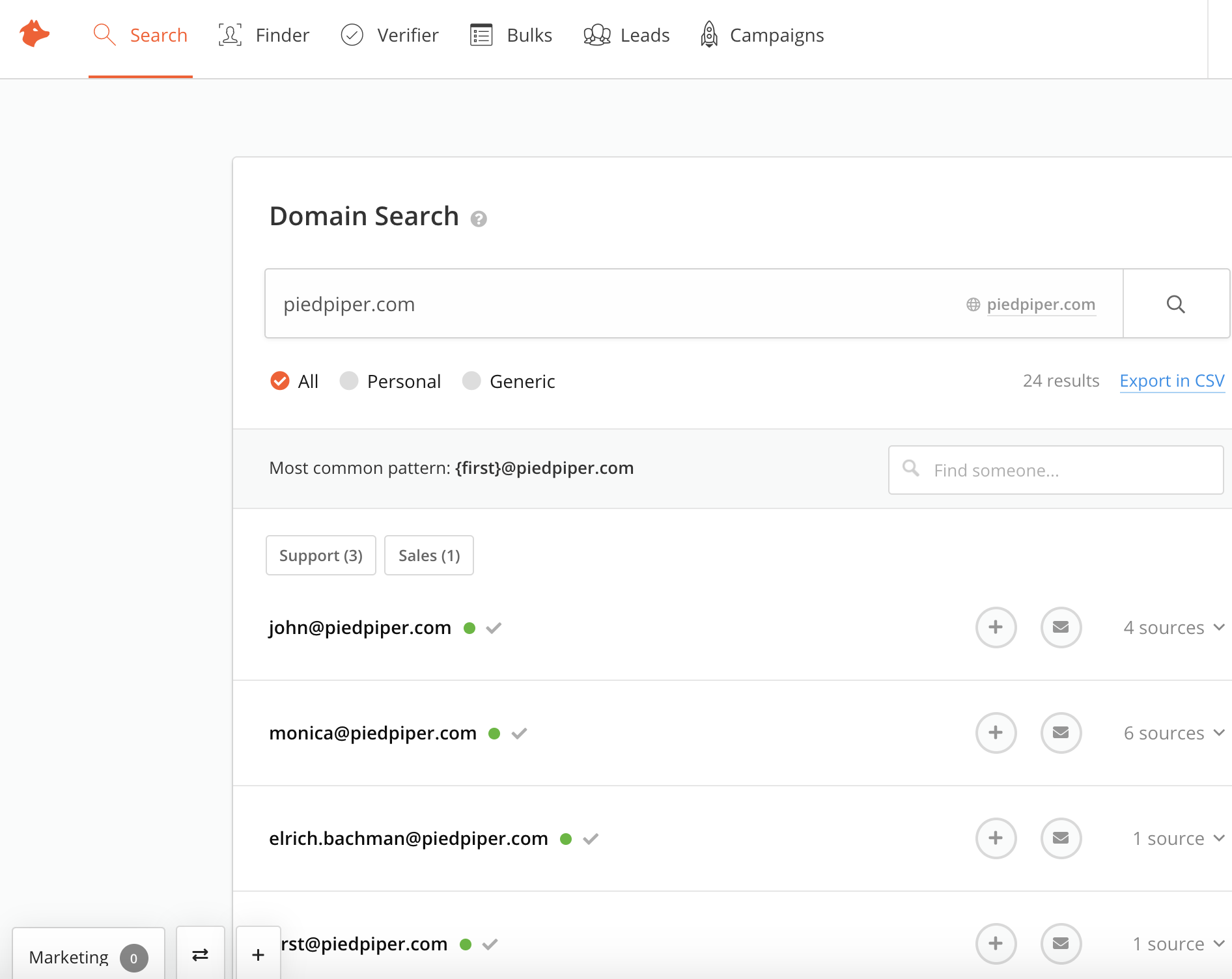
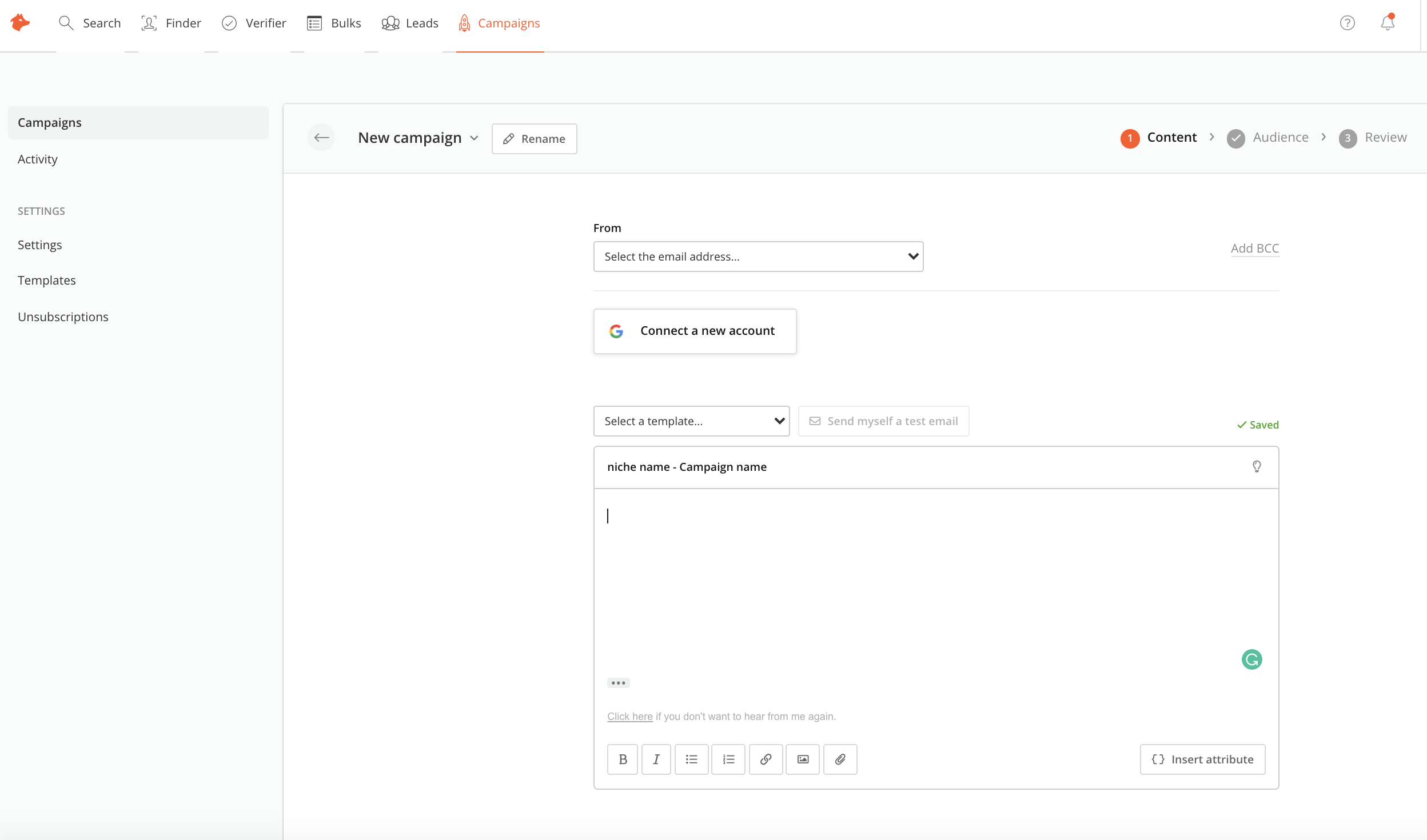
Hunter is a cloud-based email search solution that helps businesses find and verify professional email addresses from domains, companies or a specific professional on the web.
$0
per month
monday CRM
Score 8.5 out of 10
N/A
monday CRM provides control over the entire sales funnel and helps users close deals faster by automating manual work and streamlining sales activities from A-Z.
$45
per month 3 seats (minimum)
Pricing
Hunter
monday CRM
Editions & Modules
Free
$0.00
per month
Starter
$49
per month
Growth
$99
per month
Pro
$199
per month
Enterprise
$399
per month
Basic
$15
per month per seat
Standard
$20
per month per seat
Pro
$33
per month per seat
Enterprise
Contact Sales
Offerings
Pricing Offerings
Hunter
monday CRM
Free Trial
No
Yes
Free/Freemium Version
Yes
No
Premium Consulting/Integration Services
No
No
Entry-level Setup Fee
Optional
Optional
Additional Details
—
18% discount for annual pricing. Plans start with 3 seats.
More Pricing Information
Community Pulse
Hunter
monday CRM
Features
Hunter
monday CRM
Sales Force Automation
Comparison of Sales Force Automation features of Product A and Product B
Hunter
-
Ratings
monday CRM
7.4
62 Ratings
4% below category average
Customer data management / contact management
00 Ratings
7.658 Ratings
Workflow management
00 Ratings
7.560 Ratings
Territory management
00 Ratings
8.133 Ratings
Opportunity management
00 Ratings
7.455 Ratings
Integration with email client (e.g., Outlook or Gmail)
00 Ratings
8.146 Ratings
Contract management
00 Ratings
7.140 Ratings
Interaction tracking
00 Ratings
6.343 Ratings
Marketing Automation
Comparison of Marketing Automation features of Product A and Product B
Hunter
-
Ratings
monday CRM
6.7
46 Ratings
12% below category average
Lead management
00 Ratings
6.746 Ratings
CRM Project Management
Comparison of CRM Project Management features of Product A and Product B
Hunter
-
Ratings
monday CRM
6.3
57 Ratings
19% below category average
Task management
00 Ratings
6.156 Ratings
Billing and invoicing management
00 Ratings
5.138 Ratings
Reporting
00 Ratings
7.749 Ratings
CRM Reporting & Analytics
Comparison of CRM Reporting & Analytics features of Product A and Product B
Hunter
-
Ratings
monday CRM
6.7
57 Ratings
12% below category average
Forecasting
00 Ratings
6.147 Ratings
Pipeline visualization
00 Ratings
7.354 Ratings
Customizable reports
00 Ratings
6.649 Ratings
Customization
Comparison of Customization features of Product A and Product B
Hunter
-
Ratings
monday CRM
6.9
54 Ratings
8% below category average
Custom fields
00 Ratings
7.554 Ratings
Custom objects
00 Ratings
6.146 Ratings
Scripting environment
00 Ratings
6.931 Ratings
API for custom integration
00 Ratings
6.932 Ratings
Security
Comparison of Security features of Product A and Product B
Hunter
-
Ratings
monday CRM
6.9
50 Ratings
19% below category average
Single sign-on capability
00 Ratings
8.843 Ratings
Role-based user permissions
00 Ratings
4.950 Ratings
Integrations with 3rd-party Software
Comparison of Integrations with 3rd-party Software features of Product A and Product B
Hunter
-
Ratings
monday CRM
6.4
29 Ratings
14% below category average
Marketing automation
00 Ratings
6.429 Ratings
Platform
Comparison of Platform features of Product A and Product B
The scenario we most commonly use Hunter for is to quickly find and retrieve contact email information. Phone numbers are an added bonus, but they tend to only be available for contacts in the US. SDRs have the extension in order to confirm or to help them "guess" as to what a contact's email address might be. This speeds up our prospecting time considerably. Where Hunter falls short is not being flexible where companies have more than one email format.
Our Integrated/brand marketing and Lifecycle marketing teams find monday CRM to be particularly useful for project management. Integrated marketing uses monday to build out our yearly promotional calendar, which keeps the entire company informed on all the launch and sale details for the year, across both retail and digital channels. The Lifecycle marketing team uses monday CRM to track individual campaign projects, mainly consisting of email asset creation. There are times when monday is not the preferred CRM platform, such as data and analytics tracking, project performance tracking, or scenarios when immediate feedback is required.
Hunter is only as valuable as the information it is able to scrape from the internet. If a company has not listed any email addresses online, then Hunter is not going to be able to find it.
Sometimes Hunter is only able to identify non-personal-specific email addresses (ex: info @, support@, etc.). This makes it difficult to identify personnel emails
Sometimes companies will have different email domains that Hunter is not able to correlate. For example, when searching for an email address at Lead.com, Hunter is not able to point to ParentCompany.com email addresses that would be more useful.
It takes a while to get used to the UX if you are used to Hubspot or another CRM
We are still testing mass email functionality, it's a little less intuitive vs Hubspot
The quote/invoice forms are not pre-built into the CRM the way they are in Hubspot, so you have to manually set those up. Some might see that as a positive thing because it's more flexible with your respective tech stack, but it required more research on our end to make sure we set it up to flow efficiently.
It's a really easy to use and improve tool, that helps you to quickly master its functions and then helps you to improve the features usage as quickly as you learned the basis. Any doubts you have are easily solved by the contents and tutorials it provides, and if it doesn't solve it, the team is always quick to reply and help you.
When I have requested customer service from monday.com account the person who I spoke with was really helpful but the set up to get a hold of someone in customer service was a little complicated and time-consuming. I had to get a ticket in an email and then wait for a specific person to call me back at a certain time, that's why I gave a six.
We have been trying to get lead information on SalesTools and PLENTY, however, these two tools are mostly oriented to create follow-up campaigns and the setup is pretty complicated. If you are looking to create just a list of semi-qualified leads, you may try Hunter, but SalesTools has already an inner feature to build prospects in a better way.
Monday is significantly better. Not only is it more aesthetically pleasing it is just better overall. I feel as if Monday has a better system in regard to keeping track of all the files we have. Moreover, I also feel like the fact that it allows me to tag my other coworkers enables me to have better communication in the office.
I feel since we integrated to monday CRM, that the speed of our invoicing rate has increased, due to the easier navigation monday CRM provides.
Communication with other peers & departments has become easier to reach out since we all share this platform and able to tag the needed person.
We are also able to view and give reports easier to our VP's/ higher up, providing visibility and graphs of our trending sales numbers categorized by each store with different sales type.