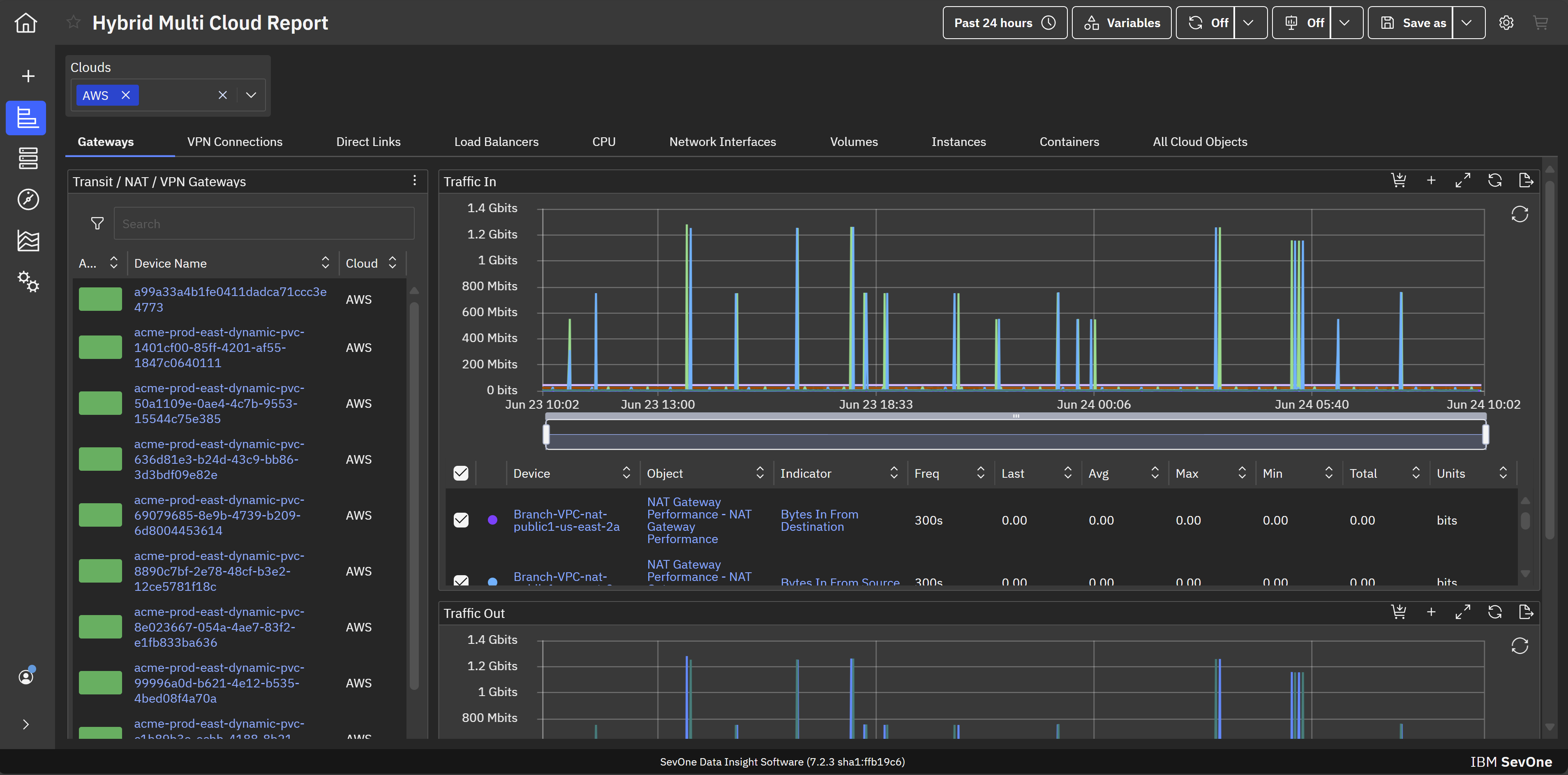
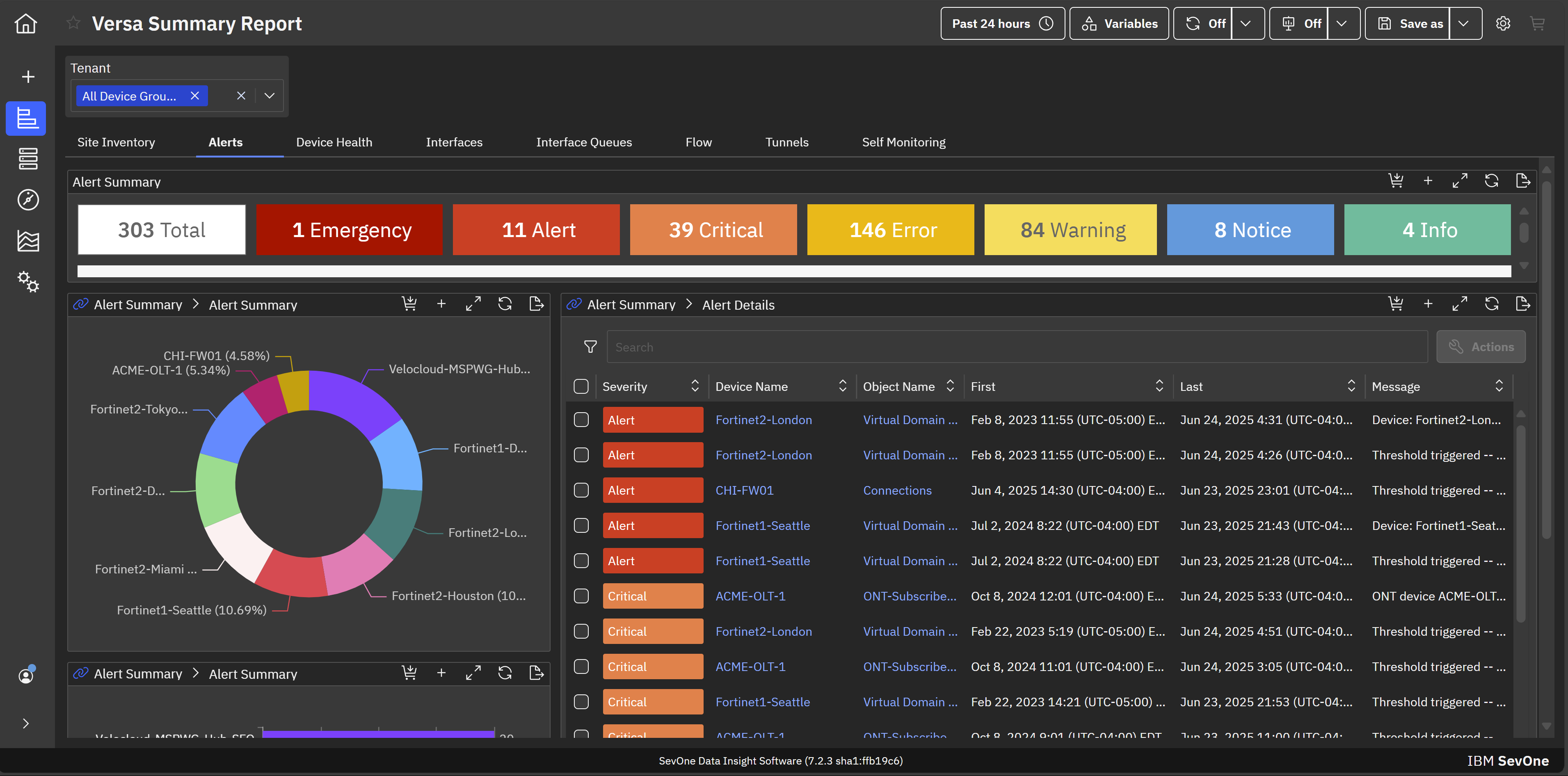
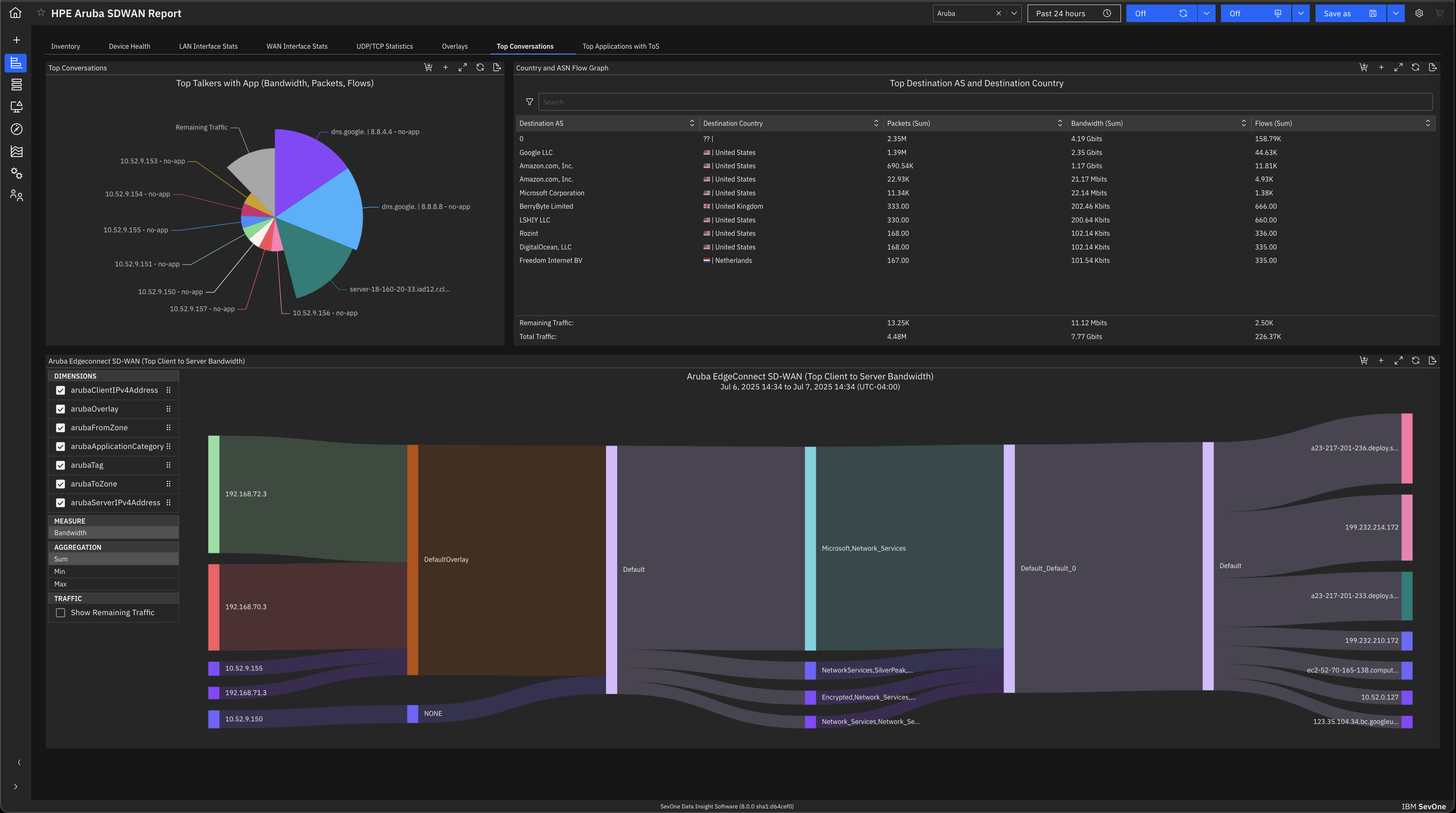
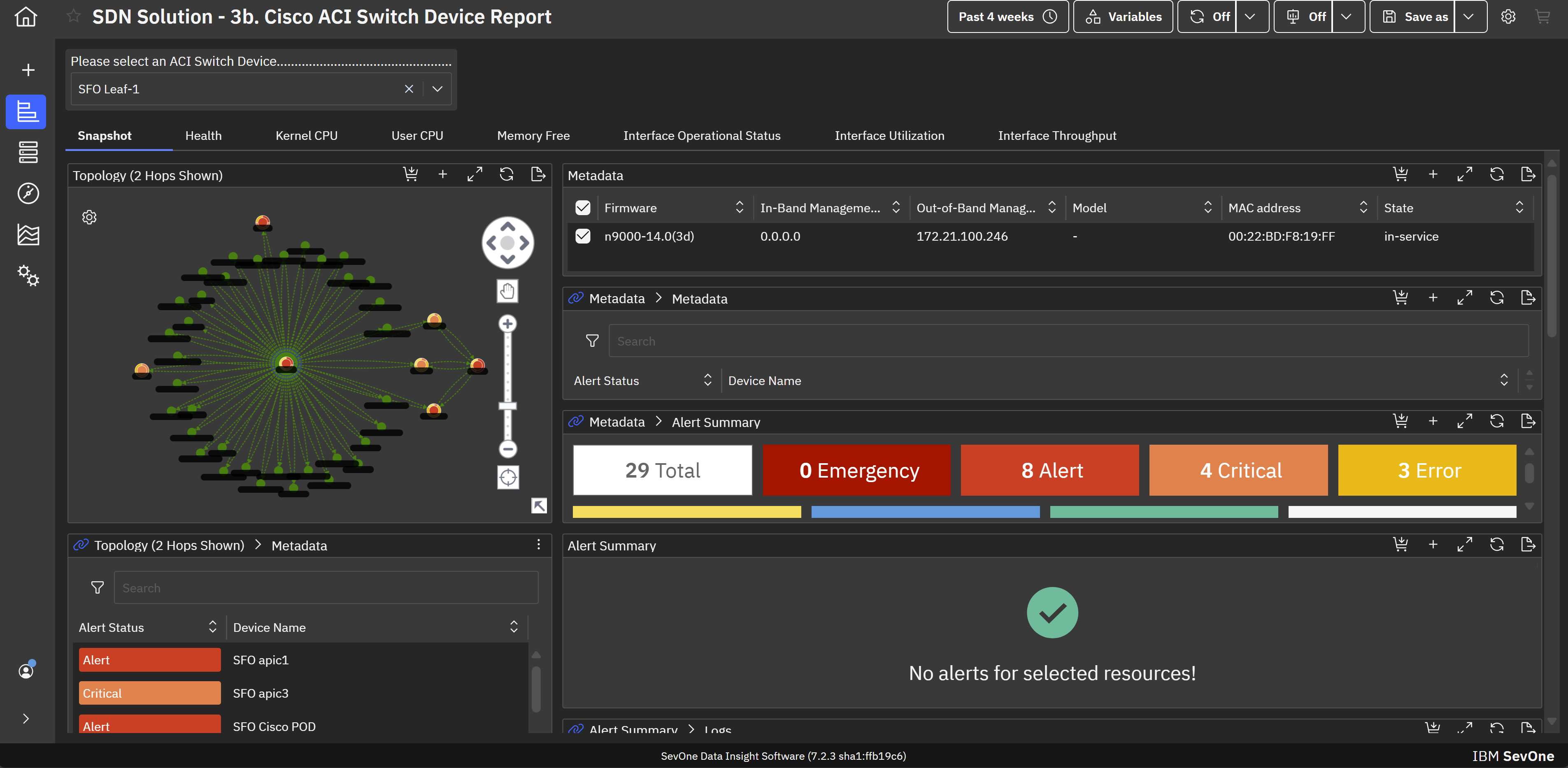
IBM SevOne’s app-centric, hybrid network observability empowers NetOps teams with ML-driven insights, enabling proactive issue prevention and resolution. With a single source of truth for network performance, it delivers visibility to optimize operations and support agility in complex, multi-cloud environments.
N/A
SolarWinds NetFlow Traffic Analyzer (NTA)
Score 9.0 out of 10
N/A
SolarWinds Netflow Traffic Analyzer is a network monitoring tool within the broader SolarWinds ecosystem. It includes core traffic monitoring features, as well as customizable traffic reports and alerts.
N/A
Pricing
IBM SevOne
SolarWinds NetFlow Traffic Analyzer (NTA)
Editions & Modules
No answers on this topic
No answers on this topic
Offerings
Pricing Offerings
IBM SevOne
SolarWinds NetFlow Traffic Analyzer (NTA)
Free Trial
No
Yes
Free/Freemium Version
No
No
Premium Consulting/Integration Services
No
No
Entry-level Setup Fee
No setup fee
Optional
Additional Details
IBM® SevOne® uses Managed Device (MD) and Managed Client Device (MCD) as pricing metrics. These can be mapped to managed devices for physical, virtualized and containerized functions in the managed environment.
—
More Pricing Information
Community Pulse
IBM SevOne
SolarWinds NetFlow Traffic Analyzer (NTA)
Considered Both Products
IBM SevOne
Verified User
Anonymous
Chose IBM SevOne
IBM SevOne was selected instead of Datadog because it is perfect for large insurance networks and also connects trouble-free between the on-premise and cloud environments. Its alerts are in real-time, it offers comprehensive dashboards and it allows to gain a better grip on the …
Zabbix is very cost effective, good flexibility, easy to start and customizable. This is a plus compared to IBM SevOne. However it is more manual work, less polished user interface and may need more effort to handle larger networks. IBM Netcool has service provider network, …
May lack some of the advanced analytics, big-data scale, depth of historical performance, or baseline anomaly detection that SevOne provides. UI / advanced features are less polished. Datadog is strong in cloud-native, full-stack observability; good dashboards; good …
IBM SevOne provides a more robust visibility platform than Dynatrace as it relates to the network. While Dynatrace is a good product, it lacks the granularity that IBM SevOne brings straight out of the box! Also, observability and discover. Nothing is better than IBM SevOne.
SevOne from Turbonomic is not as popular in network monitoring space as Solarwinds, MicroFocus, Broadcom etc. However, it is equally effective in monitoring. One unique feature that SevOne has over other software is that its framework is built on the latest technologies which …
SevOne is a good alternative to the products such as SolarWinds, MicroFocus, LogicMonitor and many more for network monitoring. It has certain unique features such as Fancy Dashboard and flexibility to visualize the information in terms of widgets and metrics. Out of the …
SolarWinds NTA is hands down a superior product compared to WireShark. However, when doing smaller isolated projects the affordability of WireShark can not be overlooked. WireShark does a great job of collecting data on ports and circuits. The advantage of SolarWinds NTA is …
The interface on SolarWinds is much better and the time to deploy is much faster with NTA than other products. The ability for junior staff to quickly pick up on the tool is outstanding and it seems to take less expertise to use this product. The output display is easy to …
SolarWinds NetFlow Traffic Analyzer (NTA) is our tool of choice for our organization due to the sterling reputation and reliability of the Network tracking tool. Our Organization has developed a total dependence on the SolarWinds NetFlow Traffic Analyzer (NTA) product based on …
SolarWinds NTA is much more focused and targeted to what our needs are compared to the alternatives. Tivoli and SCOM just don't have the active monitoring that this purpose-based software allows. The reporting is better, and the single pane of glass aspect, along with their …
[SolarWinds] NTA is vastly inferior to Palo Alto's built-in monitoring tools. The only benefit [SolarWinds] NTA has over Palo [Alto Networks Next-Generation Firewalls] is historical link utilization and reporting.
It's overall a little slower than Arbor peakflow, but offers good functionality in terms of visualizing flow data. It would be great if the DB could be open for other visualization tools so flow data could be visualized using BI tools
SolarWinds Network Performance Monitor (NPM) has a stripped-down version of NTA where you can see some data about network traffic; however, if you need to take a deep dive into exactly what is going on, you need SolarWinds NetFlow Traffic Analyzer (NTA). We have also used …
SolarWinds NTA is easy to set up and configure. It provides the information needed to monitor your network traffic without much customization. Intelligent Alerts and Reports can be configured to Monitor Network Traffic.
SolarWinds NetFlow Traffic Analyzer compared to wireshark and prtg network monitor beats it by just the simple interface. Though all are manual setup, NTA takes it a step further with graphs and reports that analyze the data for you. In comparing to Extrahop from a bandwidth …
NetScout, Wireshark, LogicMonitor were tested - but these were not robust enough or user friendly enough to cover everything that we needed to have covered.
I must say no other tools stands against SolarWinds NTA module, as it is easy to use tool with complete feature set, with almost all types of flows supported. Not just this, you will have rich information-based dashboard (fully customizable), out of the box reports, and Alert …
Our previous product did not offer traffic flow, bandwidth information or the ability to give us device information. With SolarWinds NetFlow Traffic Analyzer we can monitor traffic coming in to our network and traffic going out of our network. This has allowed for greater …
We utilize NetScout in conjunction with NetScout. NetScout gives a finer grained insight into traffic, while [SolarWinds NetFlow Traffic Analyzer] (NTA) gives a better quick glance at the entire organizational structure.
We have all modules for SolarWinds up and running at our company. We are pretty happy with the cost and benefits of using SolarWinds NetFlow Traffic Analyzer.
My team inherited SolarWinds NetFlow Traffic Analyzer along with other SolarWinds products so I can't give reviews for alternatives as we haven't evaluated any other services. We are happy with what NTA provides us.
SolarWinds Netflow Traffic Analyzer is a user-friendly and much cheaper alternative than some of its competitors such as ExtraHop. It integrates well with the rest of the SolarWinds suite of tools and it's a lot easier to use.
SolarWinds is the only tool I've used for netflow traffic analyzing. I can't say that I've used any other types of products to even monitor our networks. SolarWinds has always been the tool I've used for any network insight needed from any organization. I am a huge fan of …
The software is handy and really helps us track all the issues that may occur in our network, allowing us to rectify them before any significant problems with our server can arise. It also enhances the overall performance of all our servers and networks, but, as I mentioned earlier, it will take considerable time for a beginner to become familiar with every feature of the software.
I would suggest this tool to any user that has to monitor multiple sites and locations where bandwidth monitoring can be a labor. This software works really well for central monitoring of multiple sites and services where having a technician onsite isn't feasible. I really like the reporting, though, and would recommend this for someone wanting to keep an eye on bandwidth usage for replication of data across sites.
The level of customization possible with Network Bandwidth Analyzer is very valuable. Rather than being stuck with a "one-size-fits-all" presentation, an administrator can easily create customized views, reports, and alerts so that users can have a more tailored view of the data provided by Network Bandwidth Analyzer. This has the effect of making the tool more attractive to the end user.
The NetFlow Traffic Analyzer piece of Network Bandwidth Analyzer provides the details on bandwidth usage on the network. More than knowing how much bandwidth is being used, one is provided with detailed information on how that bandwidth is being used. This provides invaluable information for capacity planning and even certain forensic tasks faced by the network engineer.
The ability to produce network maps provides an easy way to create an attractive and functional NOC/SOC view of the entire network. Both technician and the occasional passerby can quickly determine if there are issues to be addressed. The ability to customize a map with background images and custom icons and stencils can make these maps really pop.
Documentation for the embedded help pages in NMS and more. In my opinion, these do not provide anything of any depth or maybe anything helpful at all. If anything it just seems to be a guide of what actually exists on the page. It is nicely searchable documentation though.
It is very surprising and disappointing for us to learn that it isn't until the latest version of IBM SevOne that bulk editing was introduced. I think this is such a basic and foundational feature that should have been a part of the original rollout. My team is still trying to configure the REST API.
It was disappointing for the webinar to start with a speaker who had a thick accent and simply read from slides. To me, it felt hopeless until the second speaker, who was engaging and easy to understand. It's as if this fact wasn't considered. I'm sure the first speaker lost a lot of viewers who didn't stick around to discover the 2nd speaker.
I asked three different questions during the webinar and none were answered.
The ability to intuitively and quickly serve up specified information up to a dashboard for general “public” consumption, that cycles through several pages of information.
The ability to intuitively set up alerting on bandwidth levels, instead of having to dig through all types of alerts available to find the one needed.
Provide a pricing model based on different support levels: if I want only available update installations, don’t make me pay the same amount as those wanting full support.
As far as rating for usability is concerned I would give 10/10 as NTA is very easy to use. All you need to do is install that module and ask network Team to configure the Netflow towards Server IP. [The] rest is pre-configured and reports are pre-built. Moment you receive the flows from Network all you will have is information about traffic.
It is useful for our Infrastructure team and also provides valuable insights to our application team regarding the traffic being sent from various endpoints. They can monitor their applications and ensure there are no network issues that may impact their application.
The training offered by SolarWinds is some of the best out there. They have several different videos that go into great detail from initial setup to advanced configurations. In addition to the view at your own pace video, they also have live training for customers that focus on a single product and you can ask questions with the folks who develop the software. I have had good success with their live sessions and getting questions answered.
IBM SevOne was selected instead of Datadog because it is perfect for large insurance networks and also connects trouble-free between the on-premise and cloud environments. Its alerts are in real-time, it offers comprehensive dashboards and it allows to gain a better grip on the network issues, thus helping to keep the downtime small and the operations well managed thanks to the good communication.
SolarWinds NTA is hands down a superior product compared to Wireshark. However, when doing smaller isolated projects the affordability of Wireshark can not be overlooked. Wireshark does a great job of collecting data on ports and circuits. The advantage of SolarWinds NTA is the all encompassing collection of data and management of the multitude of devices. It is designed to do that, and does it very well.
The software has made network monitoring simple and efficient by providing us with an integrated dashboard that give us a clear picture of our network infrastructure.
IBM SevOne has value for money. it is both time and expense saver.
Use of the software has enabled us to timely detect performance issues and solve them before they affect our IT infrastructures.
Use of the software has solved the issue of real-time network visibility.
Be prepared to answer lots of questions. When people see the data in NTA they are going to want to know why App A is talking to App B. Be ready to explain!
Hand the keys to the NTA kingdom to the network team. They will thank you. Everyone wants to have friends on the network team, right?
Be prepared to invest in some significant compute and storage performance to keep up with your NTA monitoring
Running the latest firmware for your network gear is (often) required to take advantage of all the flow-monitoring. You upgrade regularly, right??