Chose Kintone
Kintone wasn’t cookie cutter like the other options I consider. It was customizable and had great customer service to help me make it what I need.

| Product | Rating | Most Used By | Product Summary | Starting Price |
|---|---|---|---|---|
 Kintone | N/A | Kintone is a customizable digital workplace platform that lets the user manage data, tasks, and communication in one central place. Over 30,000 customers use Kintone’s no-code platform with more than 1.5 million database and workflow applications custom built for their businesses. The no-code drag-and-drop interface can be used to create custom database applications. Whether it’s sales leads, customer quotes, or inventory management, it can be organized in Kintone and viewed from the… | $24 per month per user | |
 Less Annoying CRM | N/A | Less Annoying CRM is a customer relationship management (CRM) solution built specifically for small businesses to help clients manage contacts and track leads. | $15 per month per user |
| Kintone | Less Annoying CRM | |||||||||||||||
|---|---|---|---|---|---|---|---|---|---|---|---|---|---|---|---|---|
| Editions & Modules |
|
| ||||||||||||||
| Offerings |
| |||||||||||||||
| Entry-level Setup Fee | Optional | No setup fee | ||||||||||||||
| Additional Details | All subscriptions have a minimum requirement of 5 users. | The system is $15 per user per month. No hidden costs or fees, or paying unused functionality. No long-term contracts. The first 30 days with the product are free, and the vendor won’t ask for payment information until that trial period ends. | ||||||||||||||
| More Pricing Information | ||||||||||||||||
| Kintone | Less Annoying CRM | |
|---|---|---|
| Considered Both Products |  Kintone  Farshad Karimi Implementation Manager Chose Kintone More customizable in my opinion and free, though Kintone has drag and drop which is excellent and my favorite part.  Caneel Johnson Database Developer Chose Kintone Previously we used, sequalm access, and something called CSST. None of them were as dynamic or easy to build and update as Kintone.  Shin Kishioka PRESIDENT Chose Kintone Salesforce CMS  Carmen Miller Project Manager Chose Kintone Monday.com — I used this in my previous job and loved it for tracking stages and tasks (and I color-code everything), but at the time it was more clunky on raw data. It may have improved in this since then? Kintone is strong on data and I still color-code everything! …  Becca Rusinko Life Coach Chose Kintone We selected Kintone because it was the best combination of price and function. We needed something that could grow and scale with the organization, and that included looking at future prices. We didn't want to invest in something if we would be priced out five new users later. …  Beth Barker-Hidalgo She/Her/Tawanda Executive Director Chose Kintone Kintone is much more customizable and user-friendly than Access. We also have experience with Service Point - Kintone is again, much more customizable. We would love a two-way interface between Kintone and Service ice Point. That would be a tremendous bonus for capturing & … |  Less Annoying CRM  Dennis Hennessy President Chose Less Annoying CRM Less Annoying CRM is so much easier to use and is at least as powerful if not more in the areas that matter to me as a small business owner. The way you do things in Less Annoying CRM are the ways that common sense would dictate you do them. It doesn't overcomplicate things …  Henrik Kjellberg Sales Director Chose Less Annoying CRM No CRM comes ready to run out of the box. But Less Annoying CRM is close to it. It all comes down to your needs . To get started Less Annoying CRM is by far the fastest and easiest route. Less Annoying CRM doesn't have all the bells and jingles rather more or less what you …  Ginny Schlosser, MBA Investment Advisor Representative Chose Less Annoying CRM ease of use, fixed monthly fee, customer support  Dr. Jim Salvucci President Chose Less Annoying CRM The name says it all. Less Annoying CRM is less annoying. I don't have to invest vast amounts of time learning or bypassing features I will never use. I don't have to pay for those features either. Less Annoying CRM is much more intuitive, so I don't have to waste type learning …  Judy Tebow Owner Chose Less Annoying CRM We chose Less Annoying CRM because when searching for a good CRM, we found this program had everything we needed at an affordable rate. When you are a private business owner, you have several business expenses, so to get everything we needed in the price range that was also …  Michael Cline Sales Chose Less Annoying CRM All others were way too complicated for our needs  W. Pierce Johnson Owner Chose Less Annoying CRM I stopped using Salesforce because it has way too much stuff in it that I would never use. I consider LACRM a client management tool as well as a CRM, I don't need it to follow trends, forecast, or mass email. I am sure it may have some capabilities of these features but I will …  Kevin Kalbac Agency Sales Manager Chose Less Annoying CRM I used ACT! heavily in the 1990's to great success in my sales/account management job. It was a great tool at the time. But it seems ACT! hasn't kept up with the market and the current reviews reflect it - "clunky," "out of date," "cumbersome" were common in many of the …  Lafayette SIlva National Operations Manager Chose Less Annoying CRM Less Annoying CRM is easier to use than all of the CRMs that I listed here, but I’m sure all those other ones have a place for those companies and I’m sure that they optimize the data flow and all that other good stuff. Frankly, Less Annoying CRM is just so much easier and …  Patrick Grogan Broker Chose Less Annoying CRM I chose Less Annoying CRM based on the price at first.  Gray Kinney Owner Chose Less Annoying CRM LAC Is non-bloatware, I dod not need the whole house, just the kitchen sink!  Melissa Stockton Partner Chose Less Annoying CRM It was 4 years ago, I do not remember what we evaluated.  Charles Harte President Chose Less Annoying CRM Less Annoying CRM is far less expensive and not burdened with lots of useless (for me) features. It has exactly what I need and is very easy to use. Further, tech support is easily accessed and available.  Kira Solomon Owner & Travel Professional Chose Less Annoying CRM It's much more easy to navigate. Better website. Better overall look. More organized. |
| Kintone | Less Annoying CRM | ||||||||||||||||||||||||||||||
|---|---|---|---|---|---|---|---|---|---|---|---|---|---|---|---|---|---|---|---|---|---|---|---|---|---|---|---|---|---|---|---|
| Low-Code Development |
| ||||||||||||||||||||||||||||||
| Sales Force Automation |
| ||||||||||||||||||||||||||||||
| Customer Service & Support |
| ||||||||||||||||||||||||||||||
| Marketing Automation |
| ||||||||||||||||||||||||||||||
| CRM Project Management |
| ||||||||||||||||||||||||||||||
| CRM Reporting & Analytics |
| ||||||||||||||||||||||||||||||
| Customization |
| ||||||||||||||||||||||||||||||
| Integrations with 3rd-party Software |
| ||||||||||||||||||||||||||||||
| Platform |
| ||||||||||||||||||||||||||||||
| Security |
|
| Kintone | Less Annoying CRM | |
|---|---|---|
| Small Businesses |  Stackby Score 9.0 out of 10 |  Salesmate Score 10.0 out of 10 |
| Medium-sized Companies |  Quixy Score 9.9 out of 10 |  Creatio Score 9.7 out of 10 |
| Enterprises | Creatio Score 9.7 out of 10 | Creatio Score 9.7 out of 10 |
| All Alternatives | View all alternatives | View all alternatives |
| Kintone | Less Annoying CRM | |
|---|---|---|
| Likelihood to Recommend | 9.0 (0 ratings) | 10.0 (0 ratings) |
| Likelihood to Renew | 8.3 (0 ratings) | 9.1 (0 ratings) |
| Usability | 7.8 (0 ratings) | 10.0 (0 ratings) |
| Availability | 10.0 (0 ratings) | - (0 ratings) |
| Performance | 9.0 (0 ratings) | - (0 ratings) |
| Support Rating | 9.4 (0 ratings) | 9.4 (0 ratings) |
| Implementation Rating | 6.8 (0 ratings) | 9.1 (0 ratings) |
| Configurability | 9.6 (0 ratings) | - (0 ratings) |
| Ease of integration | 5.0 (0 ratings) | - (0 ratings) |
| Product Scalability | 7.0 (0 ratings) | - (0 ratings) |
| Vendor post-sale | 8.0 (0 ratings) | - (0 ratings) |
| Vendor pre-sale | 2.0 (0 ratings) | - (0 ratings) |
| Kintone | Less Annoying CRM | |
|---|---|---|
| Likelihood to Recommend |
|
Henrik Kjellberg Sales Director |
| Pros |
Becca Rusinko Life Coach |
Kevin Kalbac Agency Sales Manager |
| Cons |
|
 Jenny Steadman Publisher/Owner |
| Likelihood to Renew |
Shin Kishioka PRESIDENT |
W. Pierce Johnson Owner |
| Usability |
Shin Kishioka PRESIDENT |
 Carolyn Cates Songwriter |
| Reliability and Availability |
Farshad Karimi Implementation Manager | No answers on this topic |
| Performance |
Farshad Karimi Implementation Manager | No answers on this topic |
| Support Rating |
|
Lafayette SIlva National Operations Manager |
| Implementation Rating |
Shin Kishioka PRESIDENT |
W. Pierce Johnson Owner |
| Alternatives Considered |
|
Dennis Hennessy President |
| Scalability |
Farshad Karimi Implementation Manager | No answers on this topic |
| Return on Investment |
|
|
| ScreenShots | Kintone Screenshots  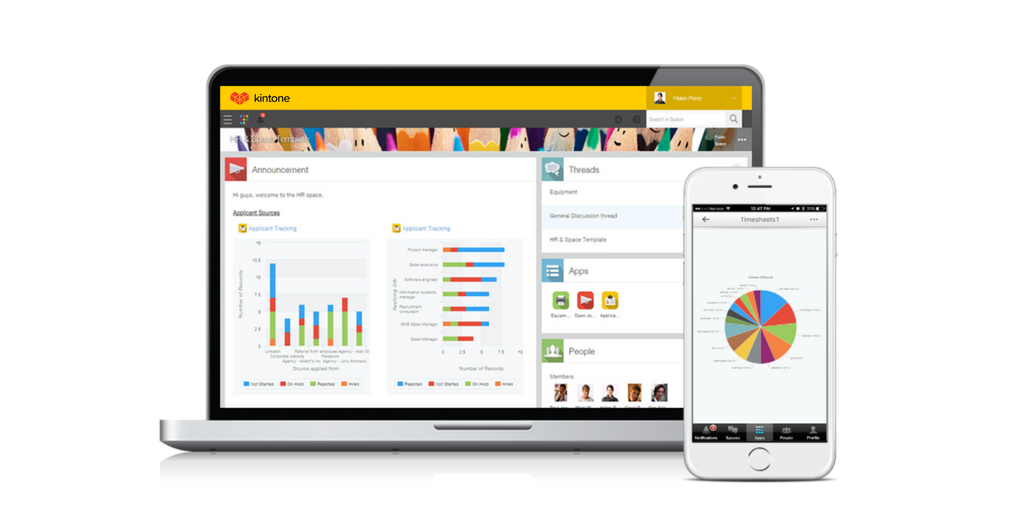   | Less Annoying CRM Screenshots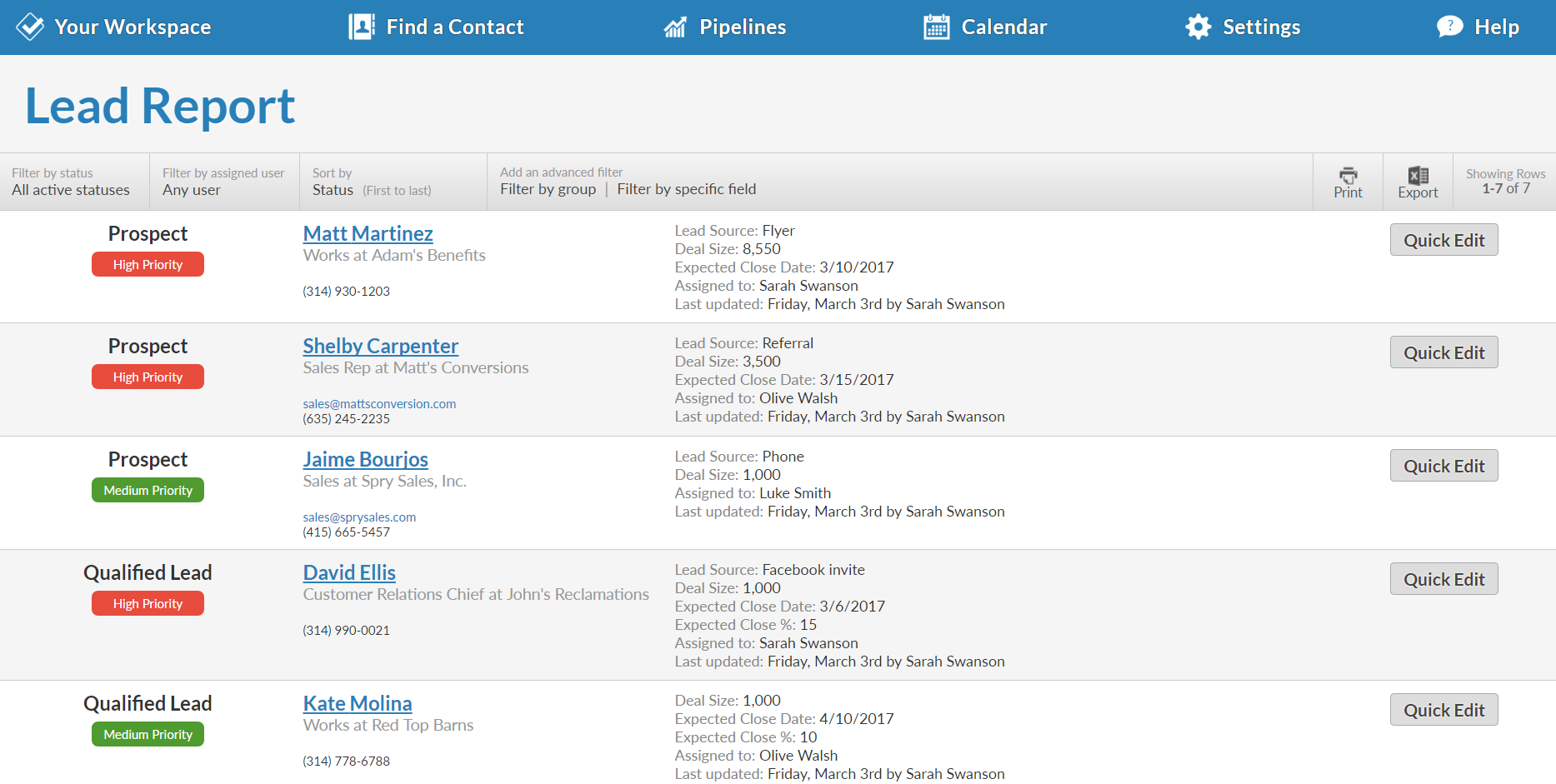  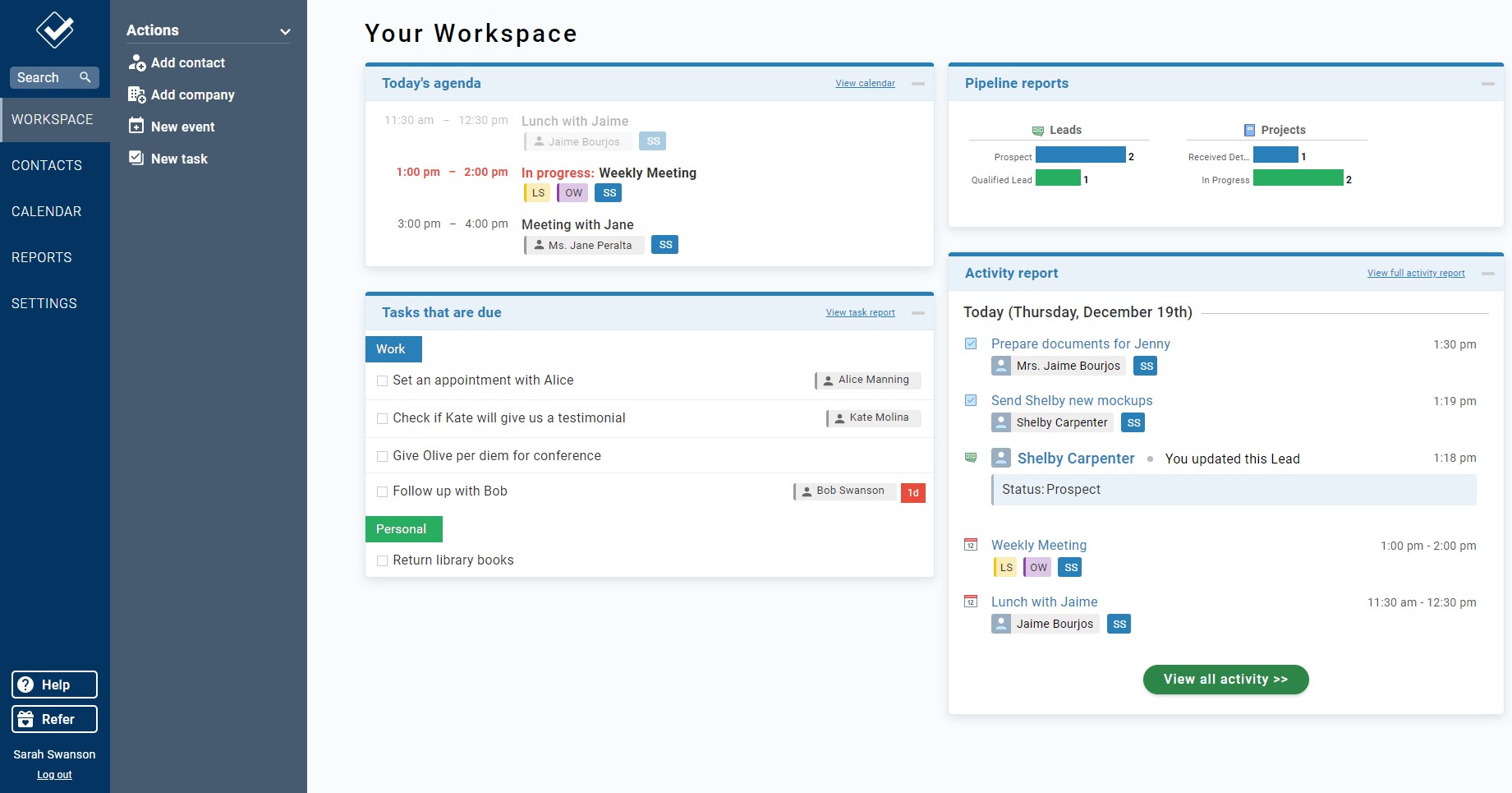    |