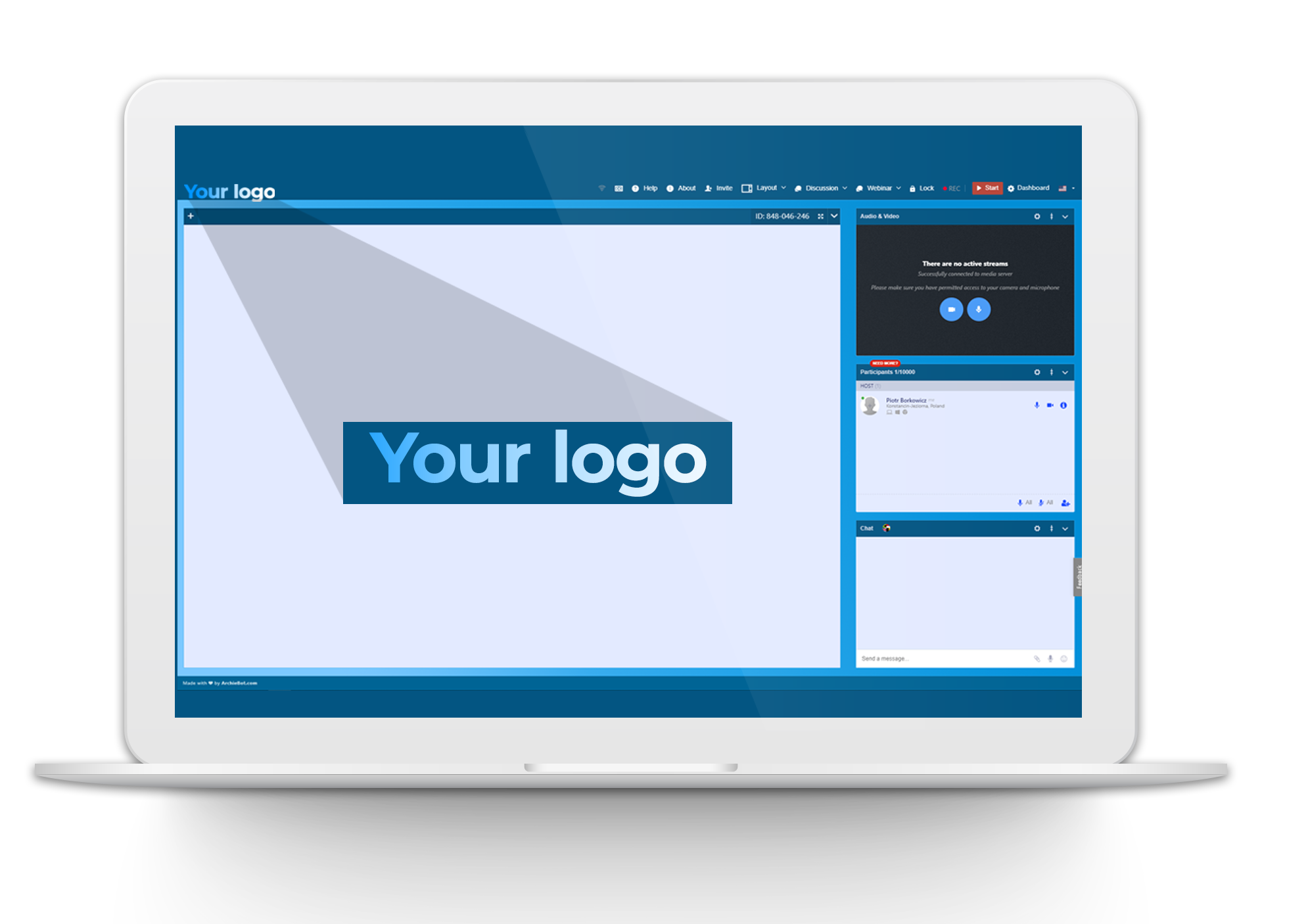
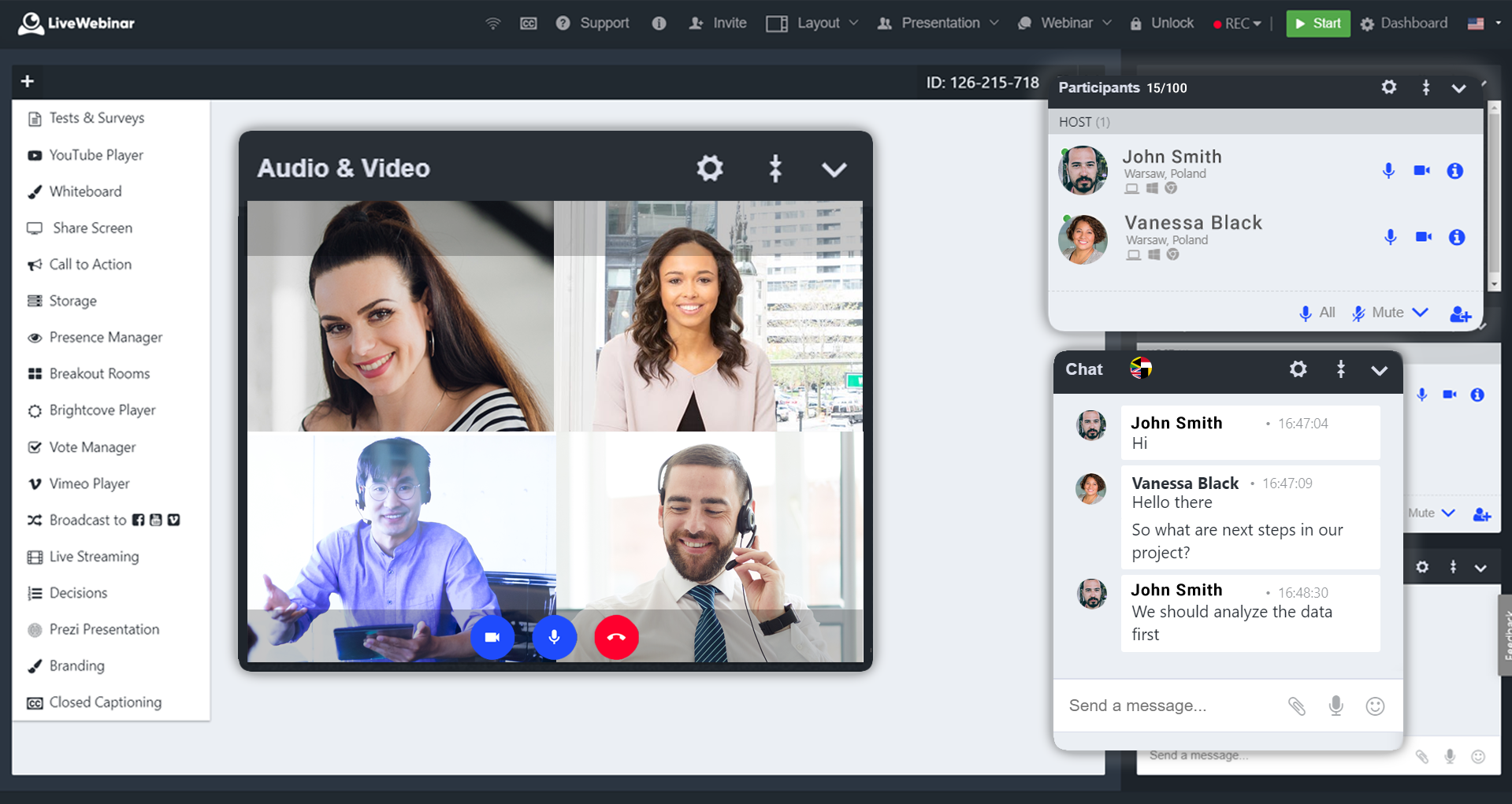
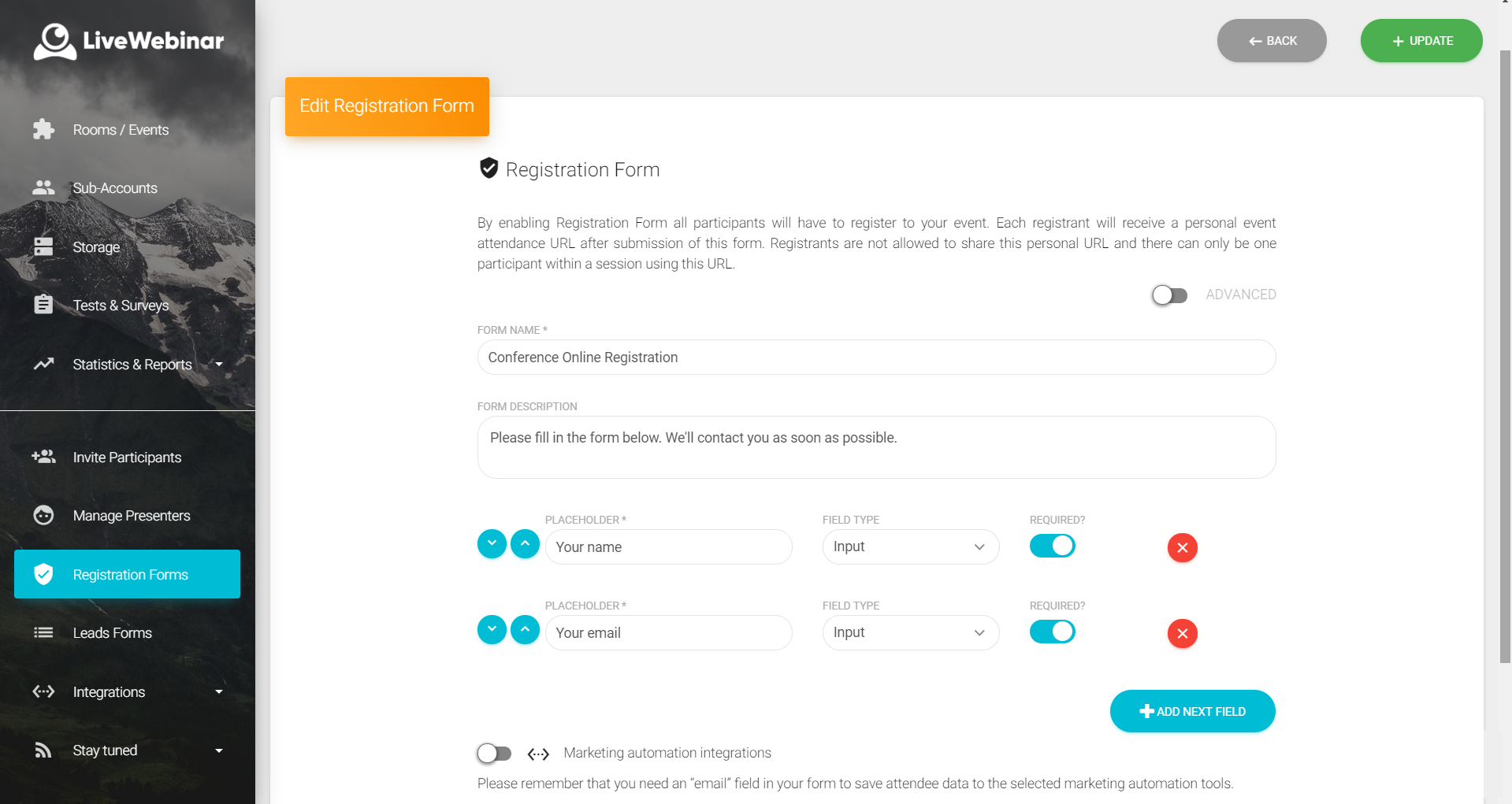
LiveWebinar is a cloud-based tool that helps users manage online webinars, meetings, training, live streaming, chats, screen sharing, social media broadcasting and high definition (HD) recording via web browsers. It is a customizable solution that allows users to change logos, room colors, and design layouts, as well as create personalized registration forms to match their business's brand identity, and control email delivery and report designs. LiveWebinar allows users to broadcast…
N/A
Zoho Meeting
Score 9.2 out of 10
N/A
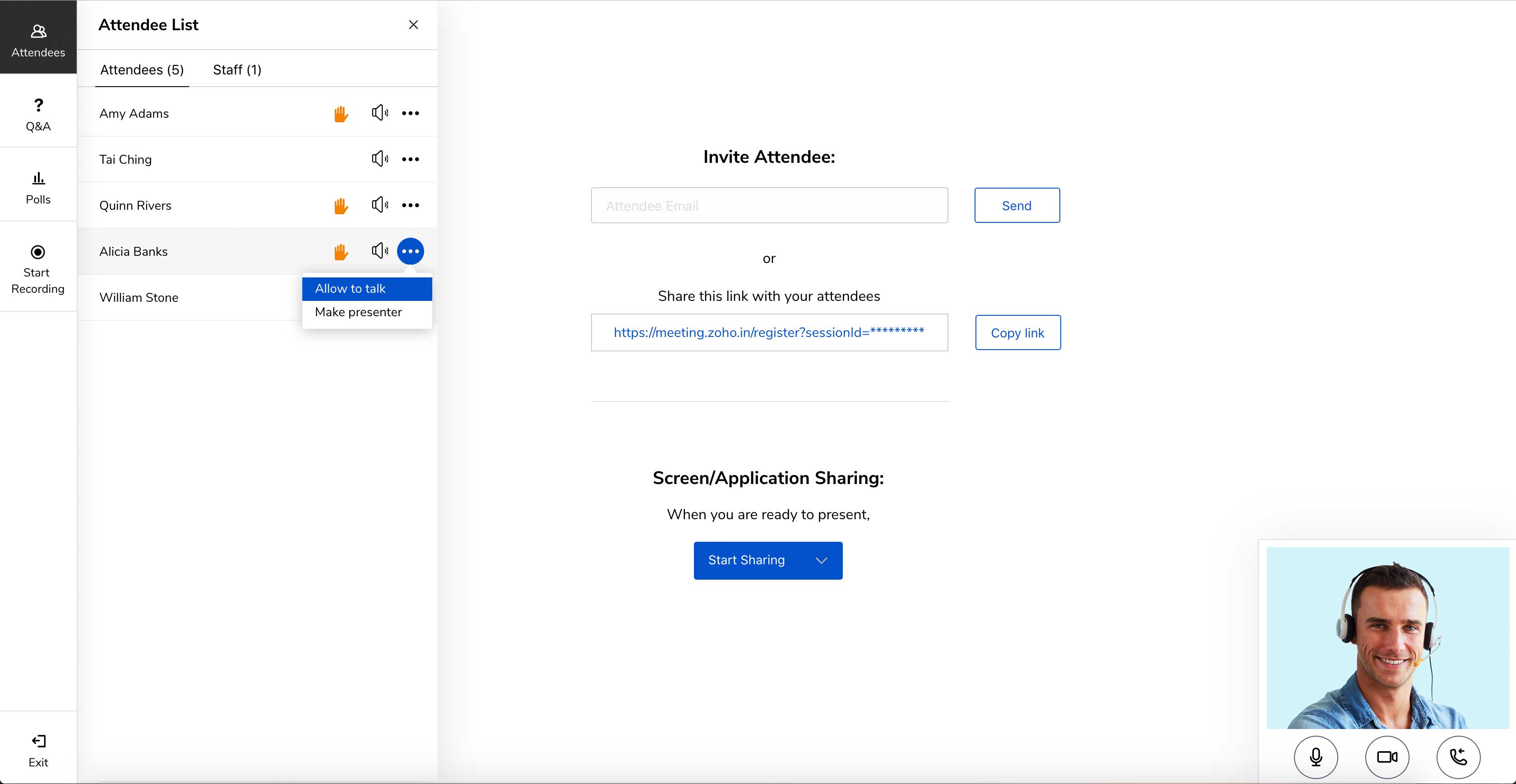
Zoho Meeting is a web-based online meeting solution.
$3
per month
Pricing
LiveWebinar
Zoho Meeting
Editions & Modules
No answers on this topic
MEETING - 10
$3
per month
MEETING - 50
$9
per month
MEETING-100
$12
per month
MEETING - 250
$18
per month
Webinar -25
$19
per month
Webinar - 50
$29
per month
Webinar - 100
$39
per month
Webinar - 250
$79
per month
Webinar - 500
$125
per month
Webinar - 1000
$200
per month
Offerings
Pricing Offerings
LiveWebinar
Zoho Meeting
Free Trial
No
Yes
Free/Freemium Version
Yes
Yes
Premium Consulting/Integration Services
No
No
Entry-level Setup Fee
Optional
No setup fee
Additional Details
—
You can also get the toll-free add-on at $20/month and additional storage space for 200 sessions recording at $20/month for your organization.
A lot of advantages for LiveWebinar over Zoom as there is no need to install an app on every device that needs to connect to the meeting. Moreover, there's built in tests, surveys, and polling tools inside the platform that I don't see in the basic plan of Zoom. Further, …
LiveWebinar doesn't require participants to download software and can easily run from computers or mobile devices. Webex and Adobe Connect also have challenges with staying connected, these are probably equal and may be somewhat related to the internet service more than the …
Zoom focuses on video webinars, meetings, chat options, integration, and high-definition video conferencing, whereas Microsoft Teams focuses on Microsoft integrations that include real-time video chat. Both Google Meet and Zoho Meeting offer various features, including HD video …
Zoho Meeting is very affordable and it suits better for the small business like ours. In addition to these, it offers the same features Microsoft Teams does. It has better adaptability compared to teams both in desktop and mobile applications. Moreover, it ensures data security …
Well, my organization gave my entire team access to Zoho Meeting post the reported security issues with Zoom. Once I started using this platform, I realized that it is way more agile and works the best as compared to all of its competitors. Other Zoho products like CRM, Home …
I have used Skype for business as well and I think Skype is far better than Zoho Meeting. The problem with Skype is it requires very high bandwidth to use as compared to Zoho Meeting.
Zoho Meeting serves the exact purposes stated by Zoho Team. It doesn't use any 3rd party applications for giving the services. It doesn't use the customers data for commercial purpose which by means ensures more data security. It can be used in web which doesn't require any …
Microsoft Teams specializes in complete Microsoft integrations, HD video conferencing, screen and file sharing, instant messaging, group chat options, live chat options. Zoom specializes in video webinars, meetings, chat options, integration, HD video conferencing. Google meet …
• The IT department decided to change the service that we had previously because Zoho Meeting is much more complete and has several services that we are also using such as Zoho Mail and Zoho CRM. We prefer to use them all from the same service provider.
I think Zoho Meeting is lacking so many features when compared with other products. Most importantly they have to work on audio video quality and increasing room capacity. If we compare this with Zoom, they offers meetings up to 100 participants with their free package …
Zoom is a better option if you're willing to pay. However, if you already have Zoho One, Meeting is still a solid choice. They're constantly working on the app and updating features, so any problems with Meeting will likely be addressed sooner rather than later. For now, Zoom …
LiveWebinar is well suited for training where the visual materials are easy to see and not overly detailed. LiveWebinar is not as easy when there is a lot of chatter going on, so if the material is complex, or likely to have numerous questions by the viewer, a different modality would be better
I would definitely like to say that for a team lead who sends pie charts, surveys and questions to the teams, this software would be his best choice as the analytics of this all data by Zoho Meeting is one of the best in the market. The only downside of Zoho Meeting is its webinar pricing which could be a bit tough to pay for NGO's or less earning companies.
Absolutely love the features of Livewebinar and it's probably the most advanced Live webinar solution that I have used. Even with the absence of a native mobile app, the platform is useable on mobile or tablet screen sizes. There's no noticeable lags during the presentation and users find it easy to use and navigate during the presentations / webinars.
LiveWebinar is an all in one solution for daily meetings and events. I made it a 9 as it is almost perfect in its current form. However, there were some reported issues on mobile connectivity as there is no native app of LiveWebinar for both iOS and Android. Moreover, I'm hoping that LiveWebinar could connect to my Google, Outlook, or iCal calendar to synch events regularly. I'd love to see my calendar inside LiveWebinar which makes it to the top of the feature wishlist for this platform. Further, if LiveWebinar is able to handle multiple day events or meetings with just a few clicks, that would make this platform, a 11/10 rating!
Zoho Meeting is very easy to use and very effective collaborating tool. If I say about the usability, this application is highly usable because oaf it's cost effective nature, user friendly interface, empathetic customer services and amazing application features. Most importantly, it ensures data security for the company. Overall, the usability of the application is trustworthy.
Customer support of LiveWebinar is top notch. They are available almost 24x7x365. I rarely wait for the next response and given that people are not suppose to work on holidays or weekends, their support agents are always there to lend a helping hand. The responses are spot on. It's not that I need help with platform having some issues or anything, but for general account questions, they quickly respond to each and every query I raise over to support. Definitely one of the best things with LiveWebinar.
Zoho Meeting is fantastic in terms of proper after sale service as well as delivering the expectations of the clients. We, as a business, successfully achieved the engaging organisation status through this platform. Our employees are also happy with the supports from Zoho. We appreciate the efforts of Zoho and recommend to others.
Zoom focuses on video webinars, meetings, chat options, integration, and high-definition video conferencing, whereas Microsoft Teams focuses on Microsoft integrations that include real-time video chat. Both Google Meet and Zoho Meeting offer various features, including HD video conferencing, scheduling, recording, app sharing, and HD videoconferencing in private meeting rooms. In addition to the unique characteristics of Zoho's UI, embedding meeting links, and so forth, these are excellent features that help the end-user tremendously.