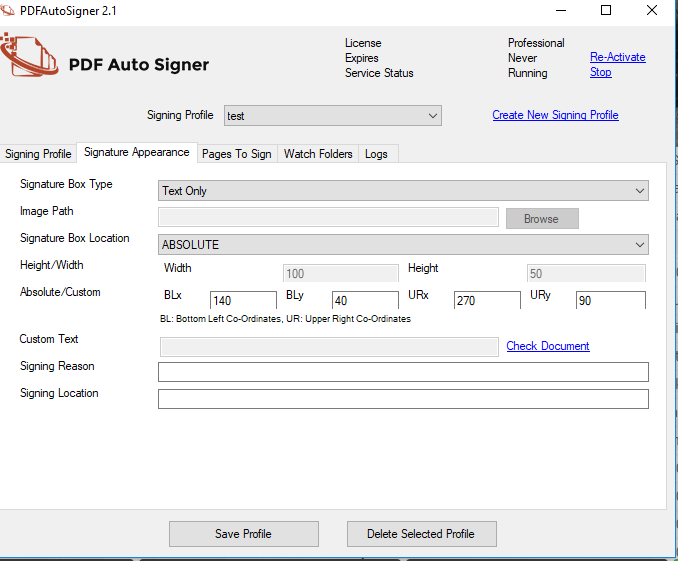
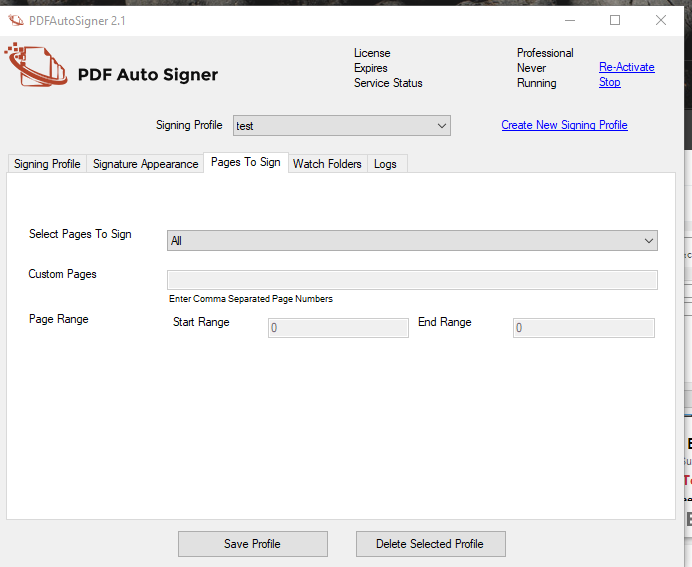
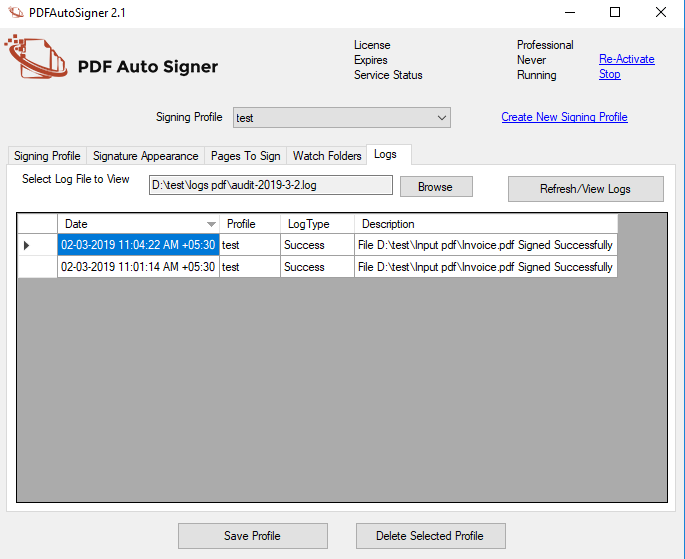
PDF AutoSigner from Adweb Technologies is a document signing software used to sign PDF documents automatically, offloading document signing efforts to an unattended environment. The vendor states that with it users can easily sign PDF documents across multiple departments and across multiple signatories, and sign PDF documents like invoices, tenders, business contracts, Form-16, etc. AutoSigner PDF document signing software is suitable to different types of companies with…
N/A
Zoho Sign
Score 9.3 out of 10
Small Businesses (1-50 employees)
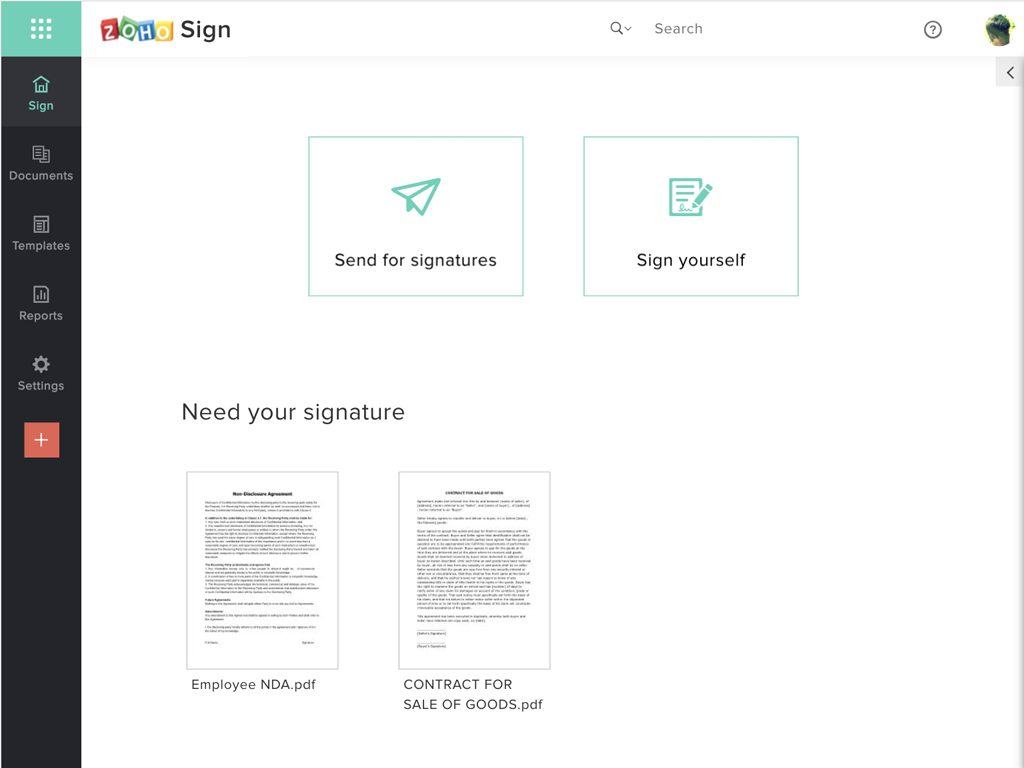
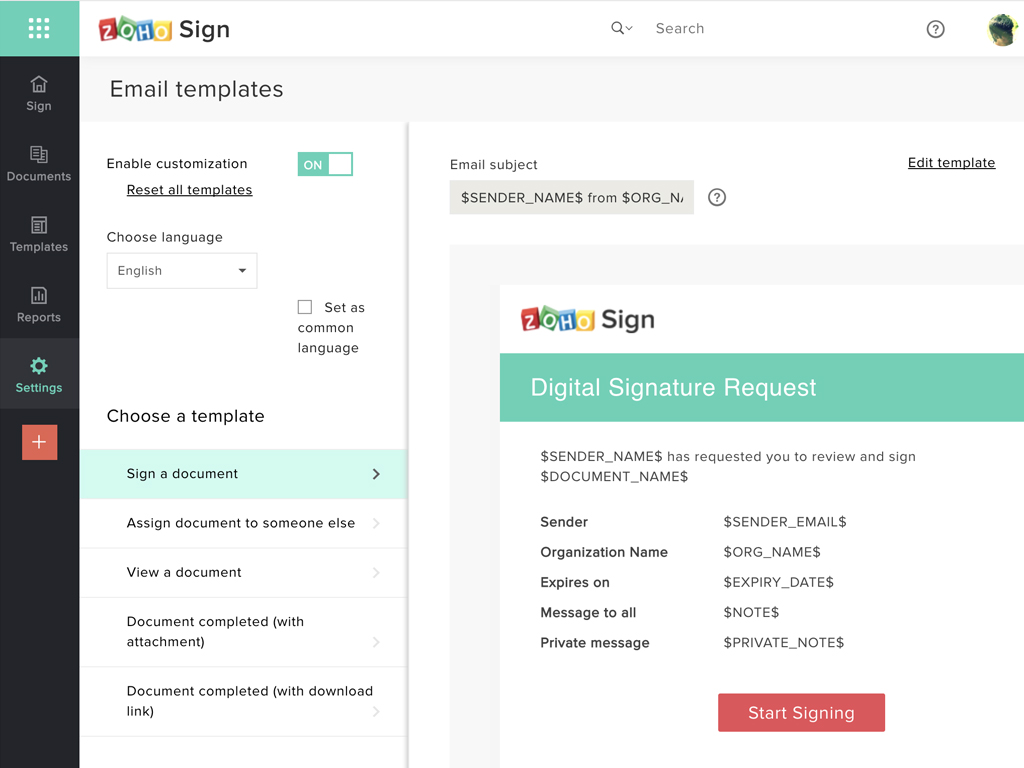
Zoho Sign is a digital signing service that lets you execute contracts quickly without the hassles of transporting paper documents while ensuring security and legality. It works completely on cloud and integrates readily with your everyday apps. According to the vendor, Zoho Sign is perfect for anyone who needs to sign business documents but widely used for HR, legal, finance, HR, and sales functions. Documents that can be signed include:…
$0
per user
Pricing
PDF AutoSigner
Zoho Sign
Editions & Modules
No answers on this topic
Free
$0.00
per user
Standard
$10.00
per user/ month
Professional
$15.00
per user/ month
Offerings
Pricing Offerings
PDF AutoSigner
Zoho Sign
Free Trial
Yes
No
Free/Freemium Version
No
Yes
Premium Consulting/Integration Services
No
No
Entry-level Setup Fee
No setup fee
$10 per user
Additional Details
—
—
More Pricing Information
Community Pulse
PDF AutoSigner
Zoho Sign
Considered Both Products
PDF AutoSigner
Verified User
Anonymous
Chose PDF AutoSigner
Because my job was not hosted on Citrix products or a part of their suited, we decided against that. Docusign was good, but since our documents were so large we wanted something that would be more efficient on that scale. Also, for the price, this was the most effective for our …
We use Penneo on other cases. It's not exactly a 1-1 competitor to PDF AutoSigner, at least it has a different use case in our company. Penneo is primarily used by HR and local businesses to sign contracts. But the PDF AutoSigner is really great for signing internal papers from …
Price is important but it has all the same features as some of the main brand names on the market which makes this package ideal for small businesses and larger ones looking at costs. The advantage we find is that we can edit forms with drop-down boxes and preset answers for …
Before using Zoho Sign, we simply send out PDFs and had our partners and clients sign them and send them back. Obviously, Zoho Sign stacks pretty high against that because of how professional it is, how much simpler it is for us to use, and how much time it saves us.
I was a paid subscriber to Adobe prior to using Zoho, and found their solution expensive and inflexible. DocuSign may be the market leader, but Zoho fits better into our overall needs, especially since it integrates well with our other Zoho products.
Advantage is that is it easily available as a stand alone software as well as a solution which easily integrates with any application such as ERP, Tally or MS Office. It is easy to use and makes document signing fast. Less suited for organizations that are cost conscious, since cheaper alternatives from competitors are available.
If your business needs an electronic signing software, then I recommend Zoho Sign because it has all the great features. It ensures fast and secure document signing and, most importantly, it is legally binding.
Because my job was not hosted on Citrix products or a part of their suited, we decided against that. DocuSign was good, but since our documents were so large we wanted something that would be more efficient on that scale. Also, for the price, this was the most effective for our business use
Price is important but it has all the same features as some of the main brand names on the market which makes this package ideal for small businesses and larger ones looking at costs. The advantage we find is that we can edit forms with drop-down boxes and preset answers for the forms. Each entry field can be customized by data type and length or allow the client to enter their own answers.
In my organization we have kept track of physical prints by users and the amount of total prints from users have decreased since the implementation of PDF AutoSigner. This obviously isn't the only explanation behind the decrease, but definitely a positive part of it.
We don't have track or data of time saved, but many colleagues and myself have saved a lot of time being able to sign documents much faster.