Penneo is a digital signature and digital transaction management software in the Nordics. The solution helps businesses in multiple industries streamline their document-based processes. Business process automation With Penneo enables users to automate repetitive, time-consuming tasks by sending documents for signing to the right people in the right order via predefined workflows. Minimize the risk associated with manual data entry and reduce the time spent on…
$155
per month
Zoho Sign
Score 9.3 out of 10
Small Businesses (1-50 employees)
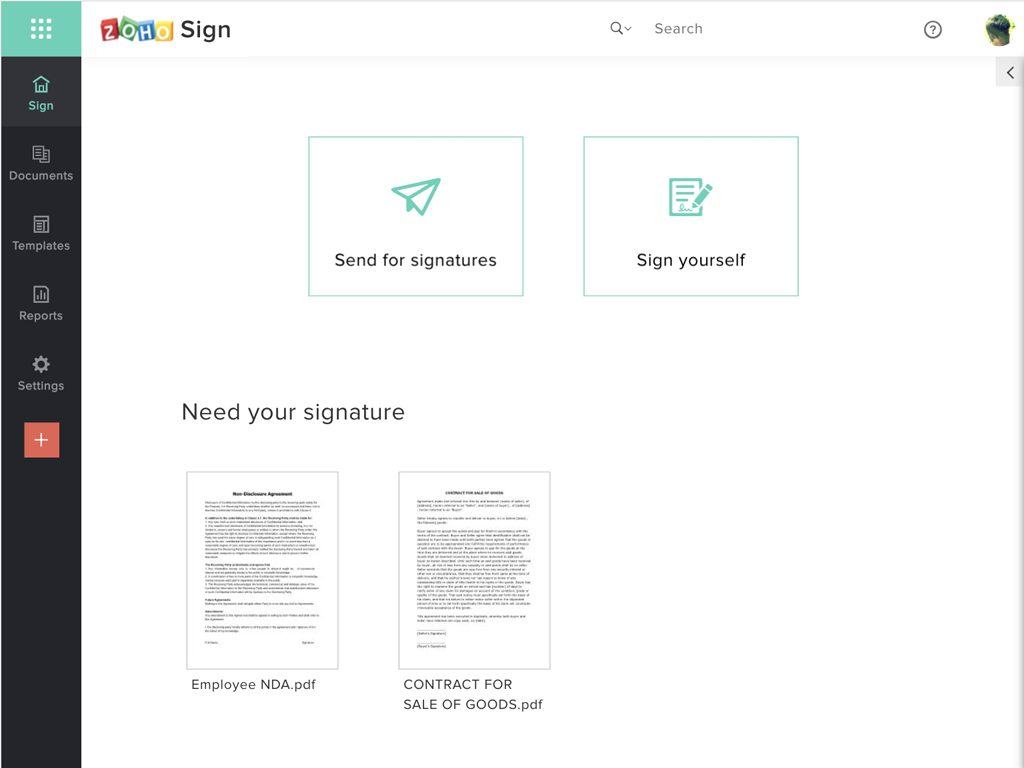
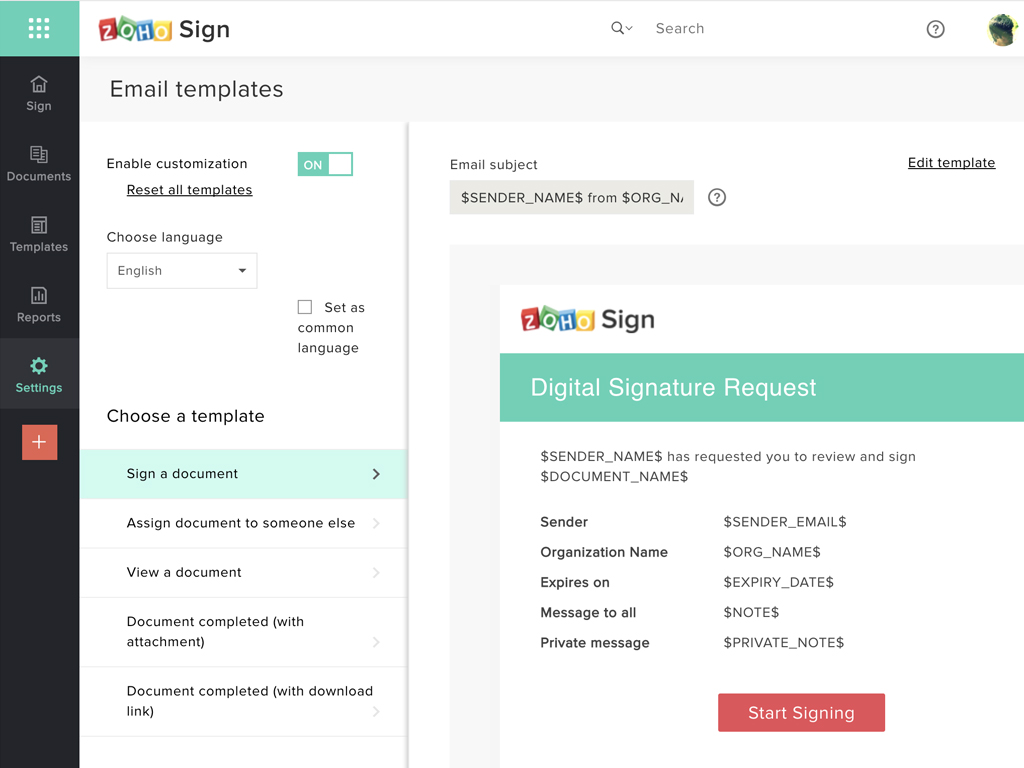
Zoho Sign is a digital signing service that lets you execute contracts quickly without the hassles of transporting paper documents while ensuring security and legality. It works completely on cloud and integrates readily with your everyday apps. According to the vendor, Zoho Sign is perfect for anyone who needs to sign business documents but widely used for HR, legal, finance, HR, and sales functions. Documents that can be signed include:…
$0
per user
Pricing
Penneo
Zoho Sign
Editions & Modules
Penneo Basic
$155
per month
Free
$0.00
per user
Standard
$10.00
per user/ month
Professional
$15.00
per user/ month
Offerings
Pricing Offerings
Penneo
Zoho Sign
Free Trial
Yes
No
Free/Freemium Version
No
Yes
Premium Consulting/Integration Services
No
No
Entry-level Setup Fee
$478 per installation
$10 per user
Additional Details
—
—
More Pricing Information
Community Pulse
Penneo
Zoho Sign
Considered Both Products
Penneo
No answer on this topic
Zoho Sign
Verified User
Anonymous
Chose Zoho Sign
Price is important but it has all the same features as some of the main brand names on the market which makes this package ideal for small businesses and larger ones looking at costs. The advantage we find is that we can edit forms with drop-down boxes and preset answers for …
Before using Zoho Sign, we simply send out PDFs and had our partners and clients sign them and send them back. Obviously, Zoho Sign stacks pretty high against that because of how professional it is, how much simpler it is for us to use, and how much time it saves us.
I was a paid subscriber to Adobe prior to using Zoho, and found their solution expensive and inflexible. DocuSign may be the market leader, but Zoho fits better into our overall needs, especially since it integrates well with our other Zoho products.
Penneo is really well suited if you want to handle all contracts online. Reducing process time and reducing "waste" of paper being printed. It can speed up the process for all. To my knowledge, it's not possible to fraud the system, and the files being signed are always verified correctly.
If your business needs an electronic signing software, then I recommend Zoho Sign because it has all the great features. It ensures fast and secure document signing and, most importantly, it is legally binding.
Price is important but it has all the same features as some of the main brand names on the market which makes this package ideal for small businesses and larger ones looking at costs. The advantage we find is that we can edit forms with drop-down boxes and preset answers for the forms. Each entry field can be customized by data type and length or allow the client to enter their own answers.
As stated earlier Penneo has made a really positive impact on reducing our process time when signing contracts. Now we are able to complete a process with two or three sign-offs within a day. Before this process usually took a week.
We reduce a lot of physical storage by having all files electronically. Files are saved as PDFs and stored securely on a server. Earlier these were printed files stored in a physical folder.
As a large company we really want to reduce of environmental impact, and reducing a lot of physical prints is also a key measure for us. Penneo has had a positive impact on us in this regard.