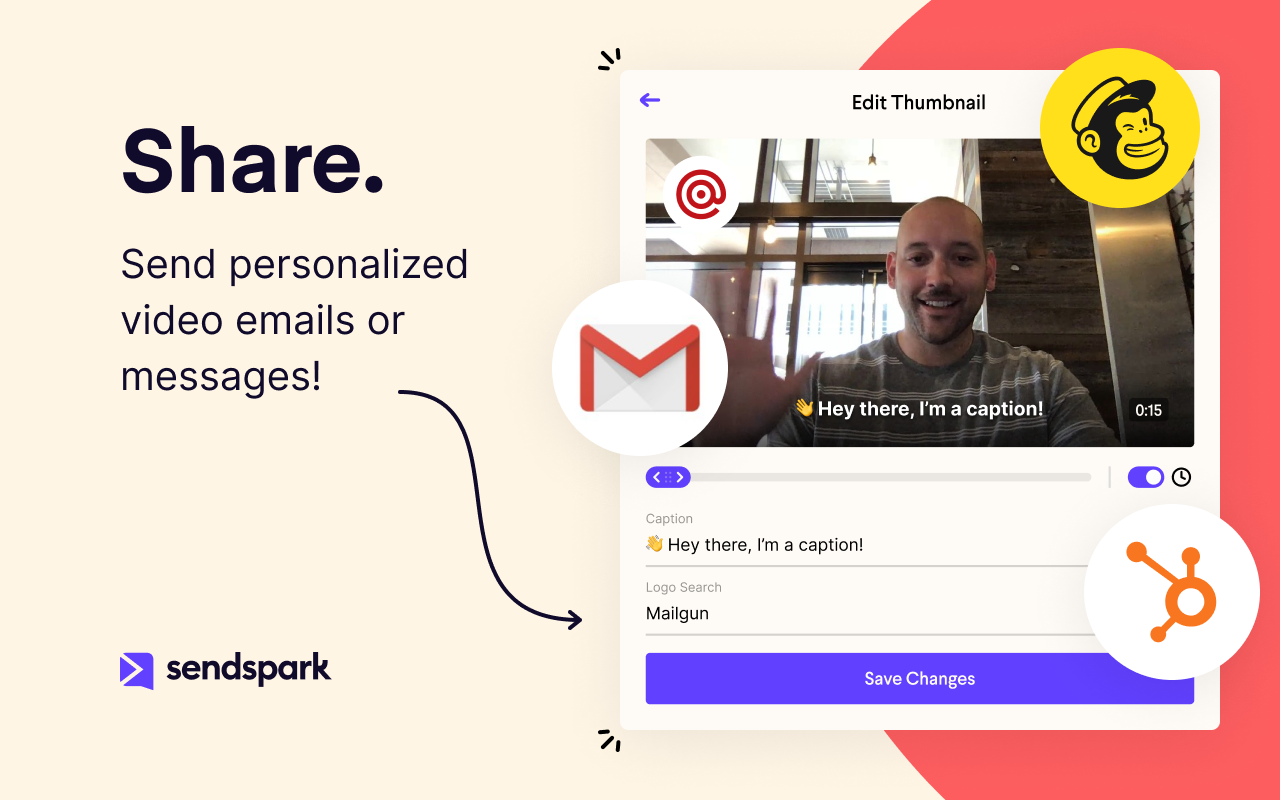
Sendspark helps businesses connect to customers with personalized video messages. Whether the user is an individual, manager, or enterprise, Sendspark can be used to create polished videos for demand generation, sales, or customer success. Videos can be shared in Gmail, LinkedIn, or email marketing platforms — wherever communication with customers is happening — to drive higher engagement.
N/A
Zoom Events & Webinars
Score 8.5 out of 10
N/A
Zoom Events and Webinars are part of Zoom’s event solutions that uses existing Zoom products to produce interactive and engaging virtual experiences. It combines Zoom Meetings, Chat, and Video Webinars in one solution that enables event organizers to produce ticketed, live events for internal or external audiences of any size.
Anytime we onboard a new client Sendspark sends all customer's details back to Hubspot. This is so handy as it's an automated process. If you prefer to use Zoho then no problem. It's in Sendspark as well. It would be great to use webhooks and API. But it's coming very soon.
Loom provides all basic features of screen recording software but because they are established now, they sometimes fail to work on customer feedback while Sendspark is always innovative e.g one of the life-saving features is a link to share with customers to record their …
No brainer. Stick with what is easy, has great customer service, and more functionality to be unique to your brand. Sendspark is the way to go for simplicity and the pricing is more affordable.
Virtually all other video platforms have more functions, more functionality, more integrations, and more ways to customize everything. The only exception is (possibly) Vidyard. Layers of complexity lead to inertia. That leads to plenty of excuses to not incorporate video into a …
While Sendspark has a bit less functionality than popular rivals such as Loom and CloudApp, its affordability and simplicity have ultimately caused us to stick around. We are confident with the continued upgrades and functionality Sendspark is developing, it will continue to be …
Pretty much similar in terms of delivery and usability. Both have a free version. But I like the flexibility of storage on demand as well as the UI seems to be more adaptable with Sendspark. In terms of functionality there is room for improvement thought but it is still early …
I see a lot more flexibility and room for growth in Sendspark. The team is very [responsive and has] an excellent direction and roadmap of how they want to grow Sendspark. The ability to have Video Landing Pages is awesome and their video engagement analytics is superb as well. …
Sendspark stands among other solutions due to the perspective behind the tool. They are trying to improve business conversion and client experiences by humanizing and customizing the touchpoints across different channels. People got tired of simple emails and tasteless contacts;…
Camtasia is fine but it is not as simple to use, is not cloud-based, and the client has to download software to record their own screen and respond to your emails.
Best all-around choice. It may not be as specialized as the others but it gives you the ability to do everything you need to get done as a solo freelancer without having to pay 3 different subscriptions for video tools that all do the same thing in a slightly different way.
I used Loom before Sendspark and I think SendSpark is more economical and startup-friendly. Loom started off great and had a free plan. Eventually, things started getting pretty expensive and they started shutting down the free plan bit by bit till it became very limited. …
I prefer Zoom Workplace for the UI. Teams is buggy and there's a lot more lag moving around the platform and call options. It has a better messaging system for sure but calling aspect is less than desirable.
Better analytics, better for large numbers of people and hosting events like webinars. The quality of the video, in my opinion, is better on platforms like Teams. Maybe this is because of the volume of people that are logged in at once.
The combination of superior ease of use, relative affordability of a license, high participant volume, rich feature set, custom branding capabilities, excellent audio/video codecs, lean resource usage, and studio production features.
We moved away from MS Teams due to several factors: 1)The ability to have a calendar reminder pop up for the upcoming webinar. 2)The ability to have Zoom automatically send a customized one hour reminder email to everyone who registered.
Zoom Webinars provides a platform to address a larger audience with ease. It provides clear audio and video. Features are better for conferences and lectures when compared to Skype.
I've had limited contact with Whova and Hopin, but I've got clients who have looked at them in detail for events. After hearing my guidance on proper licensing of Zoom Events and training on Zoom Events editing and configuration, they've all been very pleased with going the …
I started using Zoom after COVID-19 and was a great experience in comparison to Skype. It helps a user to easily add any prospect client or team member anywhere around the globe through a single link from browser without a chat invite In comparison to Google meet you can record …
Zoom is much better than its peers. It has superior functionality, is much more intuitive to use on a daily basis, and is much more reliable than the previous products that we have used. Zoom has also been advocated for extensively by our students and faculty due to its …
Google Meet does not provide breakup rooms and does not have a user-friendly interface. Google Meet does not have the strict admin controls that Zoom Video Webinar provides. Zoom Video Webinar has been widely accepted and most of our clients use it. The price for the premium …
I have also used Video connect for doctors' appointments and although it has its pros as well, the Zoom seems much more user-friendly. I am not too familiar with whether or not the platform allows for as many users to all be part of the same conference or what kind of costs it …
Zoom Video Webinar is one of the simplest platforms for video conferencing. You do not require [an] account to join a meeting and you do not need to install the app as it can also be used on the web browser. The functions are clear and straightforward, one of the most …
Microsoft teams has some performance issues. It lags many times while working with it and also it doesn't have a optimized recording capabilities. But it performs well in collaboration with participants with feature like Quizzes, assignments, meeting notes etc. MS teams comes …
We used Adobe Connect for about a year. The caliber of the recordings was lower than that of Zoom Video Webinar. Also, managing a space was more complicated than with Zoom. Granted, that was 6 years ago now that we stopped using it, but that was our experience at the time.
I'm not familiar with any of Zoom's competitors, but this seems to be a popular program in the business world, and I haven't heard anyone have any serious problems with it. Overall, it's definitely helpful and worth the money.
In my experience, Sendspark is particularly well-suited for sales and marketing professionals who need to create and send personalized videos at scale. The platform makes it easy to quickly record and share videos, which can be a great way to stand out in a crowded market and provide a more engaging and personal experience for clients. Additionally, the branding and marketing features of Sendspark are handy for maintaining a consistent and professional image. On the other hand, I think Sendspark may be less appropriate for organizations that require more robust collaboration and video editing features. The platform is designed for simplicity and speed, so it may not be the best choice for users who need more advanced editing tools or the ability to work on videos with multiple users simultaneously. Additionally, the limited customization options for video themes may not be suitable for users who need more flexibility in terms of design and layout. Other video recording and sharing platforms may be a better fit in these cases.
I had an issue with my calendar syncing to Zoom Workplace for a while, that was annoying, but it resolved itself someway. Maybe an update. The invite feature is week when in a call, my team never receives them, I manually always have to send a link. I also do not get Zoom call notifications so I am late to meetings often. Too much work to manually find that feature, wish it was a default setting like Teams. I prefer Zoom Workplace because I think it works faster, is smoother, and I prefer the video settings UI over other platforms. Everyone else makes it too complicated to change backgrounds or blur as necessary. The adjustment for low light is also a huge win.
I will we could add registration disclaimer language to the Webinar templates.
Some of the customization and setup features are difficult to find.
I would like to add someone to help me run webinars without paying for them to have their own webinar platform. We should be able to buy one platform and both of us log into it and setup and run webinars from it.
Because with such a contribution it is possible to reach customers much better than with many other expensive tools. It is comparatively cheaper to do marketing with emails. So you should make your email campaigns as effective as possible. What really works with Sendspark. I think Sendspark will implement many more things. Which is why I am currently convinced to continue using Sendspark.
We will be renewing with Zoom as long as it continues to meet our needs for client and lead outreach needs in a robust manner. With little error and an easy to use interface, Zoom has met our needs and exceeded our expectations. The cost is right and with a short learning curve, Zoom has been an easy decision to make and maintain.
Zoom [Video Webinar] is easy and secure to use. It has all those feature which can make a virtual meeting go smooth. Zoom [Video Webinar] provides one click join option and easy screen sharing. It also has strong tools to restrict meeting controls and is secure enough to let you start with it. Zoom [Video Webinar] in relation to other video webinar application is easy to use and lightweight, its mobile application is also easy to use.
Acutally we didnt have had any problems so far. Everything works since we use it. The Servers are fast, and creating videos is a breeze. The Dashboard works properly and we can work very Smooth with Sendspark so far.
Support is very fast. I actually get Support between 8-24 Hours which is Important for us. The website tend to slow down sometimes, but will not affect the overall usage. I think they have a good Server Plan, which runs smooth. Until now we didnt had any serious problems with saving our Video Files or Uploading.
Zoom Video Webinar provides users with updates on their newest functions as part of an email subscribed list. They provide you with up-to-date information on all their latest changes and functions for ease [in] transition. Zoom Video Webinar can be contacted easily for any questions or concerns you may have with the platform and the response is timely.
Virtually all other video platforms have more functions, more functionality, more integrations, and more ways to customize everything. The only exception is (possibly) Vidyard. Layers of complexity lead to inertia. That leads to plenty of excuses to not incorporate video into a workflow because it's always easier for (most) people to type an email than add the layers of vulnerability to a prospect that comes with a video. Sendspark is affordable, by far the easiest to use and, on the rare occasion, we've needed them, the support is very responsive. If you want to get your employees - or more especially yourself - to follow through on using video in your sales|marketing|customer support then I suggest you seriously consider Sendspark (unless you're one of our competitors :) )
Zoom is a good option compared to these other softwares as it is more universally accepted. The advantage of this is that most people use Zoom, making it easier to arrange a call with external stakeholders. Microsoft Teams is often very unreliable, and Zoom seems to work more consistently compared to the other options.
I think there is a lot of space for scaling. But for a Company like us there is plenty enough of capabilites to use Sendspark without any lack of performance issues. Maybe Sendspark could be limited for very Big Companys. But since they are a Startup, maybe they will grow and dive us to a better overall experience.
A member of my sales team went 10 for 10 on receiving replies from outreach prospects when leading with a Sendspark video message.
Received a PO for $109K on the last day of the quarter after messaging a customer with a polite and earnest Sendspark video to get the PO that day.
Supported a team member closing a sale by creating a Sendspark demo/explanation video of "this is how it would work" for the owner of a prospect company.
Our main need that Zoom Webinar meets is the need to have frequent company video webinars, and it's a need that Zoom meets far better than any other tool available.
The branding features available allow us to keep branding for internal and external webinars strong, unlike other tools which have minimal branding capabilities for webinars.
Zoom's new Events offering makes it easy to set up engaging and interactive hubs for multi-day webinars.