SolarWinds Access Rights Manager (ARM) Review
Use Cases and Deployment Scope
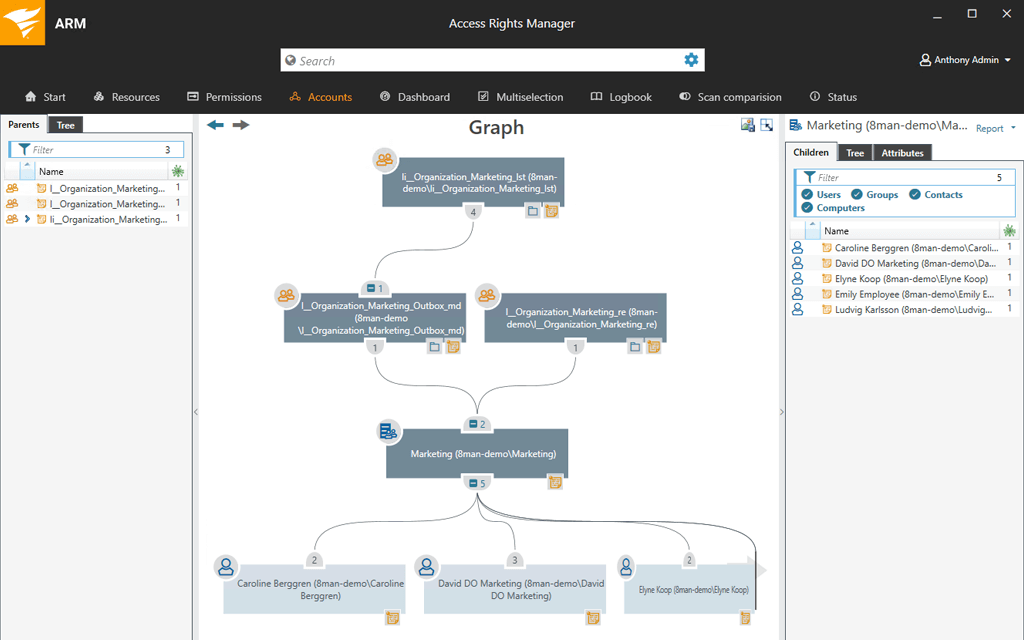
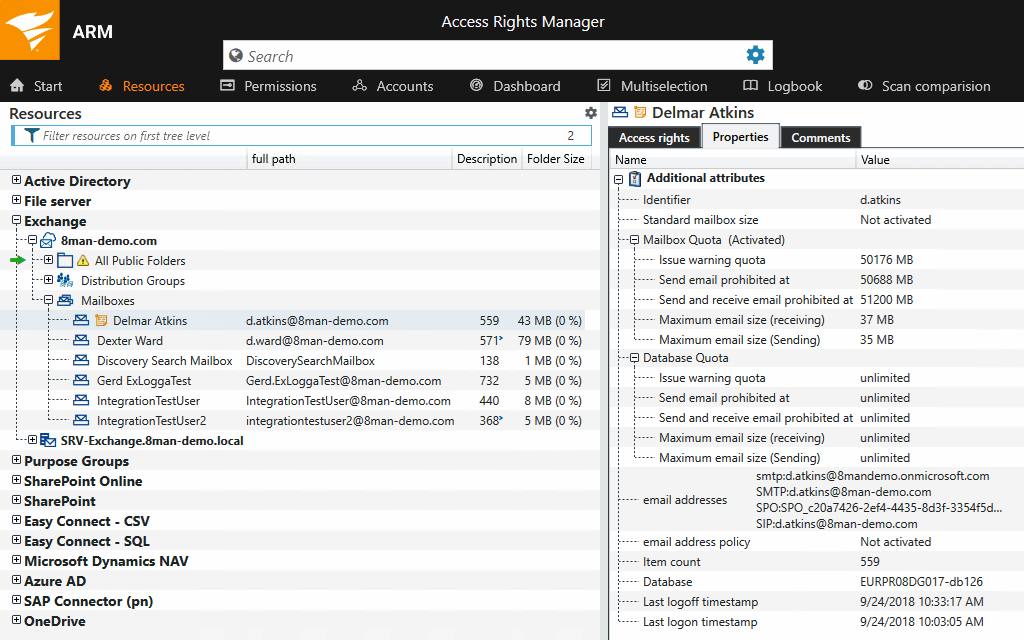
We make use of Access Rights Manager in our organization for the provisioning of new user accounts, determining folder permissions for all our shared files/folders on our file/print server, as well as administration for our various security/distribution groups (for example listing all groups which are empty) This has made the tasks of creating new user accounts or group management so much easier, and less time-consuming.
Pros
- New User Creation
- Security group maintenance - eg displaying all groups which are empty.
- visual representation of all security permissions set on shared files/folders on our file/print servers
Cons
- The main gripe I have is the process of creating user templates. At present, You have to use a 3rd party addon to create new user account templates. It would be great to have this integrated with ARM as default.
Return on Investment
- Because it's cut down on the mistakes and time lost creating new user accounts, this has meant there is a reduction in tickets relating to changes needing to be made to user accounts. Whether this was the incorrect spelling of the name, or the need to add/remove security groups. With ARM now doing the user creation along with the templates we've created, this has dramatically cut down the number of support tickets regarding user accounts, meaning our team now has more time to tend to other pending tickets.
Alternatives Considered
Device42
Other Software Used
SolarWinds IP Address Manager (IPAM), SolarWinds Server & Application Monitor, SolarWinds NetFlow Traffic Analyzer (NTA), SolarWinds Network Performance Monitor (NPM), SolarWinds Virtualization Manager (VMAN)