TrustRadius: an HG Insights company

Fulcrum

Score7 out of 10

7 Reviews and Ratings

What is Fulcrum?

Fulcrum is a hosted mobile forms platform that enables users to build custom apps for capturing information from the field. Users can design forms using the intuitive, web-based drag-and-drop designer and deploy to their mobile workforce for gathering information like Text, Photos, SpatialVideo, SpatialAudio, Signatures, Barcodes, GPS Location, and more.

Categories & Use Cases

Media

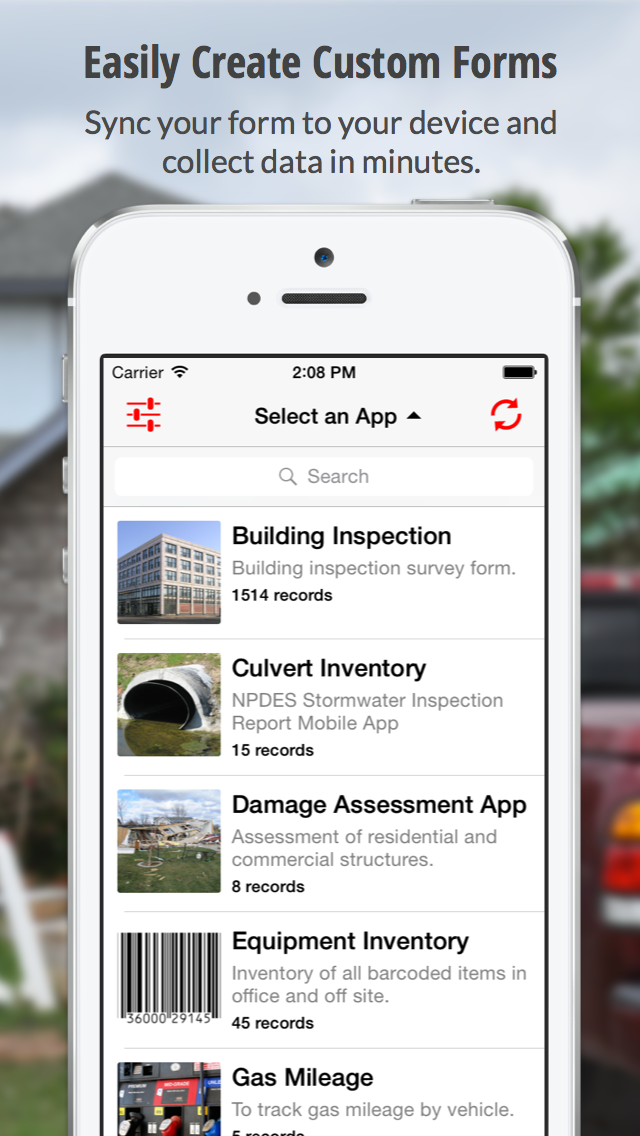
Create Custom Forms
Capture The Details
Replacing Paper Forms

1 / 3

Exactly what I was looking for

Use Cases and Deployment Scope

We use Fulcrum to record information about vehicles and our product in the field to ensure we have clean and organized records of work completed and issues encountered. This has unlocked immense value for us. It allows managers to review work to maintain high quality. Using Fulcrum has also allowed for large amounts of field data to be gathered and quickly transferred from our field team to our engineering team when necessary.

Pros

  • Organize information and tie it back to particular job.
  • Easy to build and modify "apps".
  • Export information in easy to share format (pdf, .csv, zip, etc).

Cons

  • Advanced features are not extremely intuitive for less technical audience.
  • Must reassign records to a different user to discontinue an account.

Most Important Features

  • Associates photos and records from a job to a particular vehicle.
  • Export data collected in the field into a format to do data analysis.
  • Easy to share pdf reports of work done on a particular vehicle.

Return on Investment

  • Reduces number of touch points with customer to resolve technical issues.
  • Increases engineering productivity by facilitating information transfer from field.

Other Software Used

Wrike, Jira Software

Fulcrum the best way yet for field documentation

Use Cases and Deployment Scope

We primarily use Fulcrum for field notes and field documentation. Fulcrum allows project managers in the office to see in near real-time what our field staff is recording which increases the speed and effectiveness we can respond to current field conditions. Additionally, Fulcrum allows for consistency between various field staff to ensure that the required information is recorded, which greatly reduces the time required to generate reports at the end of the project.

Pros

  • Notation of photographs.
  • Consistency between field staff observations.
  • Reduces report writing time.
  • Near real time sharing of notes between field and office staff.

Cons

  • When exporting an app at the completion of a project file names are downloaded with what seem to be a random conglomeration of characters.
  • When exporting an app at the completion of a project photo file names are downloaded with what seem to be a random conglomeration of characters.
  • The load time between windows when using the Fulcrum website is a bit slow.

Most Important Features

  • Consistency of field records.
  • Labeling and/or annotation of photos taken in the field.
  • Ability to download collected information for faster report generation.

Return on Investment

  • Manual data entry of collected field information is no longer required saving anywhere from 1 to 10 hours of tedious work and eliminating human error.
  • Clients are impressed with our ability to use digital field notes and our ability to communicate in near real time which helps ensure client retention and expanding our envelope of work with them.
  • Instead of spending time trying to find out what, why, where, and when a picture was taken the guess work is removed as photos are georeferenced and can be annotated in the field.

Other Software Used

Microsoft 365 (formerly Office 365)