

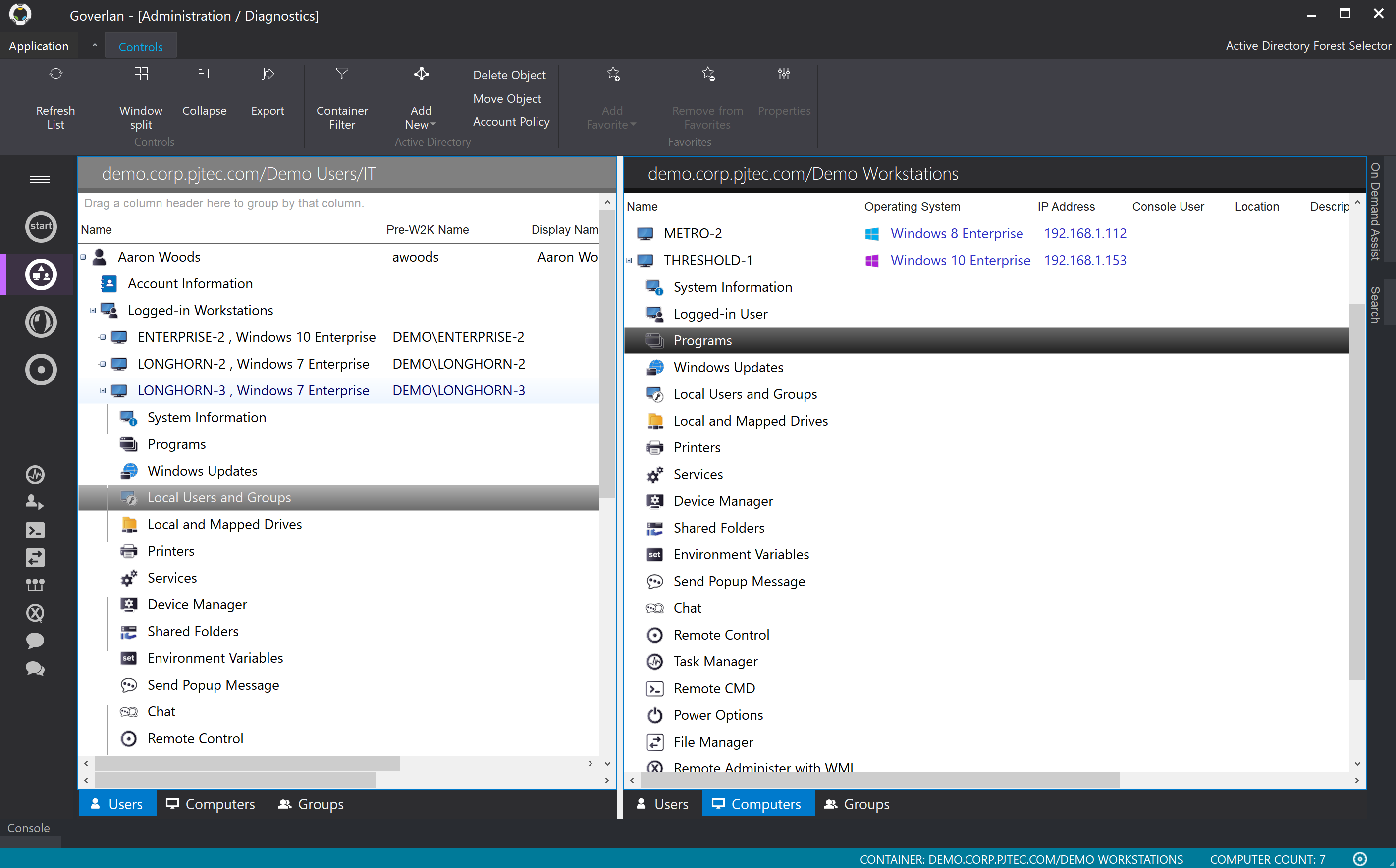


Goverlan - A Must have tool!
Pros
- Remote View and Control - provide remote support for Windows, Linux, and Apple machines. Goverlan is agent-based and Active Directory integrated making it super easy to track down a user or computer and provide assistance.
- Scope Actions - This is what Goverlan calls their remote procedures. Using this tool you can essentially use a building block type interface to evaluate a client and based on criteria perform an action whether that be reporting or software installation etc. This portion of the product is amazing and I cannot say enough good things about it but I do have one primary criticism. For all of this to work the client has to be online, any client that is unreachable fails and it simply moves on to the next. Because this is an agent based product it would be a very simple thing for them to force the agent to do a check for open job actions against a database on boot but they have not moved in that direction.
- Reporting - Again amazing. Set up your criteria and what you want reported back and Goverlan will scan the network and provide your choice of CSV or HTML based reports.
Cons
- Machines must be online for actions to be performed, scopes allow you to rerun them against failed objects only but really a much better option would be for client agent to check in at power on for open jobs.
- Newest version of Reach is glitchy on Windows 10 requiring the occasional restart of the application.
Return on Investment
- With a product like this it is entirely possible that you will see large increase in Help Desk efficiency for those who are willing to take the time to fully explore its possibilities.
- Much more robust that any other remote support product I have used while still extremely cheap compared to competing products. This can bring enterprise level support options to those that may normally not be able to afford it.
- Reporting features are invaluable to anyone wanting to truly know what is happening on their network.
Alternatives Considered
TeamViewer, GoToAssist and Zoho Assist
Other Software Used
Bitdefender GravityZone


