


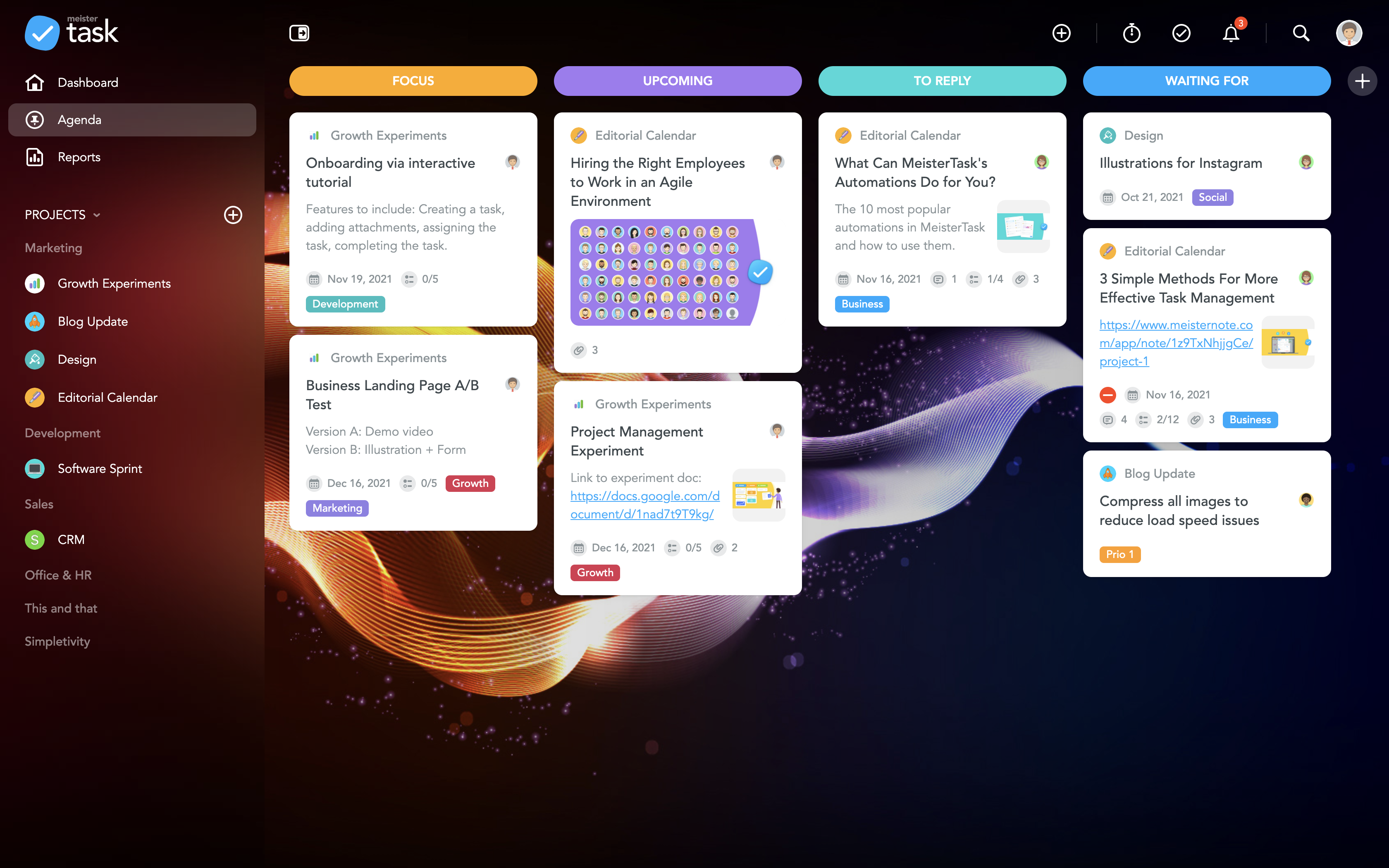


Getting on track with your to-do's and projects with MeisterTask

Use Cases and Deployment Scope
I have used MeisterTask as part of courses wherein students need to learn to work as marketeers and also undertake project management. This tool is being used to allow the students to learn to work with deadlines and multiple tasks and projects to help support agile ways of working with in school.
Pros
- visually clearly to distinguish tasks
- simple tracking
- creating projects and todo's right out of MindMeister
Cons
- with checklist item show a progress counter on the task card
- possibility to make columns smaller, now one needs to scroll when one had more than 4 columns
Most Important Features
- almost no learning curve
- data storage and cloud in Europe
- integration with ideation/ mindmapping tool MindMeister
Return on Investment
- It allows to optimize project management & collaboration with team, hence saving time
- smart workflow integrations such as timetracking making other tools redundant
Alternatives Considered
Trello and Asana
Other Software Used
Miro, Canva, MindMeister, MindManager, Trello, Todoist: To-Do List & Task Manager, Toggl, Semrush, Ahrefs, SimilarWeb PRO, Moz Pro


