

Microsoft Power Pages
1 Reviews and Ratings
What is Microsoft Power Pages?
Microsoft Power Pages: A Web Development Platform for Businesses
Overview
Microsoft Power Pages is a solution for businesses' online presence that simplifies the web development process. Designed for both low-code makers and professional developers, Power Pages attempts to blend ease and sophistication, and is used to create data-centric, scalable, and AI-enabled websites for those aiming to engage customers, collaborate with partners, or streamline internal processes.
Key Features
Drag-and-Drop Interface
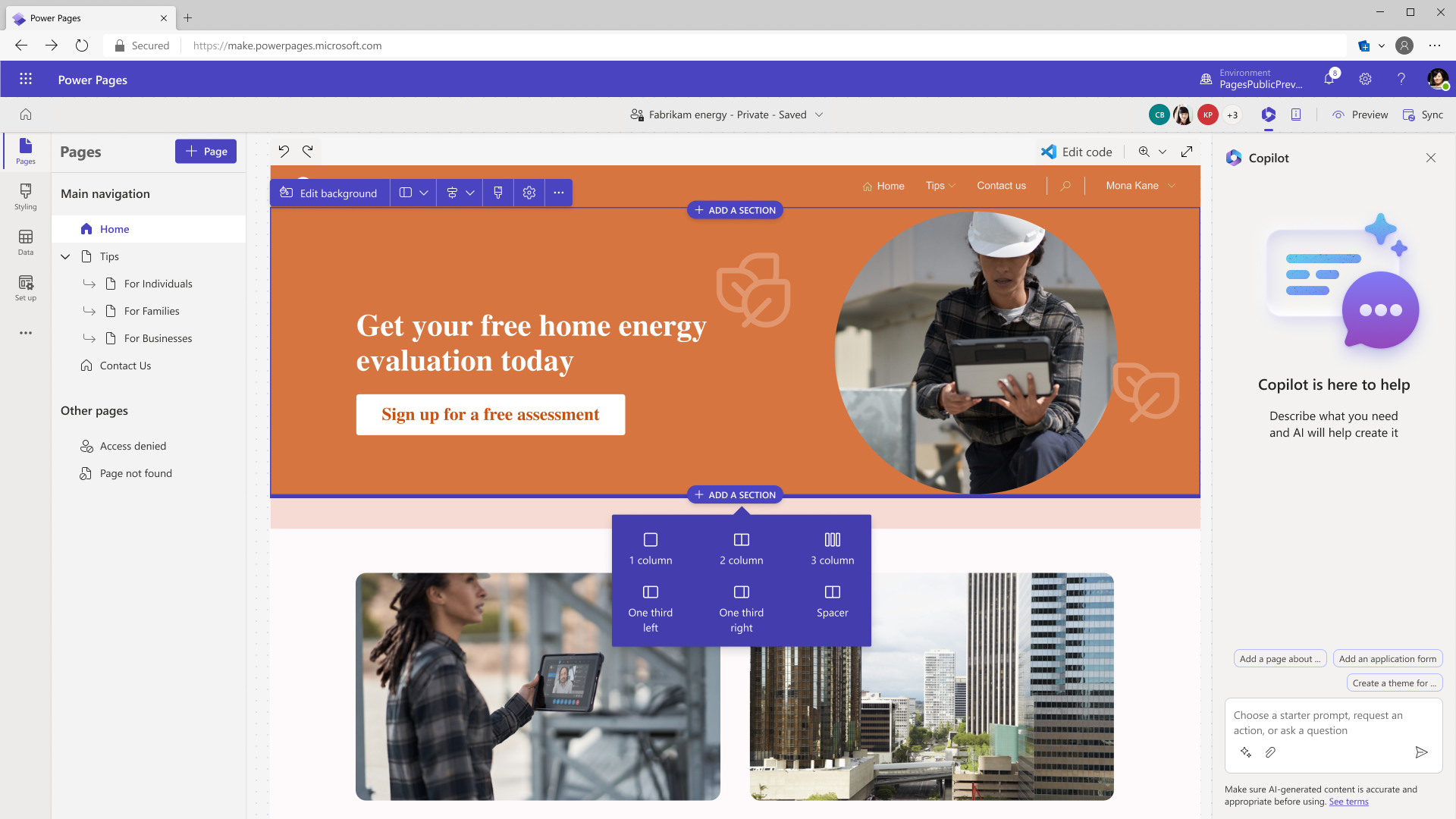
Basic pages can be created within minutes by simply dragging and dropping pre-configured components such as forms, views, charts, and dashboards onto a workspace.
Customization Options
Developers are not limited by the drag-and-drop interface; they can infuse customizations using both low-code and traditional coding platforms to suit specific business needs.
Templates
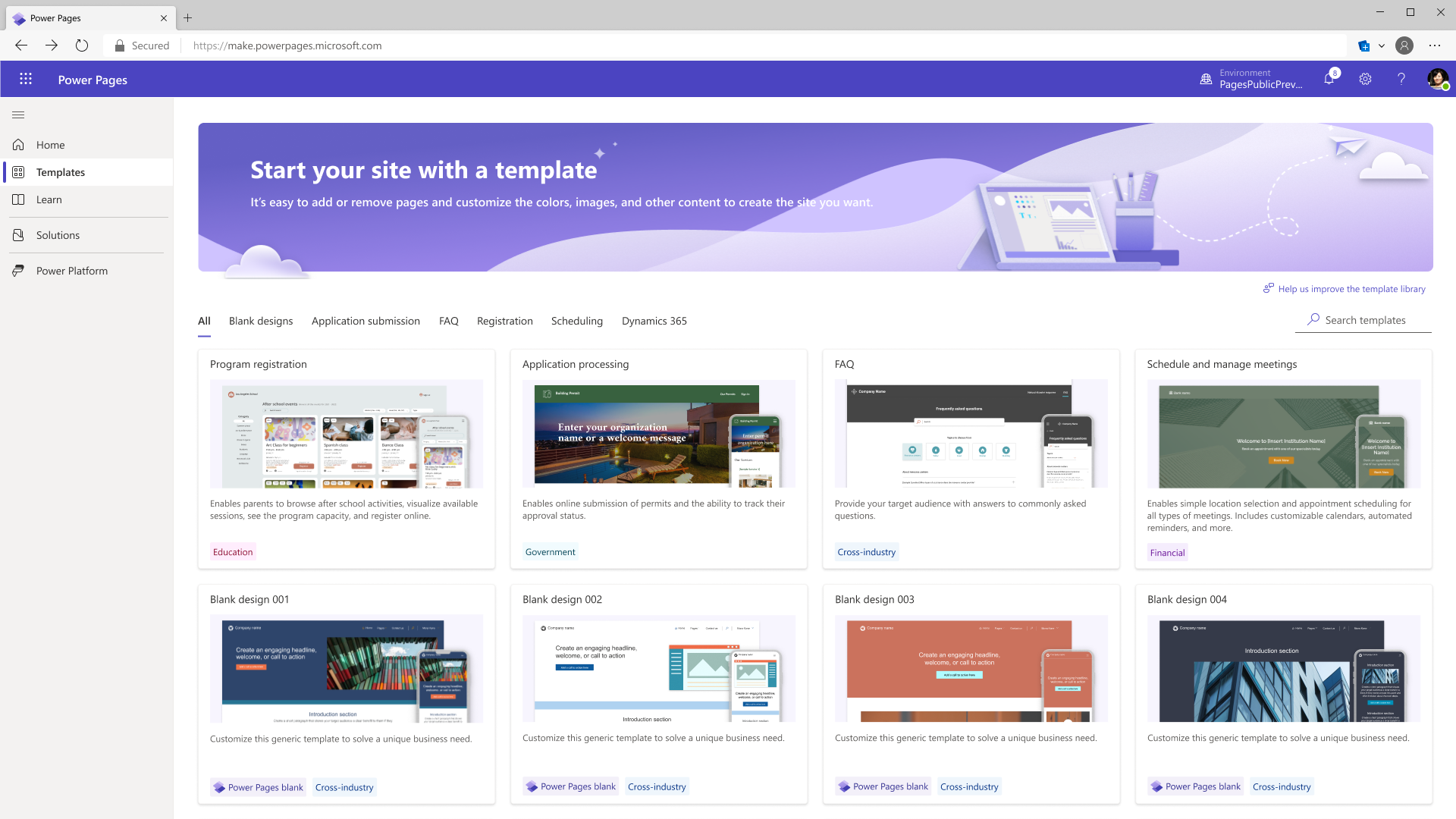
Pre-built templates that can be modified or integrated into existing pages to accelerate development.
User Authentication
Facilitates secure sign-ins via multiple platforms, including Microsoft, Facebook, and other third-party accounts.
One-Stop Management Dashboard
Administration of all components including search engines, chatbots, dashboards, and automation from a unified dashboard.
Scalability
Built to scale, Power Pages is designed to meet the needs of any business, from startups to large enterprises, without compromising on performance.
AI Capabilities
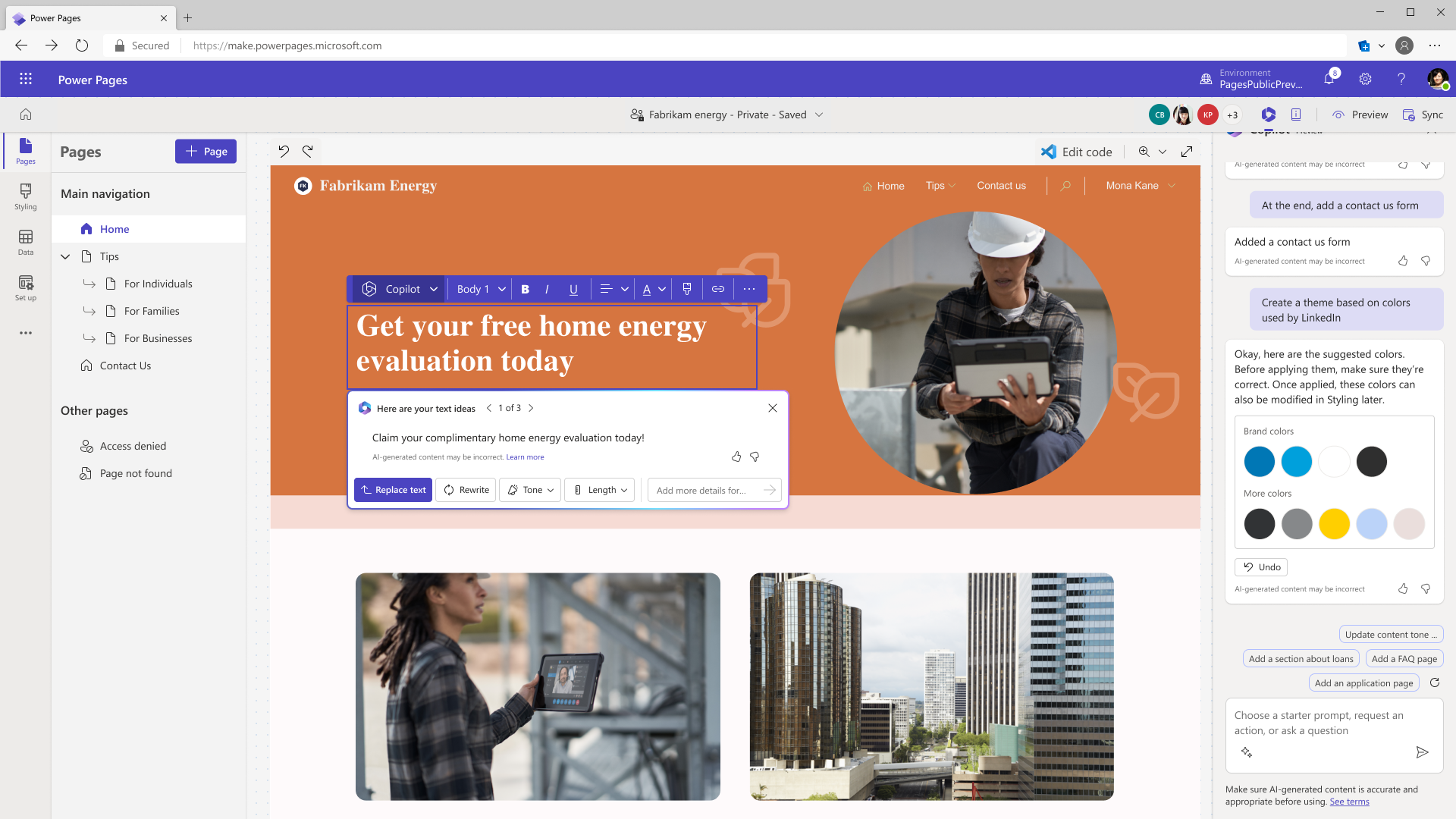
A built-in AI tool, Copilot, to generate text, construct forms, and activate chatbots.
Comprehensive Platform Integration
As part of Microsoft’s Power Platform, Power Pages can seamlessly integrate with other Power Platform components, allowing for streamlined business processes and automated workflows.
Enterprise-Grade Security
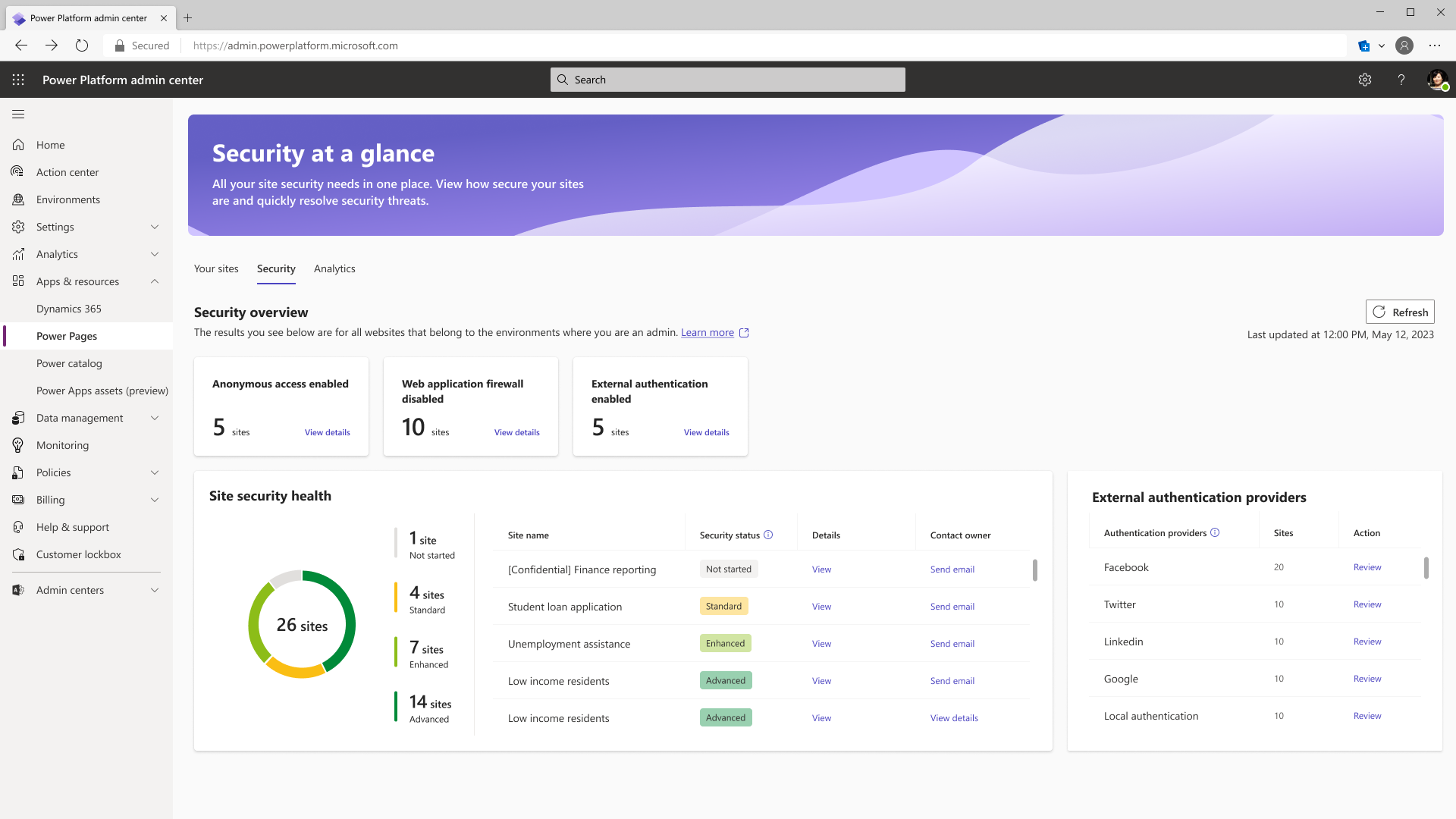
Maintains the integrity of data with role-based access controls that meet the standards of enterprise-grade security.
Data Modeling and Visualization
A data workspace for advanced business data modeling and visualization, making the website not just a front-end interface but a business tool.
Categories & Use Cases



Videos
Screenshots
1 / 4
Screenshot of Copilot - Microsoft Power Pages Screenshot
Technical Details
| Deployment Types | SaaS |
|---|---|
| Mobile Application | No |
| Supported Countries | Asia, Australia, Canada, Europe, France, Germany, India, Japan, Korea, Norway, Singapore, South Africa, South America, Switzerland, United Arab Emirates, United Kingdom, United States |
| Supported Languages | English, Bulgarian, Catalan, Czech, Danish, German, Greek, Spanish, Estonian, Basque, Finnish, French, Galician, Hindi, Croatian, Hungarian, Indonesian, Italian, Japanese, Kazakh, Korean, Lithuanian, Latvian, Malay, Norwegian, Dutch, Polish, Portuguese (Brazil), Portuguese (Portugal), Romanian, Russian, Slovak, Slovenian, Serbian (Cyrillic script, Serbia), Serbian (Latin script, Serbia), Swedish, Thai, Turkish, Ukrainian, Vietnamese, Chinese (Simplified), Chinese (Traditional) |