

Qlik Sense
1,000 Reviews and Ratings
What is Qlik Sense?
Qlik Sense is a business intelligence (BI) and visual analytics platform that supports a range of analytic use cases. Built on Qlik’s Associative Engine, it supports a full range of users and use-cases across the life-cycle from data to insight – with self-service analytics, interactive dashboards, conversational analytics, custom and embedded analytics, mobile analytics, and reporting. The solution comes in three different editions - Qlik Sense Enterprise, Business, and Team. Qlik Sense can be deployed in the cloud or on-premises.
The Qlik Sense analytics platforms aims to empower everyone in organizations to make data-driven decisions. People of all skill levels get analytical power, with associative exploration and search, AI-powered insight suggestions, AI-accelerated creation and data prep, advanced analytics integration, and natural-language, conversational interaction. They can share and communicate the insights they discover and get answers anywhere they work – with interactive and secure online and offline mobility. And for the enterprise, users get a platform with open and standard APIs for customization and extension, data integration and connectivity, centralized management and governance, and a Kubernetes based SaaS / multi-cloud architecture driving scalability across combinations of on-premise, private, and public cloud environments.
Categories & Use Cases
Videos
Screenshots


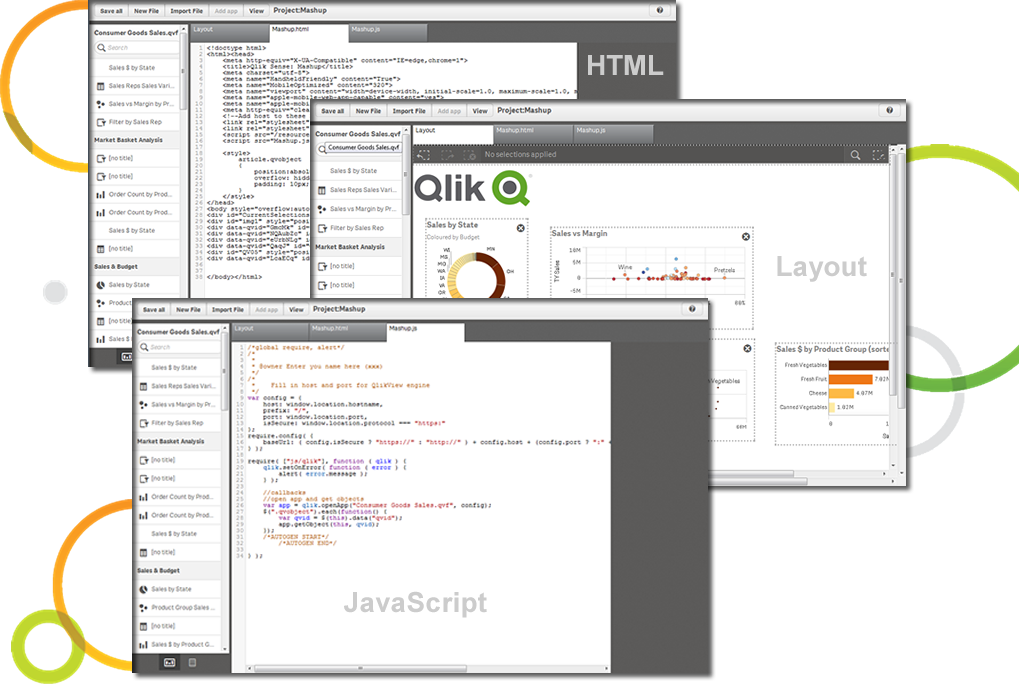


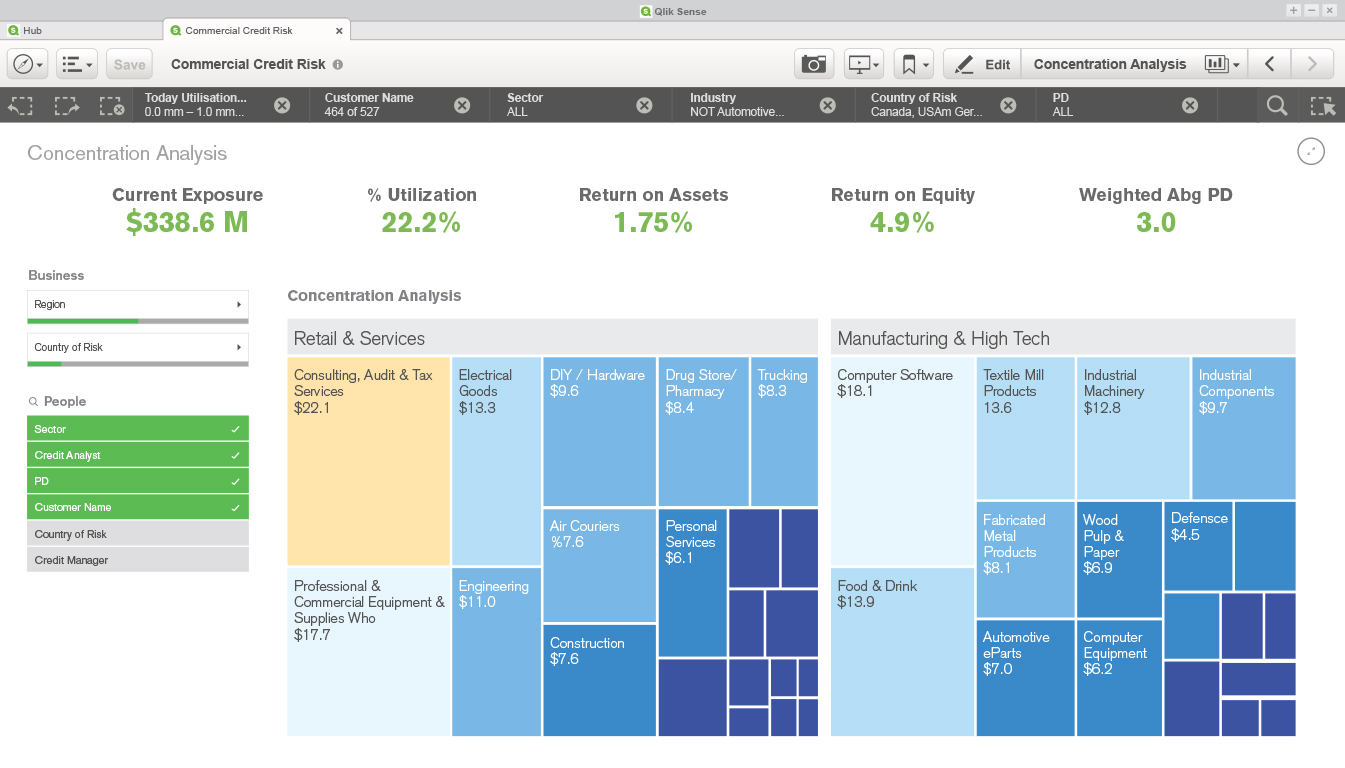


1 / 10
Screenshot of Qlik Sense Cash Flow Dashboard
Product Demos
Technical Details
| Deployment Types | On-Premise, SaaS |
|---|---|
| Operating Systems | Windows, Linux, Mac, Kubernetes |
| Mobile Application | Apple iOS, Android, Windows Phone, Blackberry, Mobile Web |
| Supported Countries | Americas, EMEA, LATAM, APAC |
| Supported Languages | The Qlik Management Console is English only. The Qlik Sense client supports the following languages: English, German, Spanish, French, Italian, Japanese, Dutch, Brazilian Portuguese, Russian, Swedish, simplified Chinese, Polish, Turkish, Korean, and Traditional Chinese. The language Qlik Sense uses depends on the language preferences of your browser. The default reading order in a Qlik Sense app is left to right. You can change the reading order to right-to-left in your app preferences if your data or labels are in a right-to-left language such as Arabic or Hebrew. |