


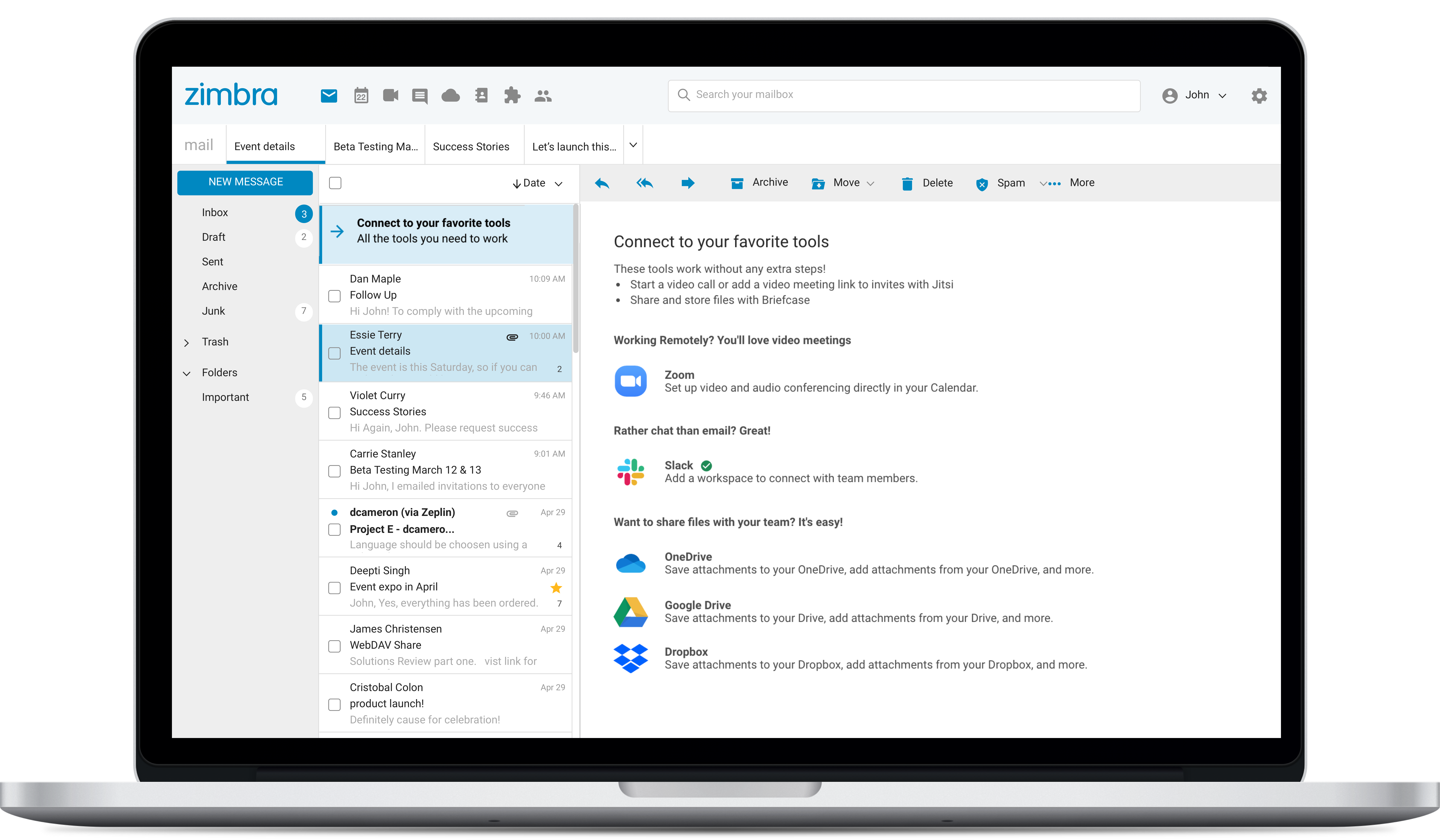
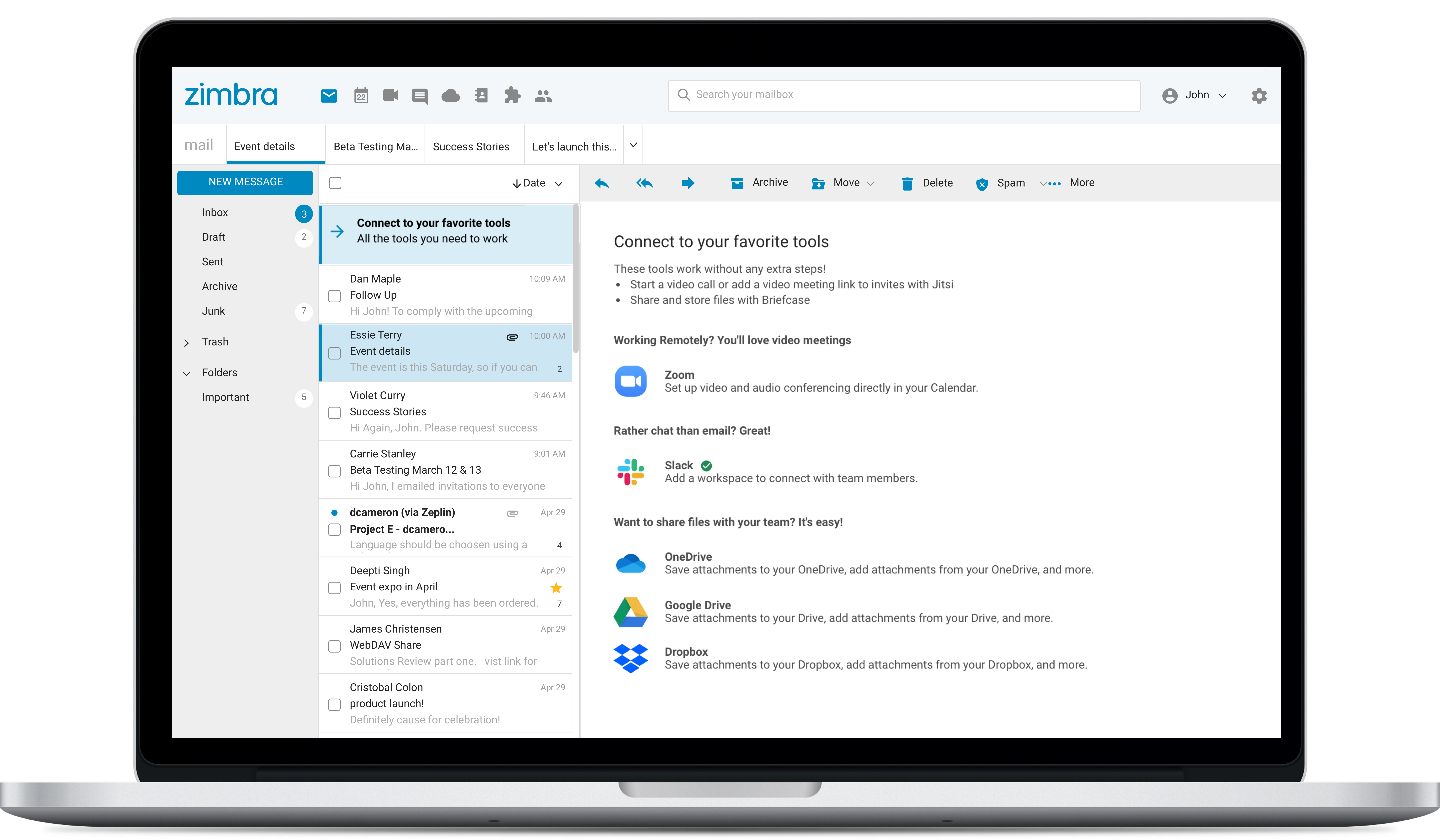
Zimbra: An Alternative to Major Cloud Email Platforms
Use Cases and Deployment Scope
We used Zimbra Email & Collaboration as an email solution for years in my previous company. It is a robust solution capable of competing with the best. Initially, we used the open-source version in an on-premise mode, achieving significant cost savings. Later, we transitioned to a SaaS service with network functionality. In both scenarios, it met expectations.
Pros
- Collaboration among users
- Solution customization
- Service accessibility
Cons
- Zimbra's mobile application leaves much to be desired; it is its weakest point.
- This forces the use of third-party applications on smartphones, which only offer a more or less complete integration with the ActiveSync protocol.
- Zimbra allows for an on-premise scenario, which is not for everyone, especially considering that the trend nowadays is to outsource email; in any case, it also offers this alternative.
- The cost of Zimbra as a SaaS solution comes too close to that of more widely adopted competing options.
- Zimbra lacks a robust integrated chat system, which its competitors offer.
- It lacks AI integration.
Return on Investment
- Zimbra can represent significant cost savings in on-premise mode, although this entails another type of technical effort and expense; it is necessary to crunch the numbers in each case.
- These savings are also relative to the number of users; it might not make sense for very small companies.
- When Zimbra was launched, it marked a breakthrough compared to existing solutions, providing more than just email. However, today it cannot compete functionally with solutions like Office 365 or Google Workspace.
Usability
Alternatives Considered
Microsoft 365 and Google Workspace
Other Software Used
Microsoft 365




