

ZoomSphere
4 Reviews and Ratings
What is ZoomSphere?
ZoomSphere is a social media scheduling and management solution designed for teams to plan, schedule, auto-publish, and analyze their social media content across multiple platforms.
ZoomSphere is primarily used by social media managers, marketing teams, and agencies to streamline content workflows, improve collaboration, and track performance across various social media platforms, including Instagram, Facebook, TikTok, LinkedIn, YouTube, and X. The software helps users automate routine tasks, gain insights into content performance, and ensure consistent social media activity.
Key features:
Ideal for businesses and agencies, ZoomSphere simplifies managing multiple profiles, automates tasks, and fosters team collaboration.
ZoomSphere is primarily used by social media managers, marketing teams, and agencies to streamline content workflows, improve collaboration, and track performance across various social media platforms, including Instagram, Facebook, TikTok, LinkedIn, YouTube, and X. The software helps users automate routine tasks, gain insights into content performance, and ensure consistent social media activity.
Key features:
- Approval Flow: Manage post approvals with tools like statuses, built-in chat, and comment panels.
- Workspaces: Organizes clients and teams for project management.
- AI Copywriter: By defining a brand's persona through a prompt, generates multiple captions in seconds.
- Bulk Approval in Email/Chat: The quickest way to approve whole batch of posts.
- Mobile App: Stay connected with push notifications, content reviews, and instant approvals.
Ideal for businesses and agencies, ZoomSphere simplifies managing multiple profiles, automates tasks, and fosters team collaboration.
Categories & Use Cases
Videos
Screenshots




1 / 7
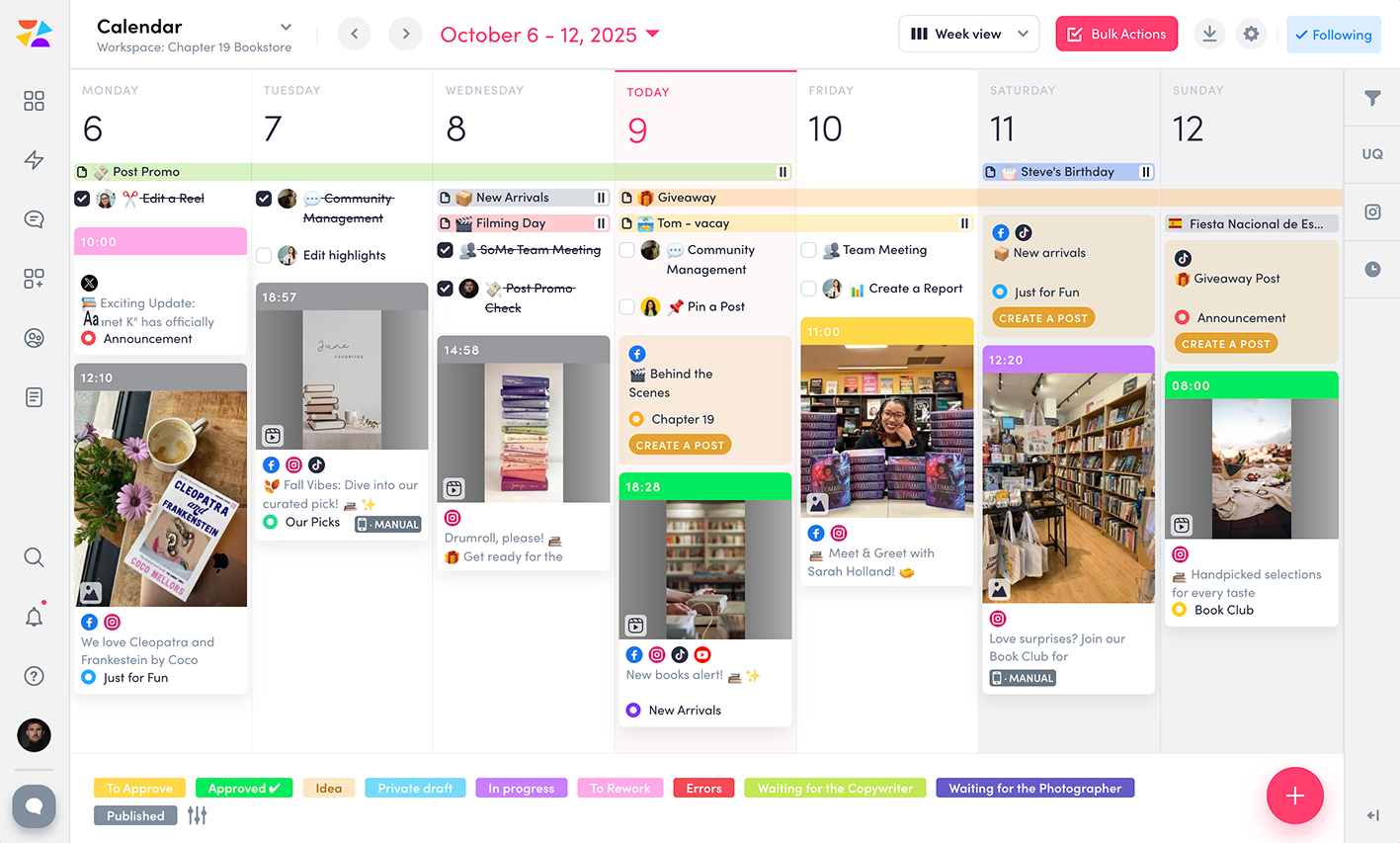
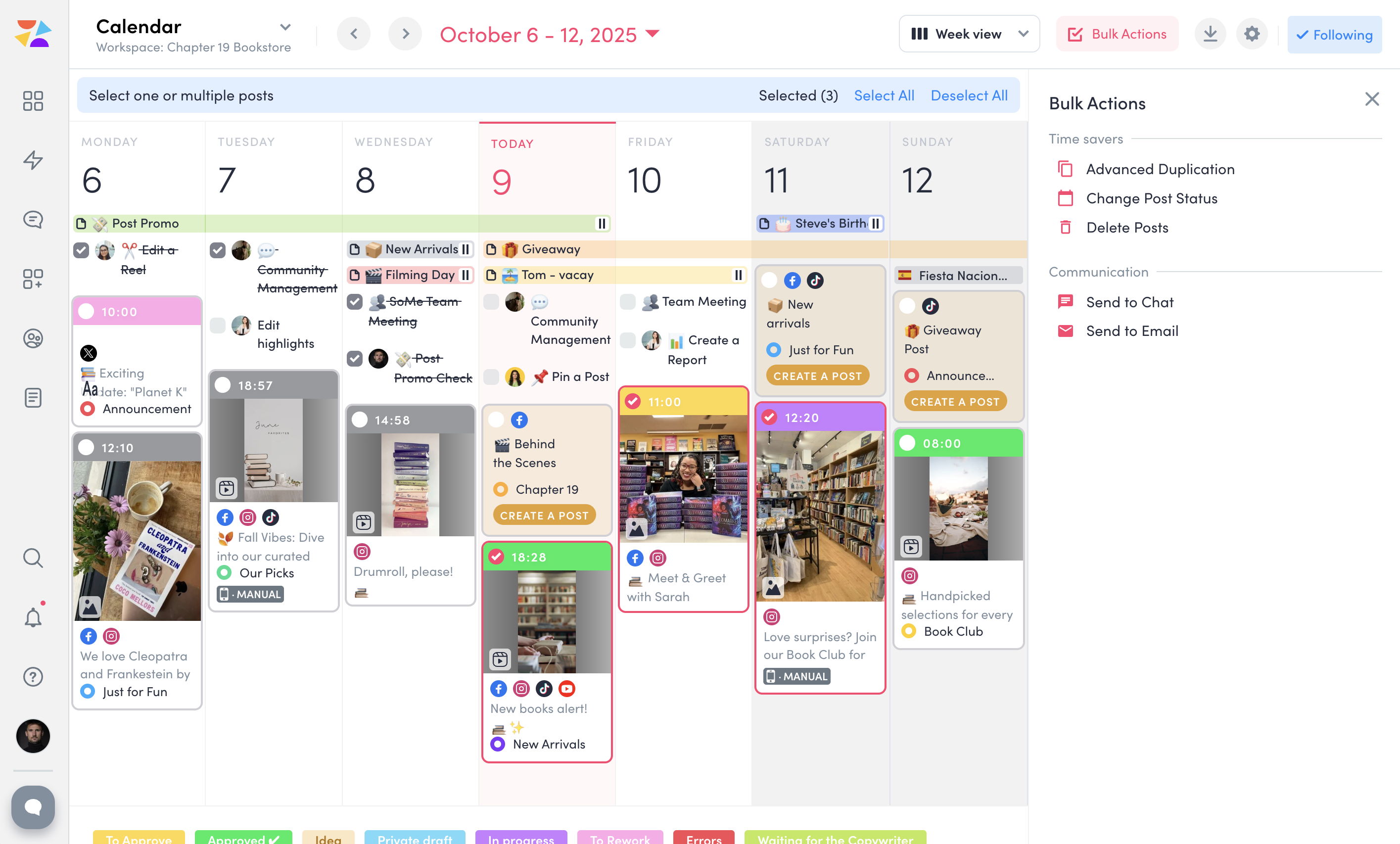
Screenshot of ZoomSphere Workspaces, which lets the user keep clients and projects organized. A separate workspace can be set up for each client with only needed apps—no extra clutter. Each workspace comes with a built-in Chat for easy communication and a Files section to store everything from images and videos to presentations and reports, keeping work in one place.
Technical Details
| Deployment Types | SaaS |
|---|---|
| Mobile Application | Apple iOS, Android |
| Supported Languages | English, Czech, Slovak |
FAQs
What are ZoomSphere's top competitors?
Sprout Social, Kontentino, and Metricool are common alternatives for ZoomSphere.