ProProfs Help Desk is a customer support tool that promises to help agents track and resolve customer-care-related issues. The cloud-based software aims to enable businesses to deliver a delightful customer experience. This becomes possible with faster and effective ticket resolution. Key benefits and capabilities include: Timely resolution of customer queries: Customers feel delighted with timely responses. ProProfs help desk ticketing system allows managers and system…
$0
Unlimited Users
SolarWinds Web Help Desk (WHD)
Score 8.0 out of 10
N/A
SolarWinds
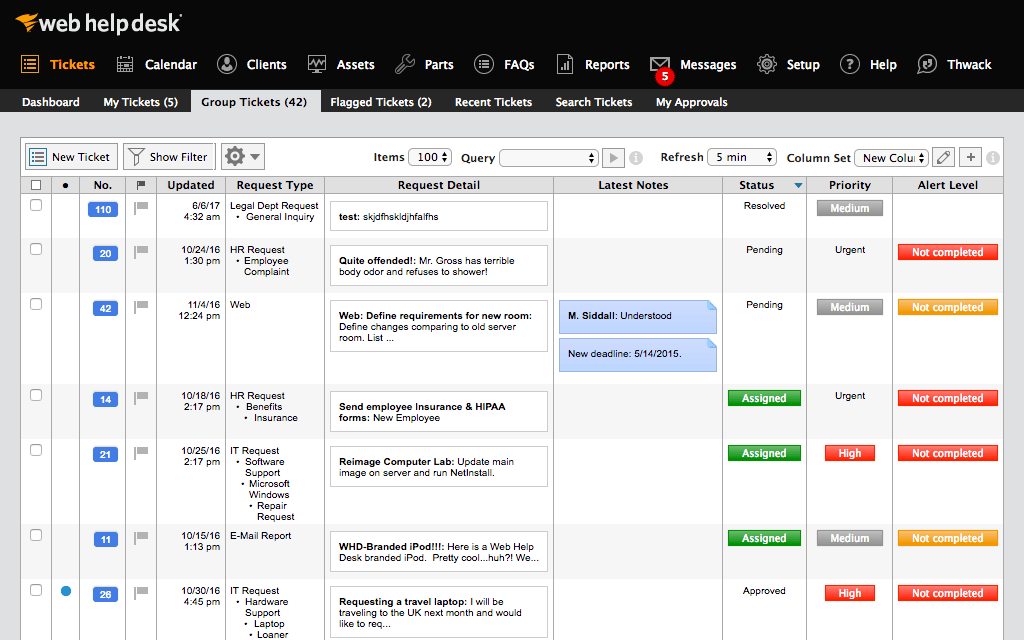
Web Help Desk is ticketing and IT asset management software. It is designed to
simplify help desk management. This solution includes built-in ticketing
management, asset management, change management, and knowledge base
capabilities.
N/A
Pricing
ProProfs Help Desk
SolarWinds Web Help Desk (WHD)
Editions & Modules
Free
$0
Unlimited Users
Team
$29.99
per month per user
ENTERPRISE
$ 499 per month
Unlimited Users
No answers on this topic
Offerings
Pricing Offerings
ProProfs Help Desk
SolarWinds Web Help Desk (WHD)
Free Trial
Yes
Yes
Free/Freemium Version
Yes
No
Premium Consulting/Integration Services
No
No
Entry-level Setup Fee
No setup fee
No setup fee
Additional Details
—
SolarWinds also offers Perpetual licensing starting at $1129 per technician.
More Pricing Information
Community Pulse
ProProfs Help Desk
SolarWinds Web Help Desk (WHD)
Considered Both Products
ProProfs Help Desk
Verified User
Anonymous
Chose ProProfs Help Desk
I shifted from Kayako to ProProfs Help Desk for mainly two reasons, UI and features.
ProProfs Help Desk definitely has a more user-friendly interface and the features offered by this tool are also more compared to Kayako. A few features that aren’t available in Kayako but are …
Many years ago at a different employer, we utilized CA Service Desk, which is now under the Broadcom umbrella; previously it was under Computer Associates. What a nightmare to configure and set up ... it took months to get this product off the ground. SolarWinds Web Help …
I used ManageEngine ServiceDesk and ServiceNow at previous jobs. SolarWinds Web Help Desk was in place when I came to this job and I was disappointed when I started using it as it has a more clunky, less intuitive interface, and lacks the features of those products. And it gets …
This product is "fine" if you need a basic ticketing solution and your users are on prem. It ties nicely to an on prem active directory solution, but not Azure or Google workspace. The reports are decent, but there are better options available.
SolarWinds Web Help Desk (WHD) holds its own among the top competitors for help desk systems. Some advanced functionality, and more-so the lack of polished interface knocks it down compared to some competitors. I selected SolarWinds Web Help Desk (WHD) simply because I came …
From a quality and use standpoint, they leave ALL of them in the dust. As far as support is concerned, they are faster and more accurate at resolving issues. Their software goes in easily, and functions as it is supposed to with minimal problems. And, as I have said before, …
SolarWinds Help Desk's overall package of tools is superior in our opinion to the other Help Desk products we have evaluated and tried in the past. We selected SolarWinds because the overall ROI was greater and the efficiencies that we could implement immediately made more …
Web Help Desk is definitely lacking in the UI/UX department compared to most other ticketing systems I have used int he past. It's very utilitarian; however, what it lacks in UI it makes up for in extensibility and customization. The main issue that the developers need to …
BMC Track-It! was my first choice for a help desk solution, but we chose SolarWinds Web Help Desk primarily based on cost alone, a now regrettable decision. Track-It! is a far superior product and is better than SolarWinds WHD in every way. That being said, for the cost and …
SolarWinds is probably the most basic of the 3 that I've worked with. SolarWinds was selected because it was the cheapest and we just wanted to use something that was fairly quick to set up and get going. Autotask is quite robust and might be a bit too much for what we need. …
SharePoint is a tool that you make fit your requirements. This takes a lot of time and effort. WHD had most of the features our organization was looking for without the hassle of having to write HTML and pay licensing fees for a product that needed to be tailored to be properly …
UI overall was poorly implemented and work flow seemed wonky at best. Ease of use of SolarWinds Web Help Desk was simple and implementation was a breeze. Major plus was asset tracking over old product.
We have used other systems. The simplicity of SolarWinds Web Help Desk, its ease of setup and use have made it a valuable tool in our toolbox. You can pay hundreds of thousands of dollars for a sprawling Help Desk package, but if your needs are like most companies, SolarWinds …
We primarily selected SolarWinds Web Help Desk because of the rich feature set and low price point. When we were doing comparisons of the different suites available, we wanted to find an easy to deploy, feature rich, and inexpensive solution. Web Help Desk met all these …
As this tool is an affordable option, this help desk software is best suited for startups to deal with their customer base and build customer-centric brand value. This helps in not only helped me increase customer loyalty but also ensured customer retention, increasing my company’s profits substantially. But, this tool does have a few minor drawbacks. The most important feature, for me, that is missing from this tool is skill-based routing. Without this feature, our agents lose a lot of time in replying to just one customer question. Sometimes, the ticket needs to be reassigned to a specialized agent - and until they are available, the ticket remains open.
[SolarWinds Web Help Desk (WHD)] works well in education, I'm responsible for over 500 classrooms, thousands of users and computers. Using WHD to keep track of who has what devices and which devices need to be retired has helped the user experience. I'd recommend this product to anyone managing an IT department.
Sometimes customers ask questions that require more than one agent to look into the matter. For such situations, ProProfs Help Desk has the “child ticket” feature. This literally made my life so so easy! Whenever I was in this situation, all I had to do was create a child ticket and assign it to another agent and give him a heads up on what has been going on. Answering a customer’s question accurately becomes really easy with this feature.
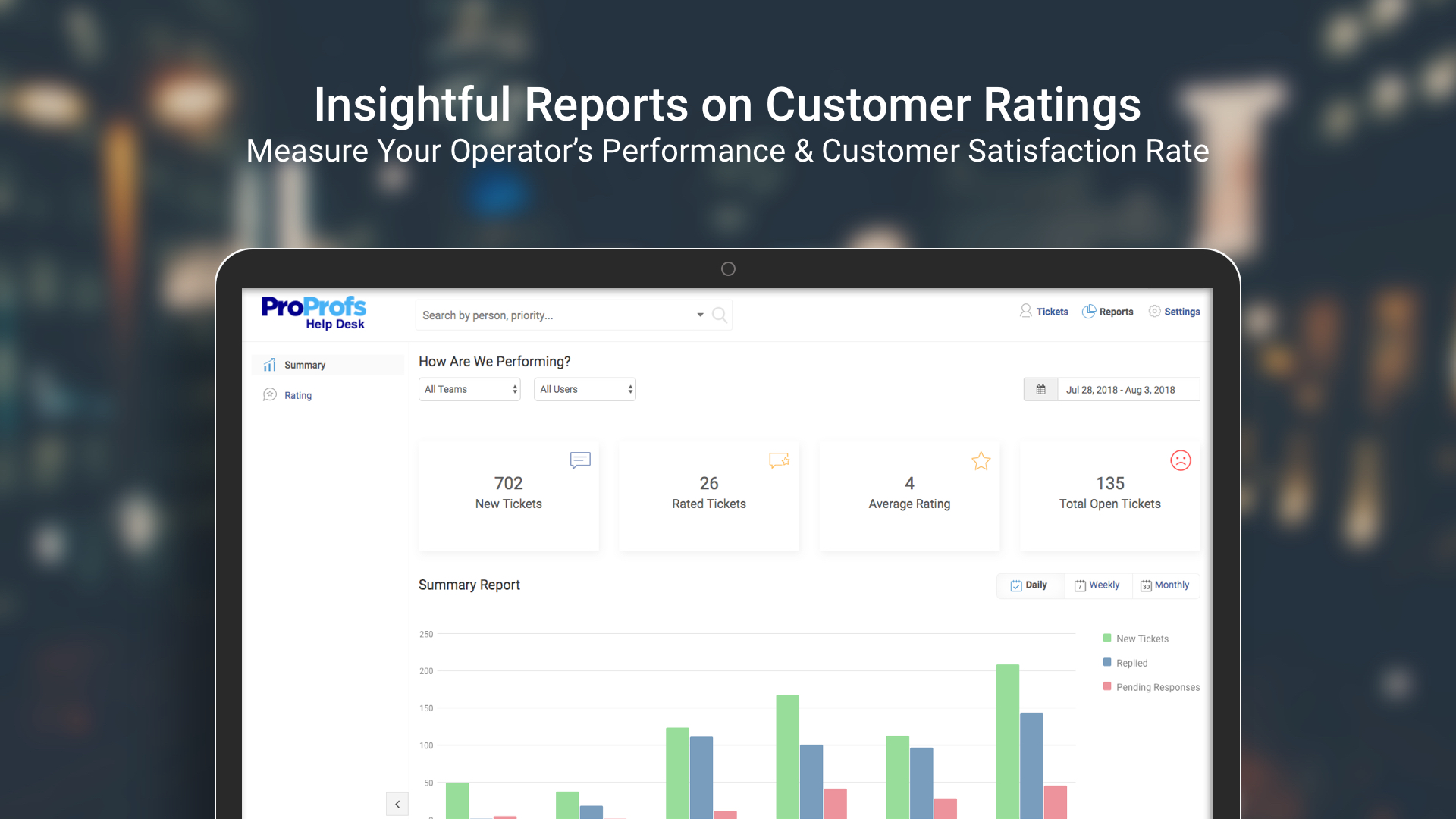
Our entire team’s performance was always static. We never knew how anyone was performing or was anyone making any difference in the overall company’s value. With this tool, it became easy to see how every agent is performing and whether there was any positive impact on both - the company and our current customer base.
Email notifications are pretty good; you can add hidden notes, close/resolve/update tickets just by selecting the appropriate link in the email that is sent when a ticket is created or edited.
It provides a great deal of information to both the user and tech.
It allows us to automatically update asset information with our mobile device management system by using an extension.
This tool does route tickets, but the one drawback is that the tickets are;t assigned to a specialized agent. It is randomly assigned to any available agent, and if he doesn’t have expertise in terms of the customer question, it becomes hard to give an accurate answer.
Giving automatic responses to customers makes our life easy, but we can’t personalize these messages. This sometimes makes our customers feel that they are talking to a bot, making it difficult to answer their questions without them having a hostile reaction to the automated answers.
We are definitely going to be sticking with Web Help Desk for the foreseeable future since the product is very inexpensive for the features that it provides, the integration that it has with our existing systems, and the ease for managing users, assets, locations, and tickets. Web Help Desk is a great product that is backed by even better support, which is well worth looking into if you are considering moving to a new ticketing system.
It's not cloud based so users have to be on the network to submit a ticket. It doesn't plug into Google or Microsoft Azure so all inventory has to be manually entered. It seems like solar winds is allowing the product to slow fall into obsolescence
SolarWinds is a great customizable and affordable ticketing system. We use SolarWinds Web Help Desk for IT and Software Development trouble ticket tracking and resolution. The reporting that SolarWinds provides is great since it helps us discover problem areas and fix those areas so they don't keep reoccurring
Take the time to roll out a test VM to configure and make changes to before doing a live deployment, this way you don't end up with a VM that has been tweaked and re-tweaked until it's perfect and instead end up with a final, polished product. I would also recommend taking the time to read through the support forums for figuring out minor issues that may pop up, chances are that you aren't going to be the first one to encounter them. When all is said and done, SolarWinds Support is VERY responsive and you shouldn't hesitate to contact them.
I shifted from Kayako to ProProfs Help Desk for mainly two reasons, UI and features. ProProfs Help Desk definitely has a more user-friendly interface and the features offered by this tool are also more compared to Kayako. A few features that aren’t available in Kayako but are available in ProProfs Help Desk are multiple shared inboxes, private notes, and email ticketing.
I used ManageEngine ServiceDesk and ServiceNow at previous jobs. SolarWinds Web Help Desk was in place when I came to this job and I was disappointed when I started using it as it has a more clunky, less intuitive interface, and lacks the features of those products. And it gets frustrating because sometimes it doesn't work right. Like I will open a ticket and click on the button to add a note and instead it will close the Notes section. So then I have to close and reopen the ticket and try again. Same with closing a ticket. I change the Status to "closed" and click on "Save" and it doesn't save. So I have to keep repeating this until it works. Also, it's lacking features like the ability to unmerge or split tickets, that I had in other products. And sometimes when users reply to tickets it creates another ticket instead of adding it to the existing ticket and then we have to merge tickets. Also, it's lacking the integration with users and assets that those other products have.
Overall we have become more efficient using this tool and our ROI for implementing this has been great. By having a service tool that can manage inventory, tickets, as well as change management just to name a few, our company is better off in our support.
The core business community has seen quicker responses to tickets through use of the ticketing tool. Business continuity has had less disruptions as we are better able to anticipate or respond to issues.
Finance has been happier with our ability to do cost analysis by using the various tools in SolarWinds help desk.