ReachMail focuses on assisting email marketers in achieving delivery success, and present their services a a guide in the ever-changing world of marketing and transactional email. ReachMail includes tools like optimized time-of-day sending, integrated list hygiene and expert support.
$9
per month
Zoho Campaigns
Score 8.4 out of 10
N/A
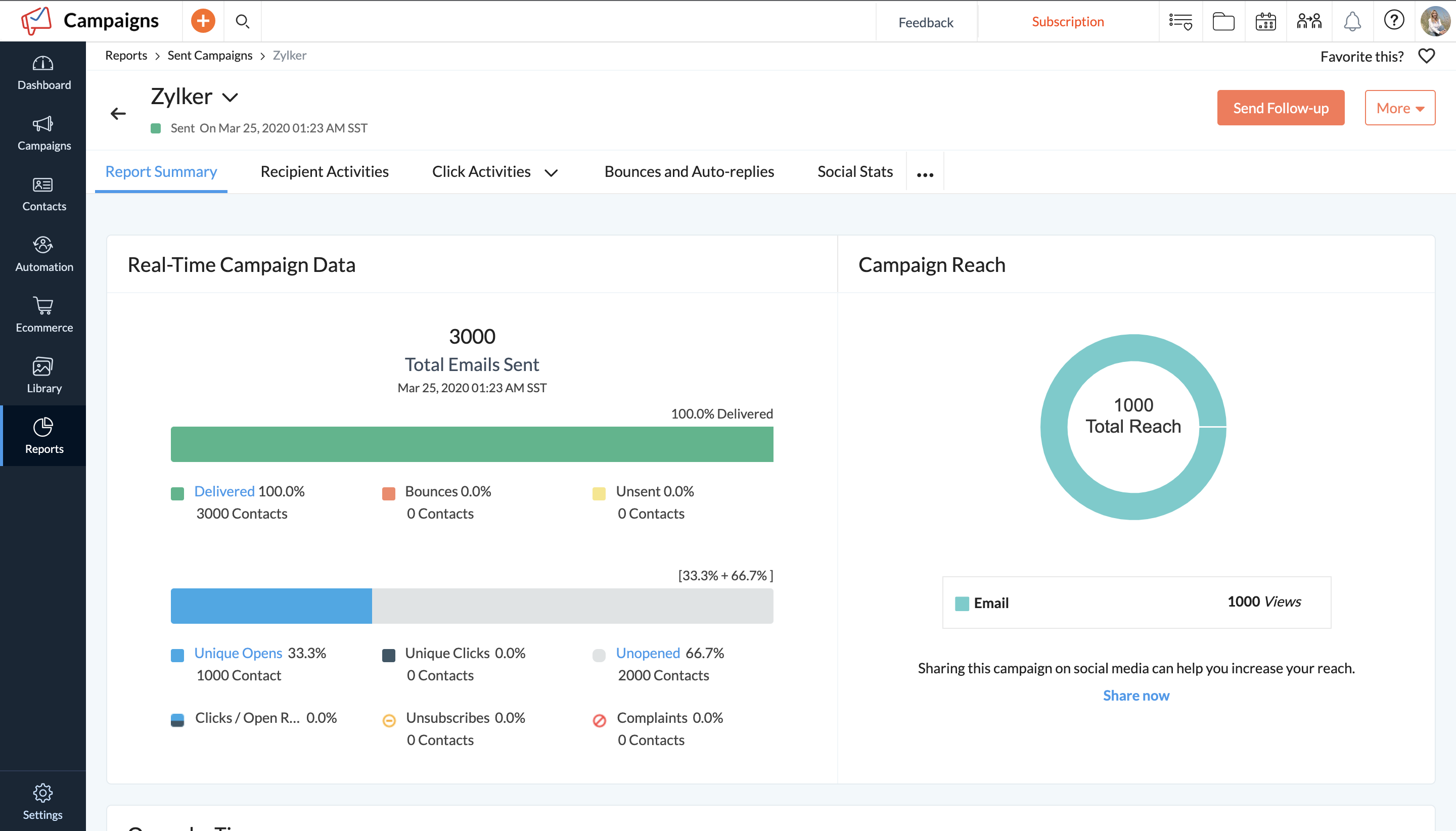
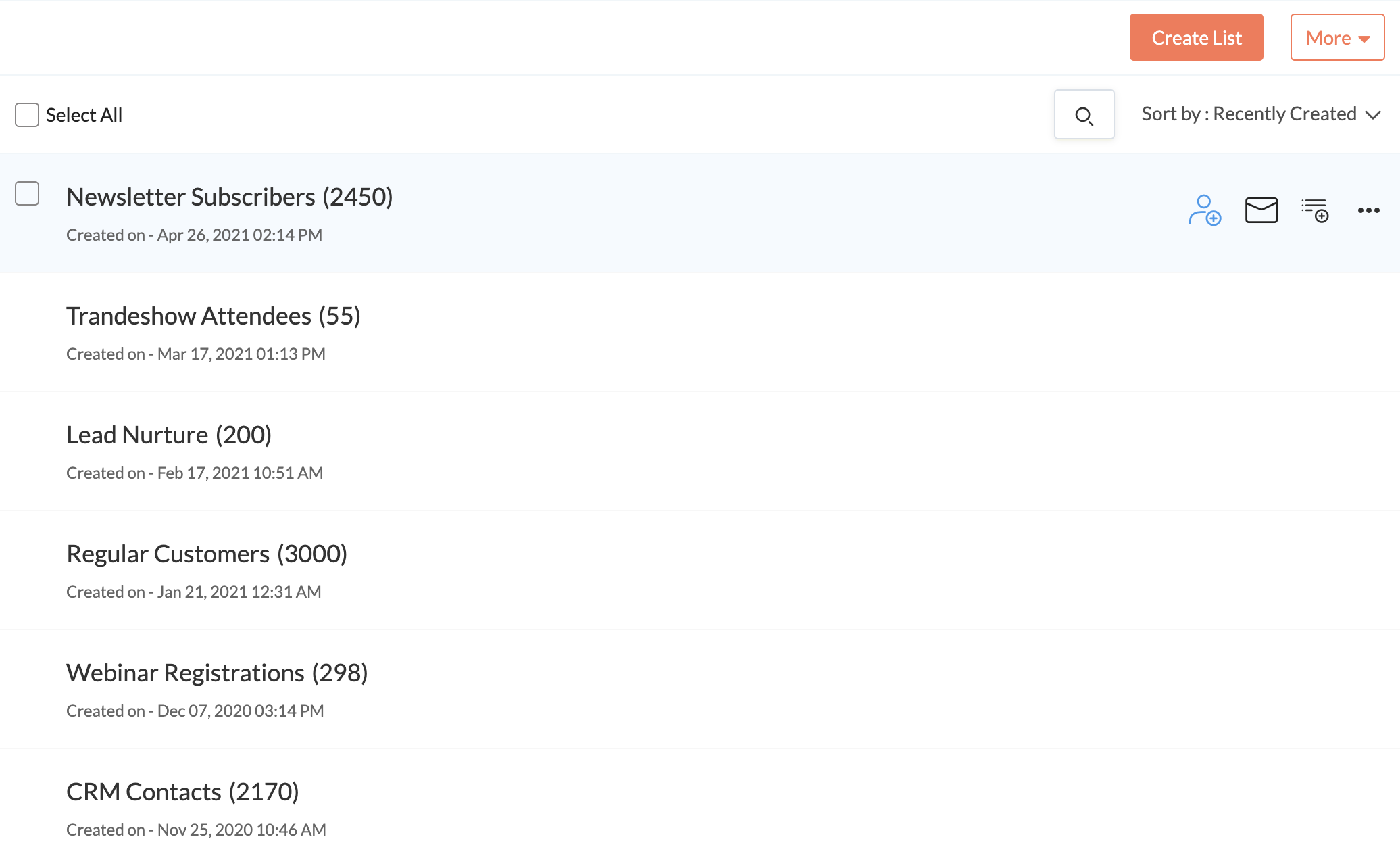
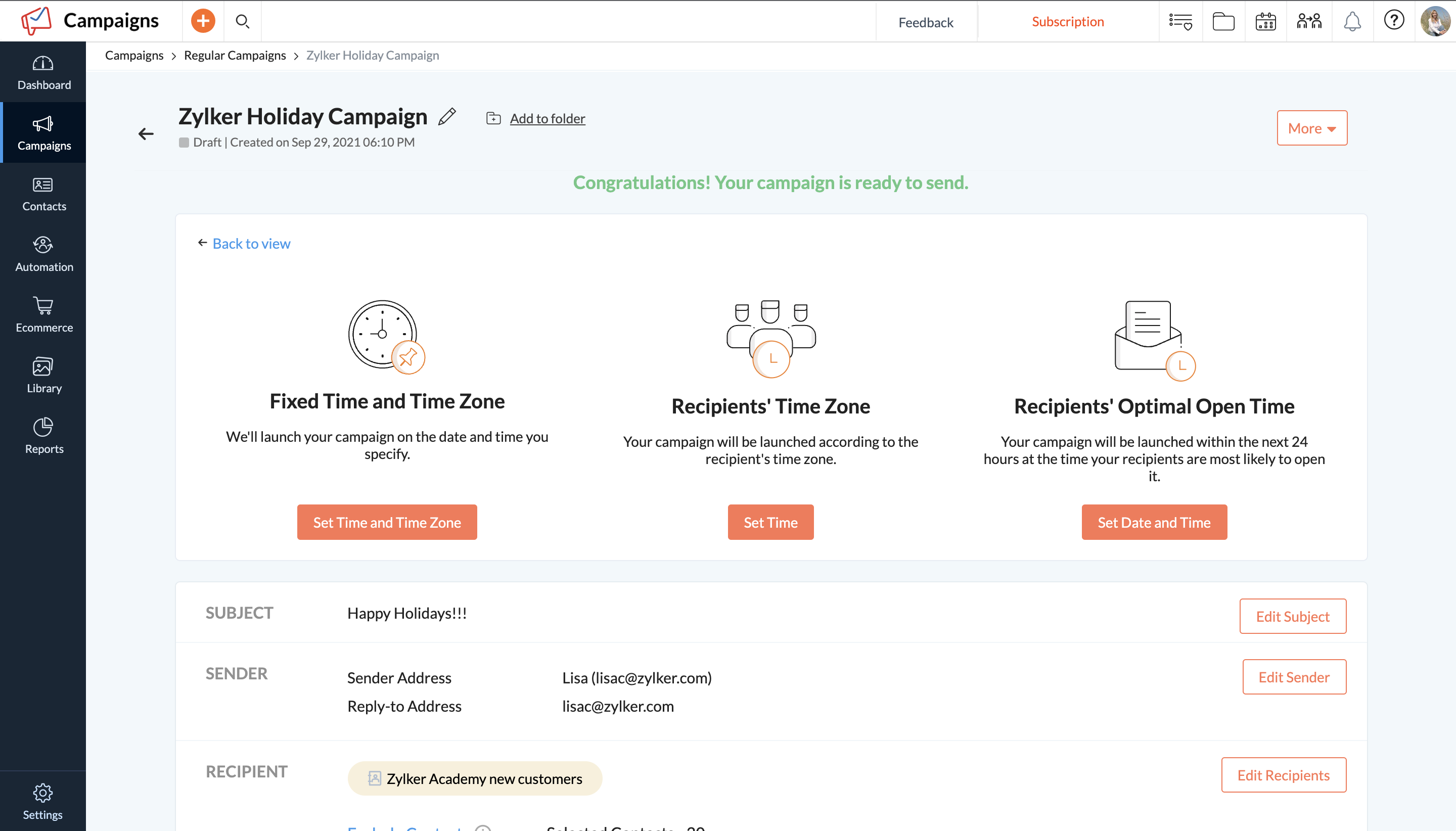
Zoho Campaigns is an email marketing and social networking campaigning tool for smaller companies that helps create, send, and track effective email campaigns. It features list management and segmentation, A/B Testing, tracking and reporting, automation, and mobile campaign management.
In my opinion, ReachMail is a good competitor to MailChimp, probably has more features though and analytics to help organize information. There are also a lot more third party integrations that have helped us compared to other apps that we've tried before, but ReachMail has …
In the past I've used both Salesforce and QuotaFactory (now defunct) to send mass emails and both are far superior in presentation, if not functionality. Reachmail is probably fine when you have graphical content but for text emails it just doesn't stack up. I'll look into …
Constant Contact:
Program marketing dollars disallowed when organization was absorbed by another entity, so Reachmail's free account was chosen to replace for localized target audiences. Constant Contact is visually more appealing and has more ready-to-use templates, but …
We use both reachmail and exact target for email deployment. Reachmail is easier to use for uploading lists and sending emails but exact target is better for reporting.
Exact Target is preferable for batch jobs, including custom reporting, as well as list organization and folder trees, but I enjoy the ReachMail experience better overall. ReachMail generally has a faster interface; it's easier to implement personalization, and ReachMail can use …
A lot of the content syndication vendors can produce the same leads and tactics, so not much to say on how they are different. I do keep going back to ReachMail though because I have built a relationship with my CSM, so that helps establish trust and partnership.
I used to administrate our audiences in Zoho CRM, but then I just keep working with Campaigns since we developed our own CRM. I selected Campaigns because it was a very easy platform to use, good performance and analytics.
We didn’t like the pricing of Maropost and we have found Zoho best when it comes to pricing and the other reason to move from Maropost to Zoho was the leaders that were less as compared to that offered by Zoho Campaigns. Moreover, Zoho has created much ease in our work. It is …
While we still believe that Mailchimp has more options for expansion at this point, Zoho Campaigns works better for us so we don't have to leave the Zoho suite of programs so much. Since our main e-mail is through Zoho Mail, the integration of both products is integral.
We decided to try Zoho Campaigns in lieu of previous applications being used. For the most part, the setup was similar and straightforward but the nuances in the UX and difficulty finding features made it feel harder than it had to be. Overall we still prefer other CRM …
Zoho Campaigns is not for beginners to email marketing, but it’s an excellent choice for those who want to send out a lot of emails with few restrictions and great reporting. It’s a no-brainer if you’re already a Zoho user, as Campaigns is included in Zoho One subscriptions and …
The main reason we picked Zoho Campaigns was that we needed to use Zoho Books. QB Desktop, Online and Xero all didn't support the features we needed so we went with Zoho Books. It was the best decision we made. We now get Zoho CRM, Campaigns, Inventory, and 20+ other major …
If you are on a budget or already using Zoho's other products such as CRM, Zoho Campaigns is a good choice to get you up and running with email campaigns. Mailchimp is also affordable and has a lot more capability and customization of the templates and landing pages, but does …
Zoho is not just the one application but actually is a suite of interconnected applications so I can use my Campaign and incorporate it into another application. I also have a little more flexibility with Zoho Campaigns like creating something in a different format then just …
I have not chosen Zoho Campaigns over any other solution, I use all of them for different business scenarios and various client initiatives. I use smaller campaigns under 5k subscribers and use the other solutions for larger campaigns.
Zoho Campaigns is a clumsy attempt to further bring your customer management under the Zoho umbrella. Contact management and CRM integration need a lot of work. Master style definitions, custom templates, and deliverability statistics would be good improvements. On the other …
We chose Zoho Campaigns because we already use their suite of applications, and the UI/UX is quite the same. Zoho Campaigns is a quite excellent and powerful app for campaign management, but other products are more developed technically and visually. But Zoho Campaigns gets the …
Zoho Campaigns is much less user-friendly than the other options I've tried. It doesn't seem to have great integrations with other systems either. For example, the forms they give you slow down websites and look terrible. Ultimately, the only time I've gone with Zoho Campaigns …
Zoho Campaigns is honestly the worst email sender in the world. Anyone considering it should stay away. We have opted-in customers who are begging for emails from us and while we were using Zoho Campaigns (we are still moving away currently) no customer has received even one …
Its easy setup and user interface made it one of our primary tool for sending newsletters and email campaigns. I don't always need to supervise my team on this tool. My team is well versed with the process involves in creating email campaigns on this tool. And the kind of …
I've used MailChimp before, which is a great tool (I might prefer it in many situations), but for our needs in our organization, we went with Zoho Campaigns. This decision was made because of the painless integration with Zoho CRM, which we already use and love. This was the …
In my experience, I liked Mailchimp a lot because of the many features it has. In comparison with Zoho Campaigns, I feel that it is superior but what I find most helpful, and the main reason why I use Zoho Campaign, is that the applications I use can be integrated and I can see …
Campaigns came with Zoho CRM, so that's the ONLY reason I use this product. I can't justify paying for MailChimp when I have a free product. BUT, if I paid for this I would have switched a long time ago. In fact, I would have never picked it because it doesn't even compare …
We already use Zoho CRM so it made sense to use Zoho Campaigns to make importing from the CRM easier. MailChimp and Zoho both have an editor for editing HTML directly, so there was no clear advantage there. Mailchimp was slightly more expensive than Zoho Campaigns (by about …
Mailchimp is great, and probably a bit more intuitive, but the seamless integration with Zoho CRM won it over for us with Zoho Campaigns. That and the ability to choose from two different pricing structures. Another thing to mention, the saved template feature, which is a basic …
I think it is well suited for running a series of campaigns that have variations in subject lines and content. The interface is easy to utilize when making copies and variations of previously built email blasts, as well as organizing them into proper folders and determining metrics of each campaign. The reporting tool delivers very useful metrics, but the lack of options for pulling reports hurts the overall experience. It would be great if ReachMail were to give the user more options in determining reporting, such as a range of dates, a range of campaigns, all campaigns sent that contain "X and Y" assets, and so forth, all while giving the user the ability to download reports individually, or by group
I have a $10 account, but customer support treat me like a princess. They even added a feature to one page to remedy a problem I was having with that page. They care about their customers.
ReachMail Features (or at least, these are the ones I know they have): WYSIWYG Email Editor, Template Management, Mobile Optimized Emails, Dynamic Content, Subscribe/Unsubscribe, Mailing List Management, Drip Campaigns, Auto-Responders, Image Library, A/B Testing, Customer Surveys, CAN SPAM Compliance, Reporting/Analytics.
These folks know what they’re doing. I can’t speak highly enough about ReachMail.
I use it because it is a "free" program that "comes with" our CRM tool. I don't find this to be a useful tool at all. It is a major pain to use and I don't recommend it to anyone who does "real" email marketing. I've been doing email marketing for 18 years and I have never used a worse program than this one. Seriously - take my advice and use MailChimp. The marketing automation that Zoho claims this feature has, is awful. After using it for almost two years, I dread every time I have to create a new email.
The social campaigns section we have not used much, probably because it only works with Twitter and Facebook, and we are more active on Google+ and LinkedIn.
The templates are nice, but I have seen other services with better pre-built templates.
To segment lists can be a bit hard to configure initially, however exporting lists from our CRM is simple.
Constant Contact: Program marketing dollars disallowed when organization was absorbed by another entity, so Reachmail's free account was chosen to replace for localized target audiences. Constant Contact is visually more appealing and has more ready-to-use templates, but Reachmail has larger contact base, bigger graphic and doc storage capacity than did the paid Constant Contact account. MailChimp: MailChimp's drag and drop template designer is easier to use than Reachmail's formatting tools. Reachmail was not selected by this client in lieu of MailChimp.
Zoho Campaigns is not for beginners to email marketing, but it’s an excellent choice for those who want to send out a lot of emails with few restrictions and great reporting. It’s a no-brainer if you’re already a Zoho user, as Campaigns is included in Zoho One subscriptions and integrates nicely with other Zoho apps.