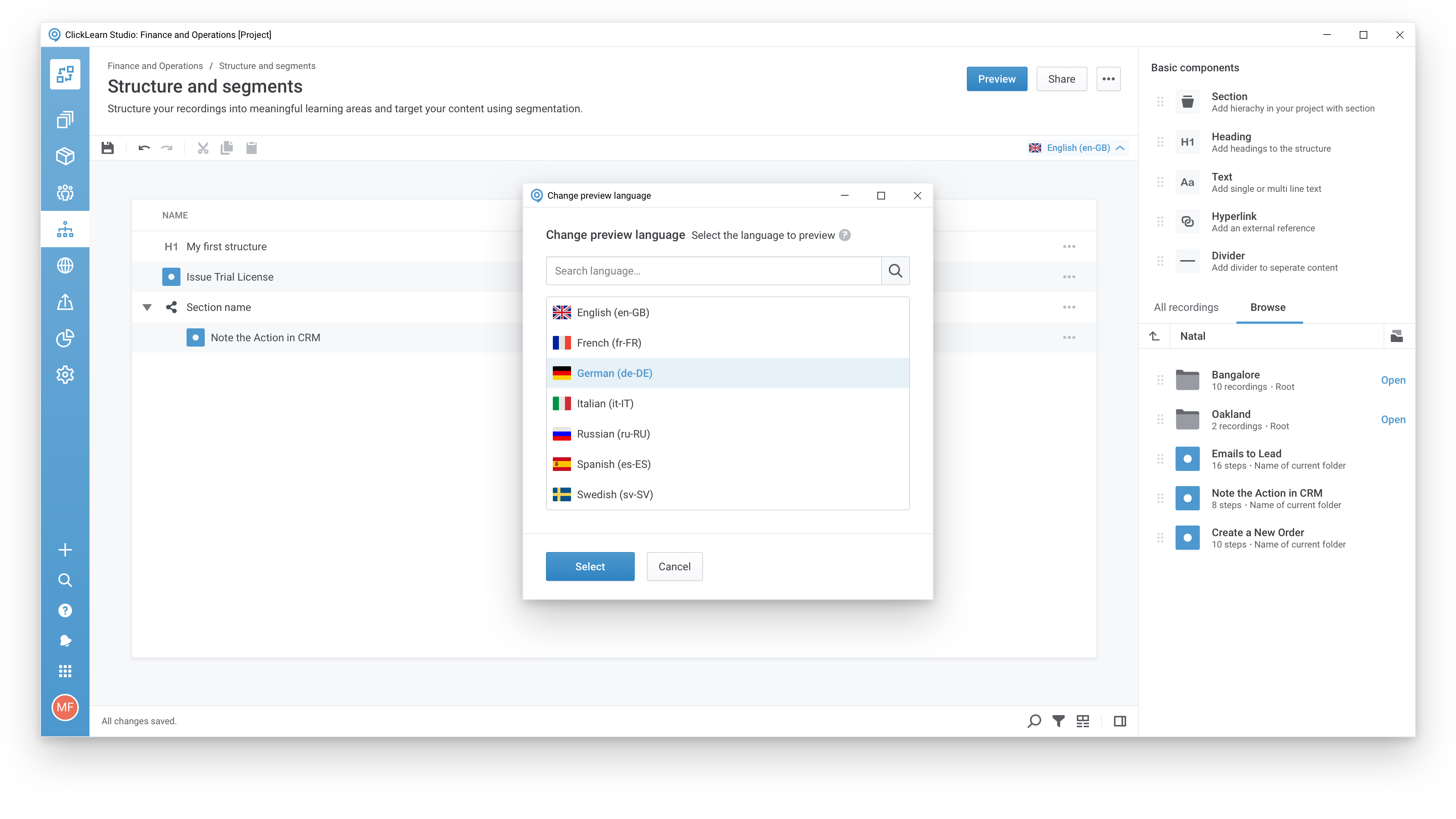
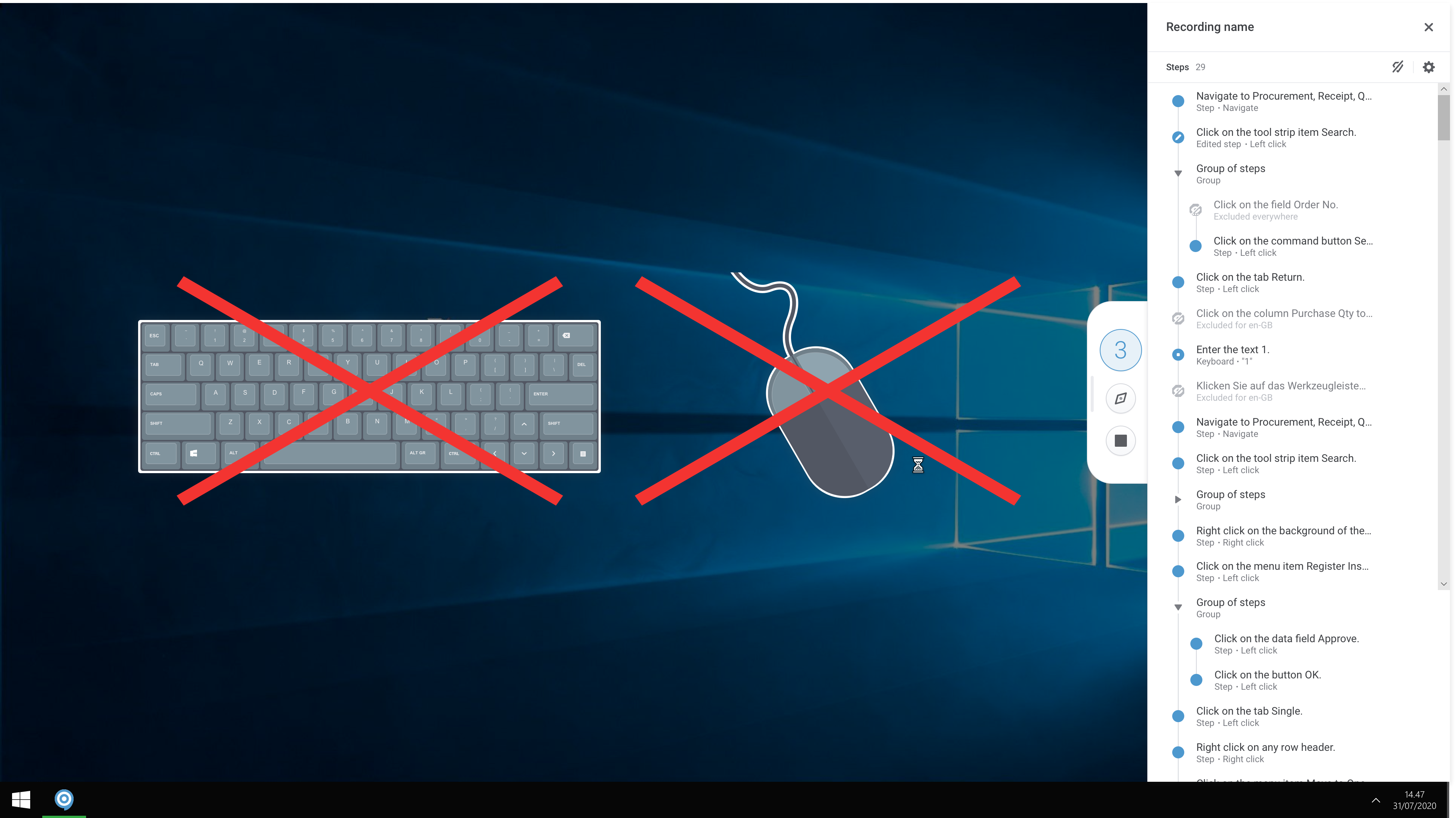
ClickLearn automates the process of creating training material and documentation of popular business systems such as Microsoft D365, SAP, and Oracle. With ClickLearn, users click through processes and ClickLearn records actions. When these are recorded, ClickLearn automatically delivers the resulting content in these 7 different formats to be used in training situation:
Step-by-step instructions in HTML for posting online
Step-by-step instructions in Word and PDF
PowerPoint slides for classroom training
Show-me, Try-me, and Test-me interactive videos
An in-app assistant to help users carry out tasks in their live system
With recordings done, the user can edit the content, for example, provide additional information, before publishing to a full e-learning portal available to users 24/7.
A de minimis incentive was given to thank the reviewer for their time. The incentive was not used to bias or drive a particular response, nor was the incentive contingent on a positive endorsement. TR verified that a representative sample of customers was invited. More Info
Program Administrator - CRM in Information Technology at Ascensus (1001-5000 employees employees)
Use Cases and Deployment Scope
We needed a product that would allow us to spend less time on documentation and free up administrators for more technical work. We use ClickLearn to document every day tasks in Dynamics 365 and Outlook when using the Dynamics for Outlook app. This includes How to and information training videos.
Pros
Easy creation of videos based on mouse clicks
Editing documentation
Organization and structure of recordings
Cons
Could use more options for how the portal looks and is organized
Most Important Features
Quick documentation setup
Quick publishing when something is needed
Branching options in a video
Return on Investment
Time to complete other tasks has improve since the use of ClickLearn started
Users have multiple options to consume the training in once place and appreciate it
A de minimis incentive was given to thank the reviewer for their time. The incentive was not used to bias or drive a particular response, nor was the incentive contingent on a positive endorsement. More Info
Business Systems Analyst in Information Technology at PCL Construction (1001-5000 employees employees)
Use Cases and Deployment Scope
At PCL, we use ClickLearn to teach users how to perform various tasks in our project management system. Normally, these tasks would require us to host training sessions with our users - but, ClickLearn helps relieve our schedules by having this training material stored in one central location.
Pros
Creating easy-to-follow work instructions.
Provides different methods of delivery (text, video, try-me).
Cons
Replaying recordings can be finicky.
Freezes/crashes periodically.
Most Important Features
Replaying recordings for upcoming releases.
Easily editing steps.
Neatly structuring recordings.
Return on Investment
New/existing users can become familiar with system functionality very quickly.
A de minimis incentive was given to thank the reviewer for their time. The incentive was not used to bias or drive a particular response, nor was the incentive contingent on a positive endorsement. More Info
Verified User
Administrator in Sales (1001-5000 employees employees)
Pros
Generate manuals.
Pronounces text.
Cons
Renaming records, books, shelves.
Adding new steps.
Recognizing fields when recording from web browser.
Most Important Features
Generating manuals by recording the steps.
Return on Investment
Help is received faster.
New customers created faster - Quoting faster made possible.
ClickLearn Alternatives
Products similar to ClickLearn that may also meet your needs.