OnBase - Data, Documents, Workflow and Processing no longer a chore
Use Cases and Deployment Scope
Pros
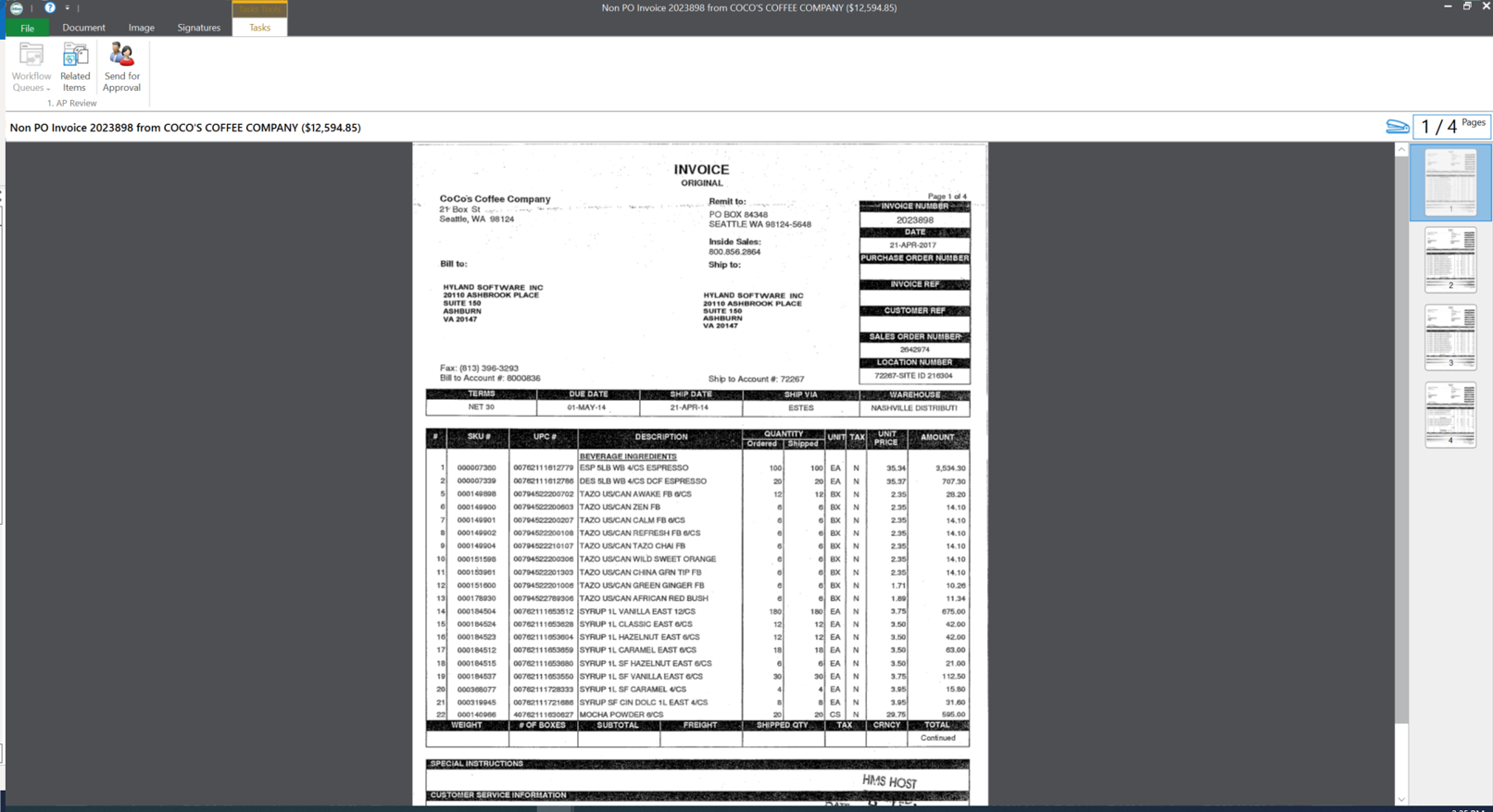
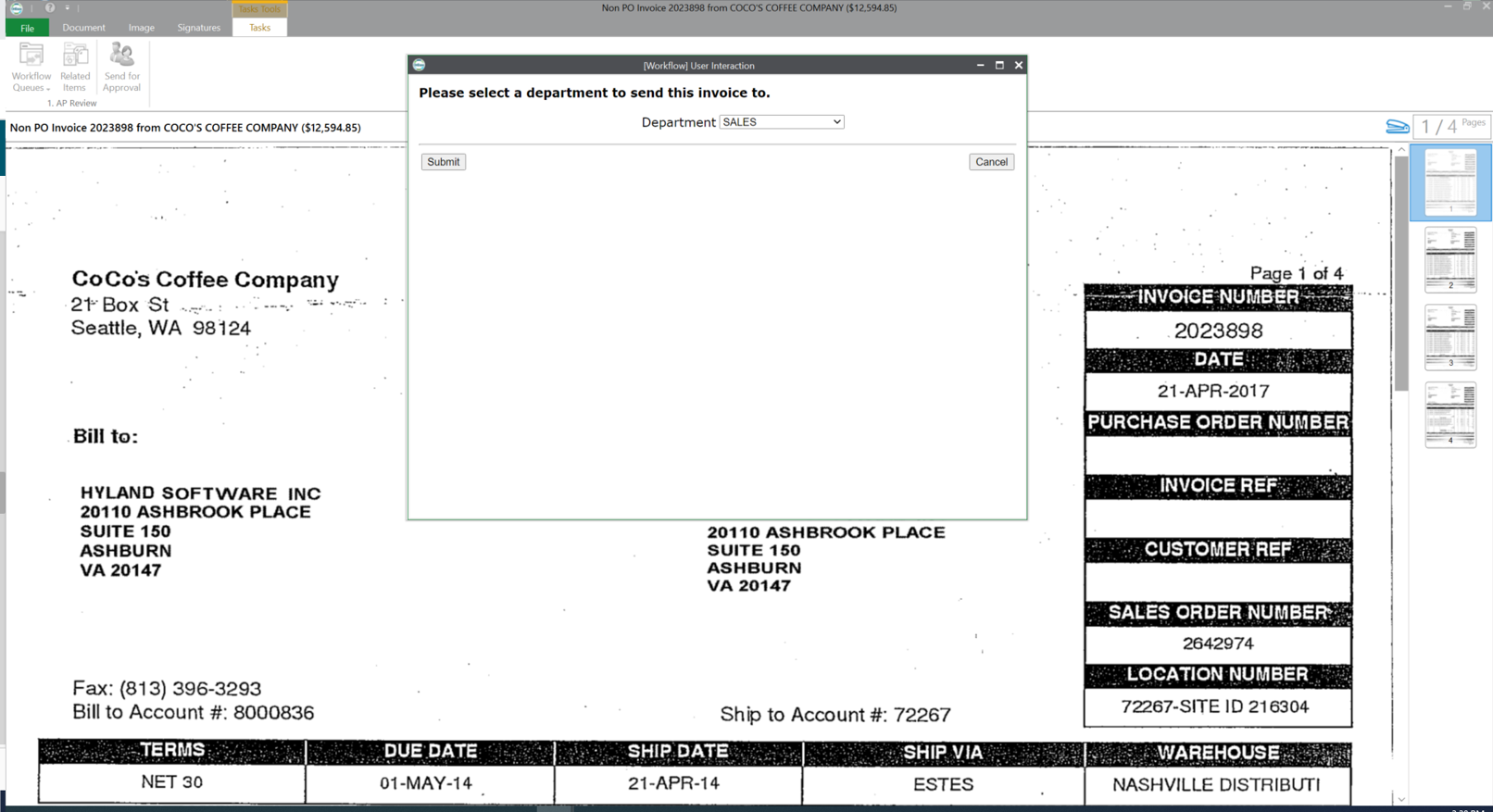
- Automated forms processing through workflow: Retrieve information from external database, update form, send notifications, acquire approvals.
- Outlook Integration: File and retrieve emails or documents from OnBase while remaining in Microsoft Outlook.
- Use barcodes to automatically import and index documents with no user interaction required.
Cons
- Training. Hyland offers Premium Subscription training, but there is a cost. I feel that since upgrades are part of our maintenance agreement, we should be able to access the training required for using and understanding the upgraded modules.
- Workflow Documentation. Workflow generates documentation for either the Admin or the User. Neither one is easily modified to acquire only the information we really need and the users will understand.
Most Important Features
- Workflow is the most important and most used feature - constantly adding new LifeCycles to automate more processes
- WorkView is new to us but starting to be used more - have new requests coming in for additional processes to be converted to WorkView
- Outlook Integration is widely used throughout the City
- Reporting Dashboards is a recent purchase and requests are increasing for additional dashboards.
Return on Investment
- Automated HR Personnel Action Forms - eliminated paper, eliminated routing through inter-office mail (saves days and reduces possibility of being lost), email notification requesting approval includes hyperlink for immediate access.
- PD automation for Traffic Camera Citations - combines citations to create a case. Workflow generates packets when preparing for Court. Eliminated Access database, spreadsheets and thousands of folders. 70% savings on time and 95% on paper reduction.
- Workflow timers can automatically move items through workflow based on different criteria with no user interaction required.
- Finance Reports are swept into OnBase and enter Workflow. Unity Form used to determine specific keywords for reports for which notifications are then sent out requesting approval. Automated tracking on a different form until all period reports are received. Entire process is automated in OnBase. No manual requirement except the individual approval (clicking a task).
- Citizens submit an application to be on one or more City Board or Commission. Application enters workflow for approvals(s). Documents are generated for Council approval. Information is then added to WorkView - all through workflow.