Zoho SalesIQ is an AI-powered live chat and analytics platform that promotes proactive customer engagement. It offers sales, marketing, and support teams a tool, with features to communicate with visitors throughout the customer lifecycle.
A de minimis incentive was given to thank the reviewer for their time. The incentive was not used to bias or drive a particular response, nor was the incentive contingent on a positive endorsement. More Info
Verified User
Manager in Customer Service (51-200 employees employees)
Pros
The mobile app is fantastic so our agents can pick up support queries even on their phones.
It integrates really well with Zoho Desk and Zoho CRM. We use Zoho desk for our ticketing queries and it is really easy to convert a SalesIQ chat to a ticket for further support.
It also captures some very useful extra data on users (like their location, device etc) which can be useful for both troubleshooting and sales related purposes.
Cons
I really like the mobile app but on Android we have faced a few issues where the chat ringer will either not ring or continuously ring until we restart our phone. It doesnt happen often, thankfully.
Most Important Features
Integration with Zoho CRM and Zoho Desk
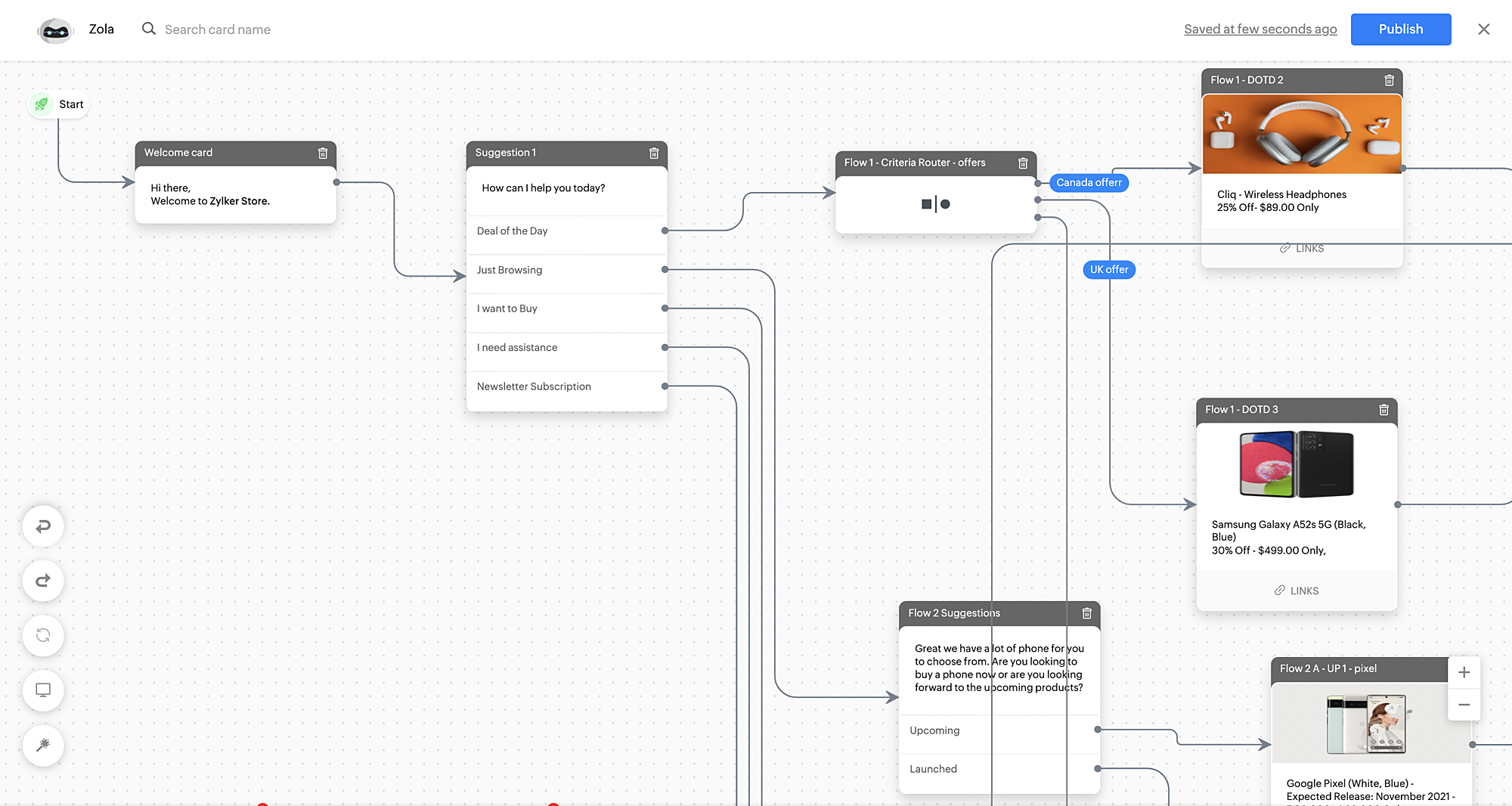
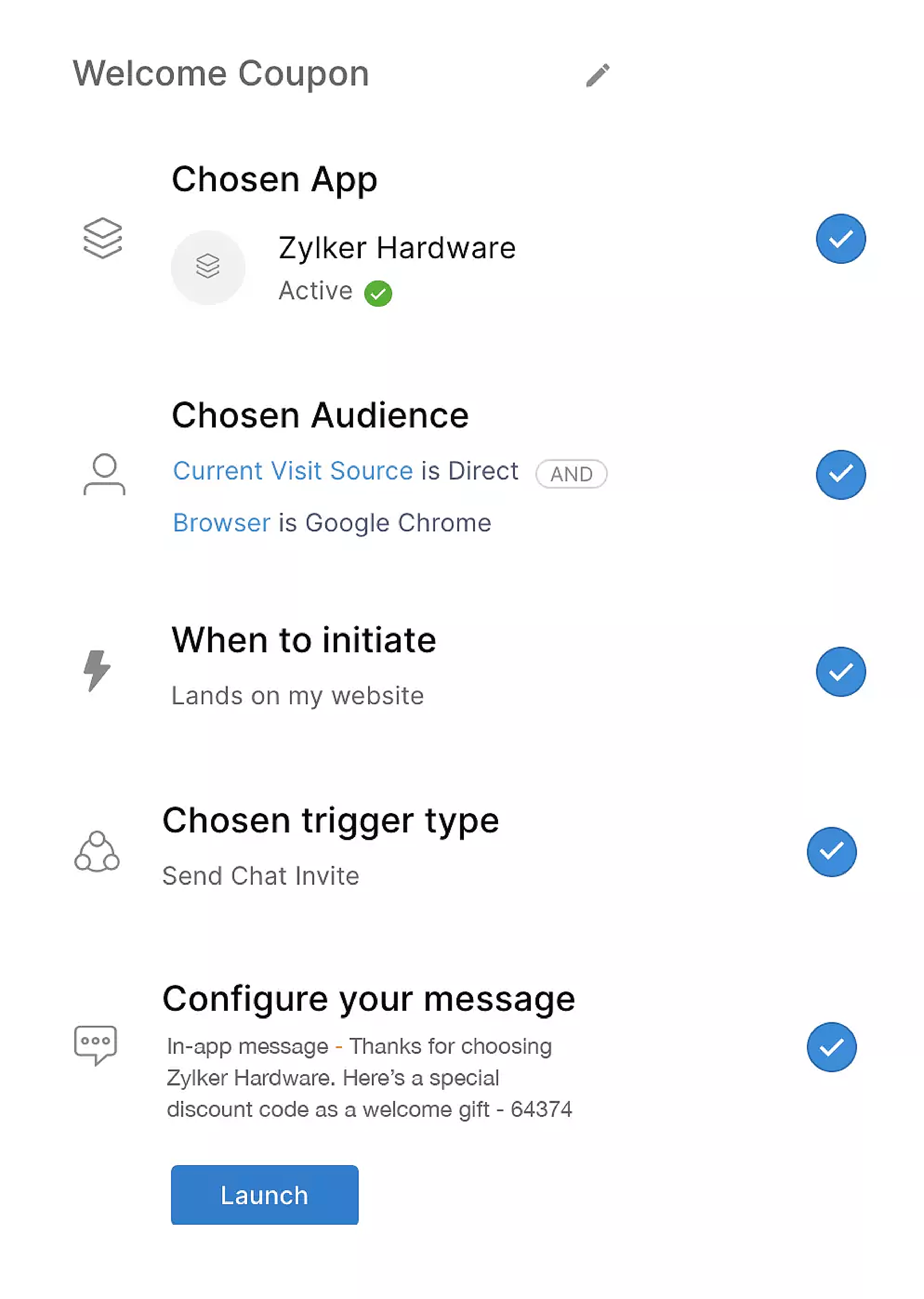
Automated messaging with triggers to engage users that visit certain, specific pages.
Good reporting structure.
Ability for admin/super users to take over chats from agents. This is really great if you have Subject matter experts that can take over important chats.
Return on Investment
It has significantly reduced the number of phone calls and emails we used to get. Chat is more convenient for our users. It also means we can provide support with fewer agents as a single agent can work on multiple chats (unlike phone support).
Ability to catch and engage with new users that are potential leads has also improved our overall sales program.
Letting admin take over chat seamlessly without a transfer lets us provide a better quality support experience to our more important users.
Alternatives Considered
tawk.to
Other Software Used
Zoho CRM, Zoho Desk, Zoho Campaigns, Zoom, Calendly, OneNote, Basecamp, Microsoft Teams
A de minimis incentive was given to thank the reviewer for their time. The incentive was not used to bias or drive a particular response, nor was the incentive contingent on a positive endorsement. More Info
Customer Success Manager in Customer Service at Tarsil.pk (1-10 employees employees)
Use Cases and Deployment Scope
We have integrated Zoho SalesIQ with our company website to connect our website visitors to a live agent in case the visitors are interested in more details of our product or would like to immediately start using our application demo. It is being used by the sales and customer success teams currently, however, we do plan to integrate it with our cloud application as well so that existing customers are able to get live support from the technical teams for problems being faced while using the application. We have also integrated Zoho SalesIQ with our demo videos website in case hot lead customers want to connect with the customer success teams if they still have unanswered queries.
Pros
It easily provides a simple widget code with a few clicks once you decide to integrate it with your website or application.
You are able to check live website visitors' page visits so that the corresponding subject matter experts can get ready to respond in case they decide to chat.
It gives locations of website visitors as well as for how long have they browsed the web pages and if they are returning or new leads.
Live chat agents can easily respond to visitors on the go via the android application that notifies the agent of incoming chat queries to which they can respond or leave it to other agents.
Cons
Those features that are not supported by the plan you are using should be removed from the front end as they are taking up space and usually are a distraction to the users.
The help to the keyboard shortcuts should be prompted while using the application instead of having to visit the help menu again and again.
There is a distracting awful looking orange notification icon that keeps appearing on the top right corner of the application if you have downgraded your plan, this should be shifted to the sliding bar.
Most Important Features
The user-friendly desktop and android applications have proved very useful for our organization.
The ability to have all chat agents receive notifications of chat requests as well as limiting the number of concurrent chat requests per agent is a very necessary feature as we do not always have all chat agents available to take chat calls.
The option of having up to 3 operators registered with most of the features accessible in the free plan of Zoho SalesIQ has been the main decisive factor as our organization currently cannot afford the payment plans.
Return on Investment
We have almost 10+ hot leads and chat requests on our website, which were previously being lost due to not having the proper tool to handle them, which has been the main impact on our application Sales after having used Zoho Sales IQ for almost one year for our business.
As the free plan of Zoho SalesIQ has fulfilled our current sales and customer success requirement, we have been able to invest the costs saved on other keys business marketing requirements like digital marketing, etc.
Having the ability to check the number of page visits and time spent on the most visited pages has helped our product teams on working and improving all such content that is essential for generating and capturing hot leads.
A de minimis incentive was given to thank the reviewer for their time. The incentive was not used to bias or drive a particular response, nor was the incentive contingent on a positive endorsement. More Info
CTO (Chief Technical Officer) in Information Technology at Wamly (1-10 employees employees)
Use Cases and Deployment Scope
We use Zoho SalesIQ mainly to provide support to our clients and their users on our web-based application. This is primarily used by our support department but we have plans to implement this as a part of our sales process as well. Zoho SalesIQ has enabled us to build an automated bot that provides support to our users outside of business hours and when we are back at the office, the human operators take over. Super effective!
Pros
Automated bot.
Screen-sharing & remote assistance.
Customization.
Cons
Deeper integration with Zoho Assist.
Integration with 3rd Party ticketing systems not in Zoho family of products.
Updated scripts to match Zoho Creator.
Most Important Features
Custom bots.
Integrated remote assistance.
Price.
Return on Investment
Reduced the support staff required to man the chat.
Increased our effective support availability.
Helps us to maintain a great ratio of system use vs support queries generated from system use.
Alternatives Considered
Freshdesk Messaging (Formerly Freshchat), tawk.to, Intercom, Pure Chat and Ngage Live Chat
A de minimis incentive was given to thank the reviewer for their time. The incentive was not used to bias or drive a particular response, nor was the incentive contingent on a positive endorsement. More Info
A de minimis incentive was given to thank the reviewer for their time. The incentive was not used to bias or drive a particular response, nor was the incentive contingent on a positive endorsement. More Info